

Frame Name Control: hide frame name labels with one click (free plugin)
Hi everyone,
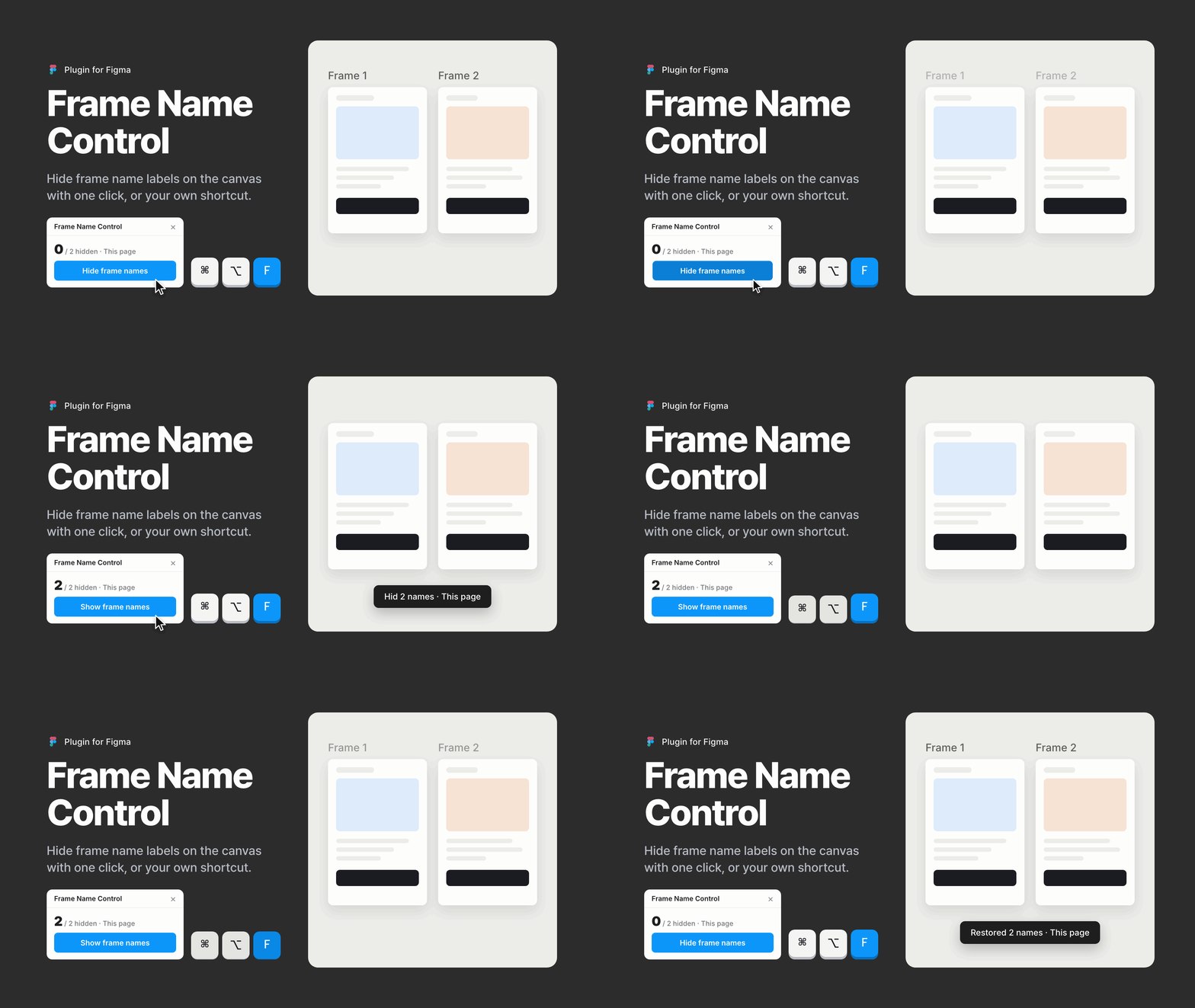
When you review a layout or share your screen, the name labels above frames ("Frame 1", "Frame 2", and so on) can get in the way. I made a free plugin for Figma that hides them with one click. Click again, and the original names come back.
🔗 Community page: https://www.figma.com/community/plugin/1688801901935556430
What it does
- Hides frame name labels on the canvas and restores them with a second click
- Remembers the original names, even after you close and reopen the file
- Works on the current page, all pages, or only the layers you select
- Adds a Hide/Show Frame Name button under Tools in the right panel after the first run
- Runs from a keyboard shortcut such as ⌥⌘F on macOS, after a one-time setup in System Settings (the plugin window shows the steps)
I'd love to hear how it works in your files and what you'd change. 🤗