

[Figma Plugin] Source → Design — turn HTML and frontend projects into editable Figma layers
Hi Figma community,
I’m a product designer and I built Source → Design after repeatedly running into the same workflow problem:
AI tools and frontend teams can create a working interface in HTML or React very quickly, but bringing that result back into Figma usually means rebuilding it manually.
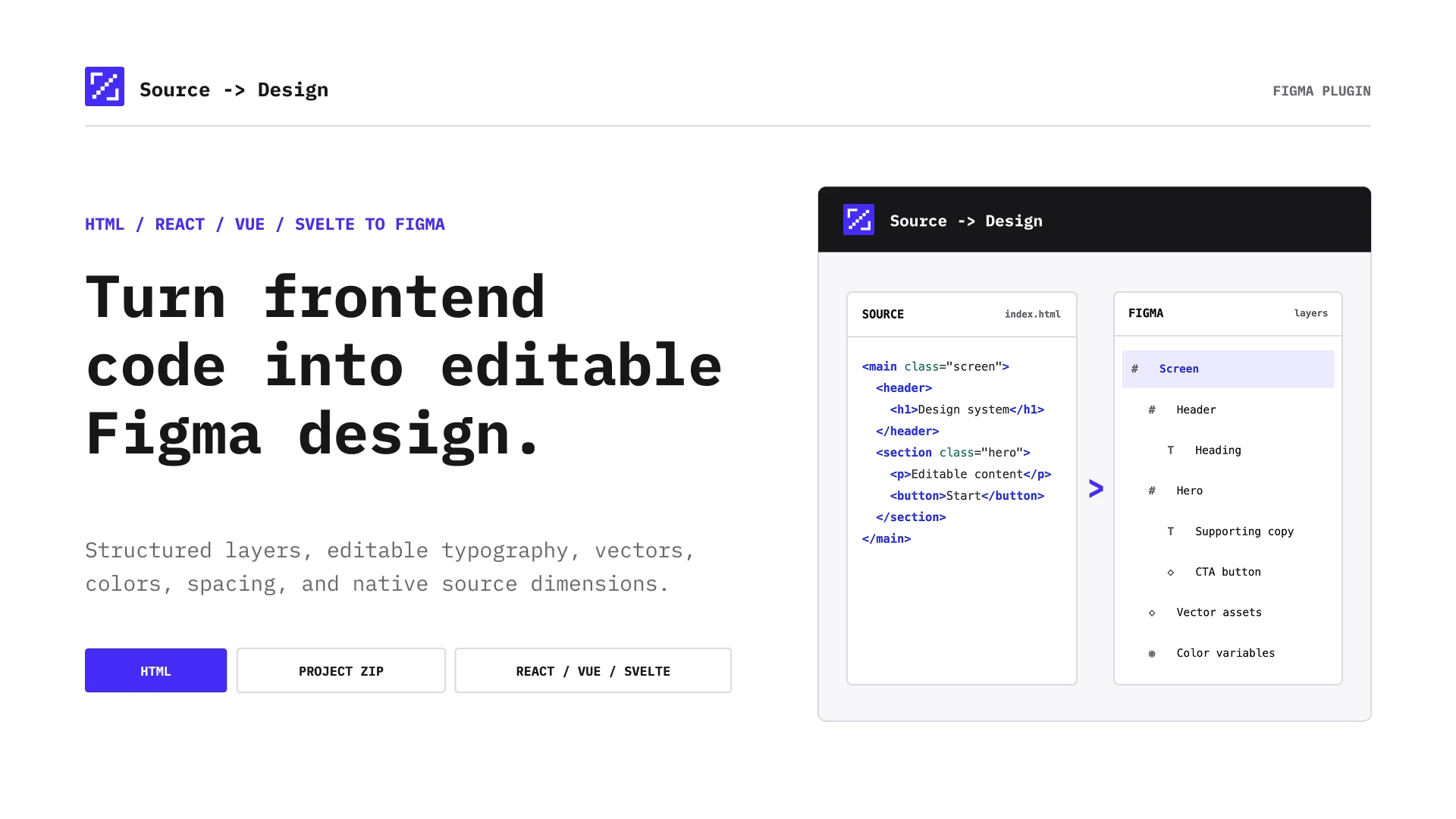
Source → Design converts HTML and frontend project files into clean, editable Figma designs with structured layers, text, colors, typography and layout preserved.
It supports HTML, React, Next.js, Vue and Svelte projects.
The goal is simple: make it easier to keep iterating in Figma when the interface already exists in code or the original Figma file is missing.
I’d genuinely love feedback from designers and frontend teams using real projects.
→ Try it here:
https://www.figma.com/community/plugin/1671982756700161071
→ More details:
https://sourcetodesign.com