

AVA Palettes - Simply Better Color Palettes (Plugin, beta)
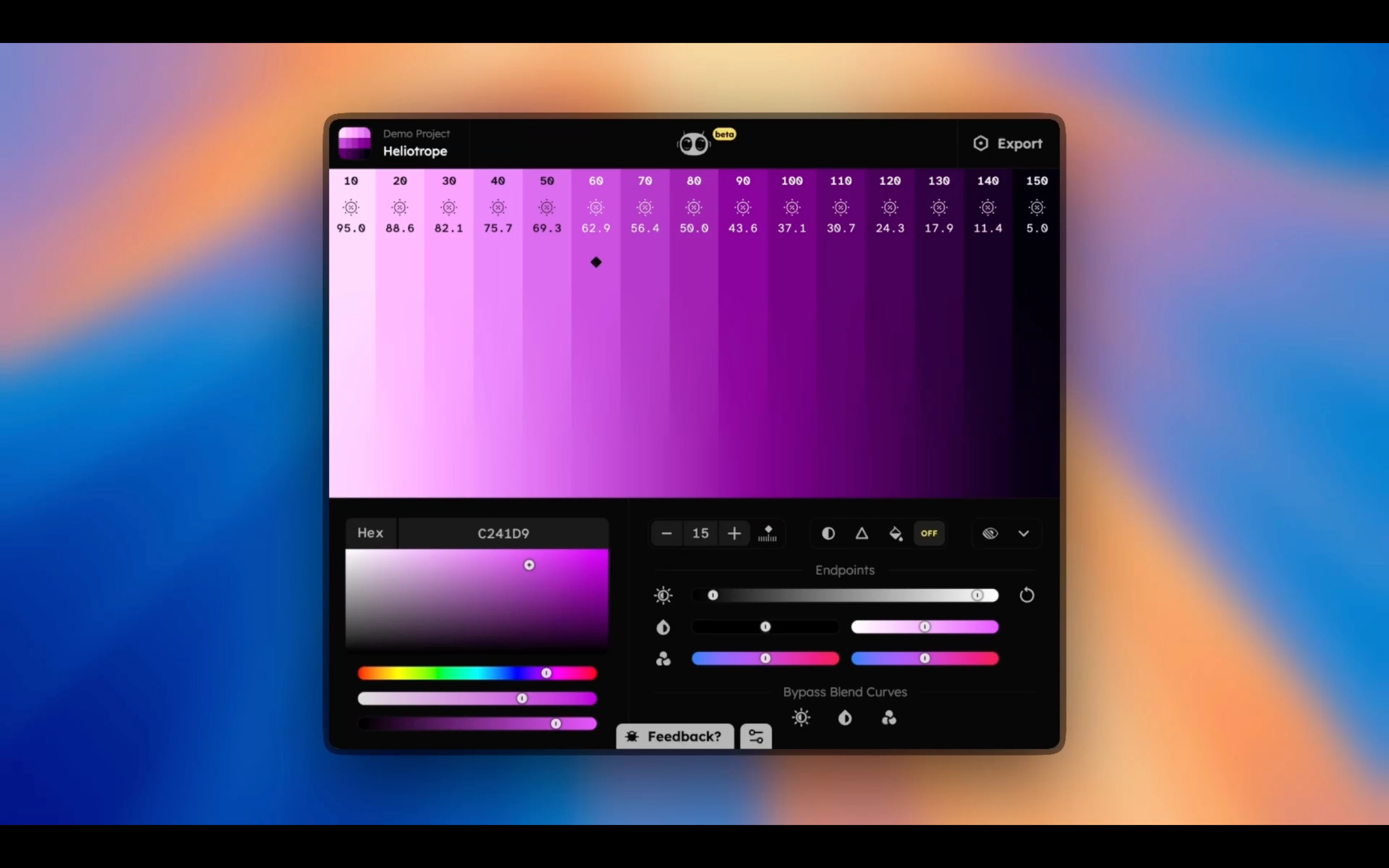
🚀 Excited to share — AVA Palettes is now live in beta on Figma! 🎨✨
What is AVA Palettes?
A fast, flexible color tool for anyone building palettes inside Figma — backed by modern color science and designed to keep you in control.
Why give it a try?
✅ Generate full color ramps in seconds from a single base color
✅ Built on OKLCH for perceptually uniform, predictable shade spacing
✅ Sculpt color scales with bézier curves for brightness, hue, and saturation
✅ Export directly to Figma color variables — ready for dev handoff
✅ Built-in accessibility: live WCAG 2 and APCA contrast checks
✅ Color-blind simulators (Protan, Deutan, Tritan)
✅ Light & dark mode palette sync
✅ Manage multiple ramps per project with auto-naming
✅ Unlimited projects and palettes
✅ Private, lightweight, and totally free during beta
Why it’s worth a look:
If you’re building design systems, refining UI themes, or just tired of fiddling with manual palette steps — AVA gets you clean, accessible, visually balanced ramps fast, with control that scales to your workflow.
👉 Try it here (Free Beta):
https://www.figma.com/community/plugin/1495119060957631452/ava-palettes-beta
Would love to hear your feedback or thoughts — feel free to ping me!