

Anchorline: free user-flow arrows that route around your screens
Hi everyone. I built Anchorline because drawing user-flow arrows by hand is the slowest part of preparing a handoff file, and redrawing them every time a screen moves is worse.
Select your frames in the order people move through them, click Create flow, and Anchorline connects them with clean, editable arrows.
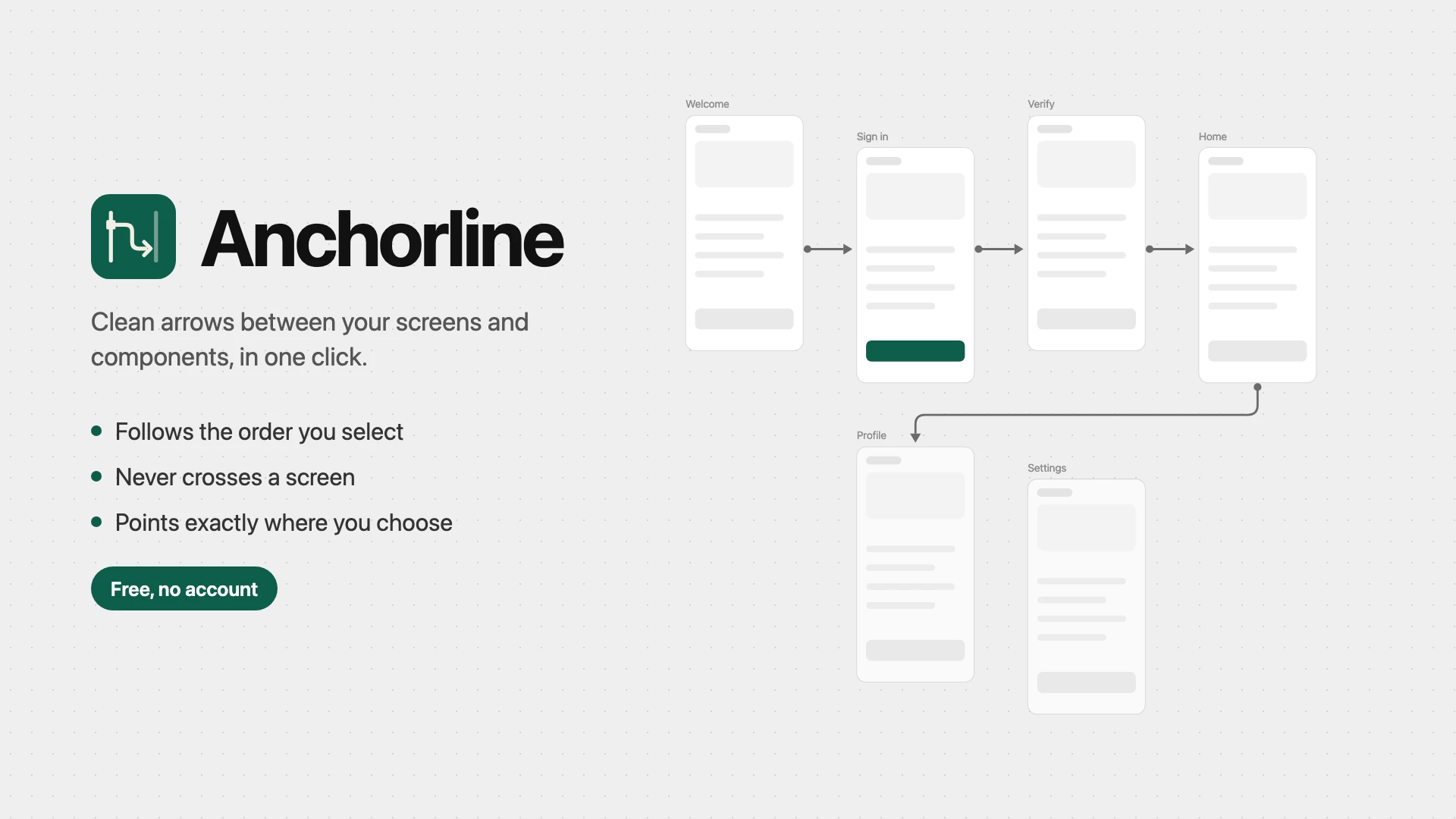
What it does:
- Follows the order you select, so the flow reads the way you think about it
- Routes around any frame, component, or instance in the way, at right angles
- Pins either end of an arrow to one of 12 points on a screen, or leaves it on Auto
- Connects a button inside a screen to the screen it opens
- Adds step labels, such as "Tap Sign in", as ordinary text layers
- Follows your screens while it's open, and Update arrows catches up on anything that moved
- Hides every arrow on a page in one switch, for clean exports
Every action is one undo step, and the arrows are plain Figma vectors. It's free, with no account, no limits, and no network access.
I'd value feedback from anyone who maps user flows in Figma. What would stop you from using it on your next handoff?