

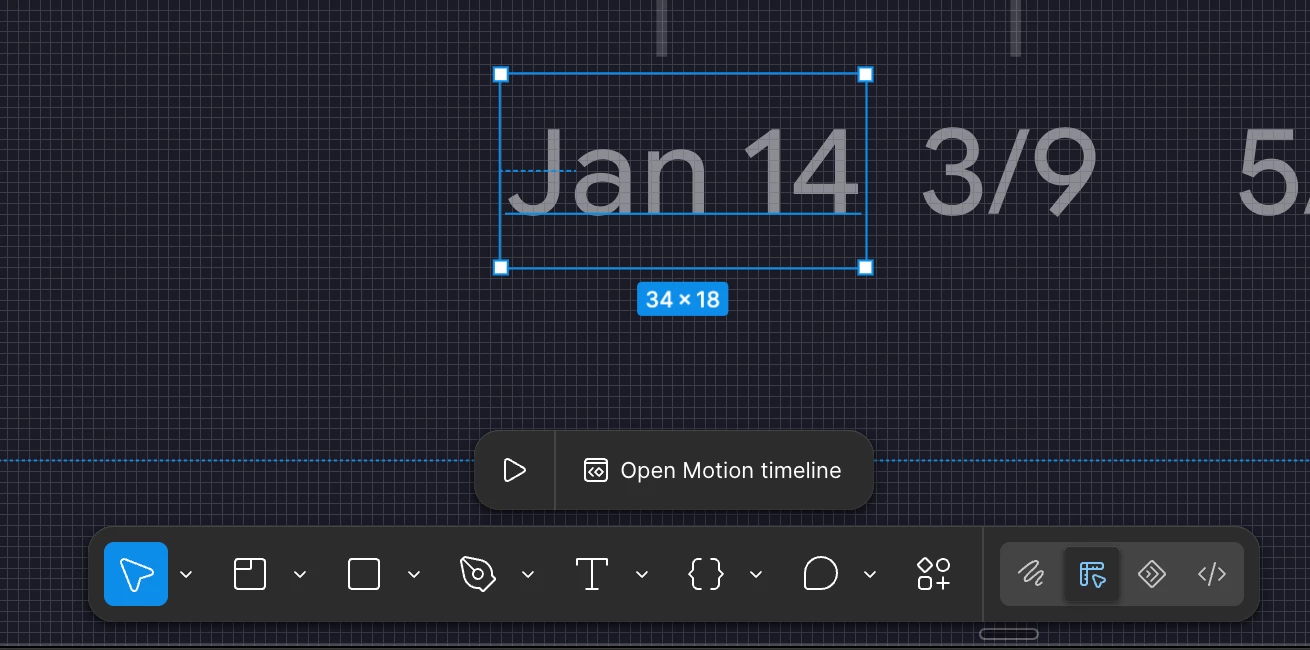
Why I should see it every time I select an object???
Every time I select an object in Figma, I see a popup button to switch into motion mode. Why am I seeing this? Do you think I'm completely incapable of finding your amazing motion mode the one that's impossible to work in because of its idiotic design?
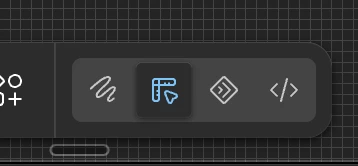
You literally wedged a button for switching into it between design mode and dev mode, which means I misclick it several times an hour. But apparently that wasn't enough for you, and you decided I should make one more misclick. Do you have a metric for misclicks???
Please hire a designer to make your app for designers. This isn't funny anymore. This is the first time I've ever come here to write to you in all the time I've been using Figma and I've been working in it since launch. But never before has the app's UI and UX been as low as it is now. It looks like very bad AI slop that nobody even bothered to check.