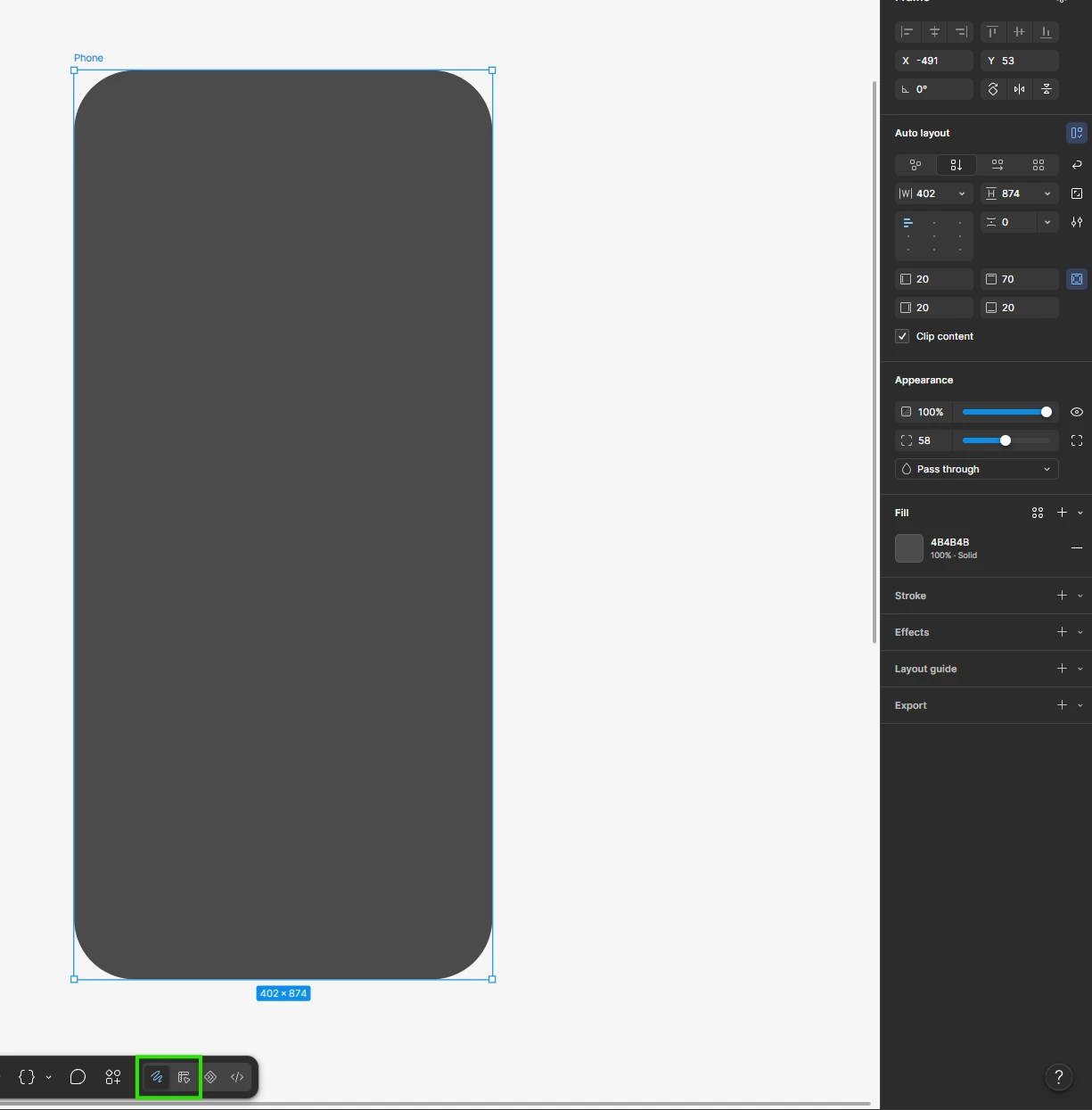
Thanks for sharing the screenshot! Just wondering, could your file happen to be switched to Draw mode right now? 🤔
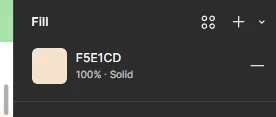
When I tried this on my end, I noticed the Fill panel looks just like yours in Draw mode, while switching back to Design mode in the bottom toolbar brings back the regular view, as shown in my first screenshot below:
Switching between Draw and Design mode
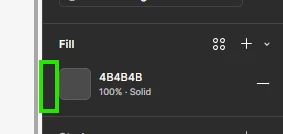
Also, a small tip that has worked well for me when working with colors: if you click in the small empty space right to the left of the color swatch, it highlights the entire fill row so you can quickly copy it with Ctrl+C / Cmd+C, as shown here:
Clickable space next to the color swatch
Hopefully, this helps speed up your workflow! 😊
Product designer @ NETWORG | Designing Model-driven Power Apps in Figma | Power Apps DesignKit (Model-driven) | Disclosure: I’m part of Figma’s Forum Ambassador program.