

When publishing changes to component library, thumbnails are very small
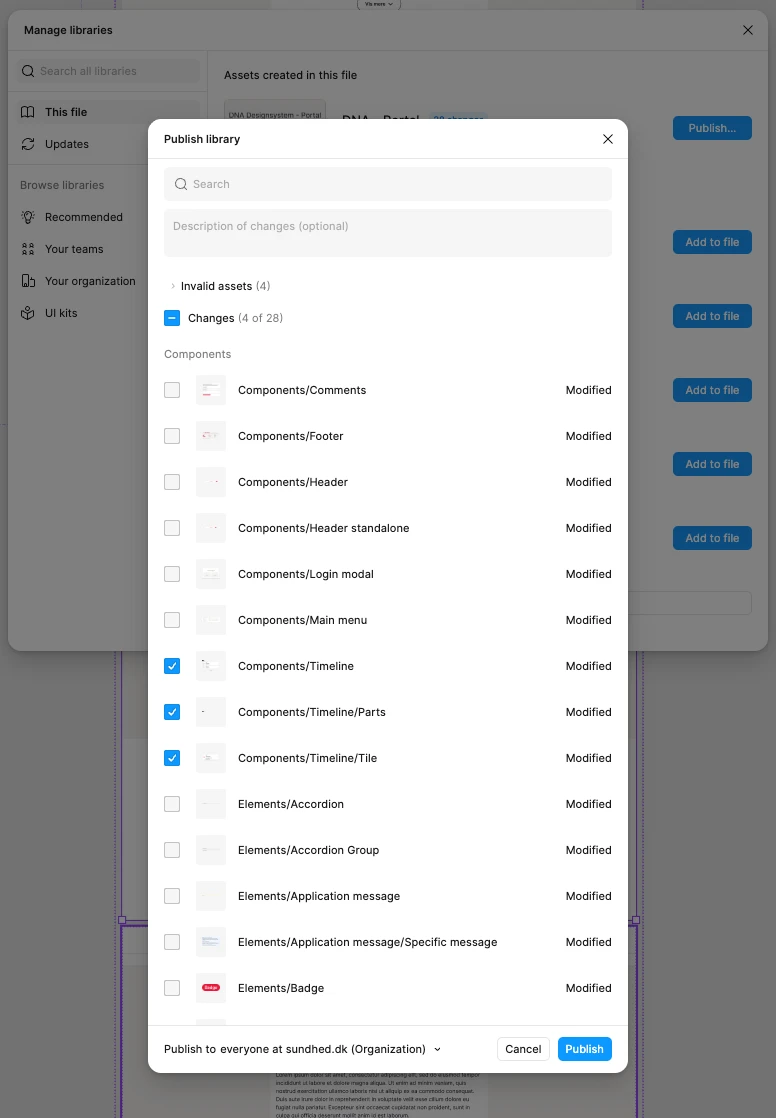
My team works with a very complex design system with a lot of components as well as full pages that have nested components within nested components and so forth.
Furthermore we are several people making updates to the design system simultaneously.
So when each of us want to publish the changes we have made, it is very hard to get a proper overview of which checkboxes to select, to avoid publishing the changes that our colleagues are still working on.
The thumbnail pictures are incredibly small, and it’s not possible to make the modal larger, or to click on the thumbnail image to expand it. Everything just looks like a beige background, and you are left with only the name to navigate.