

Question
Project Access UX Issue
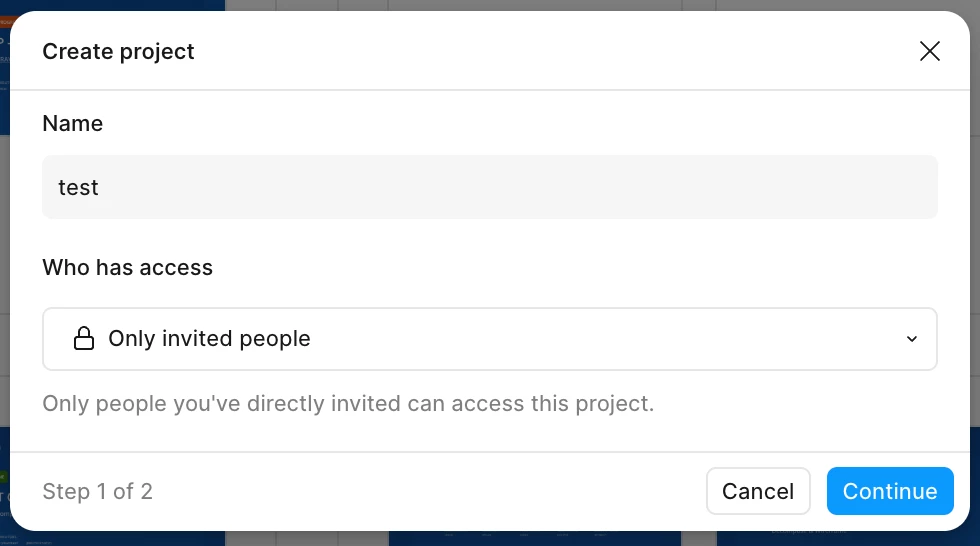
When creating a new project within a workspace, you’re able to change access to invited people only, but it gives access to everyone in the project’s containing workspace. Below is the screen with messaging when I change access to Only invited people. “Only people you’ve directly invited can access this project” means, to me, that only people I’ve sent an invite to within the project space will be able to see its contents.
However, when you create the project and go into “Share”, everyone in the workspace where the project was created can access the project (Shown below). You have to go into that row and remove the access of that group.
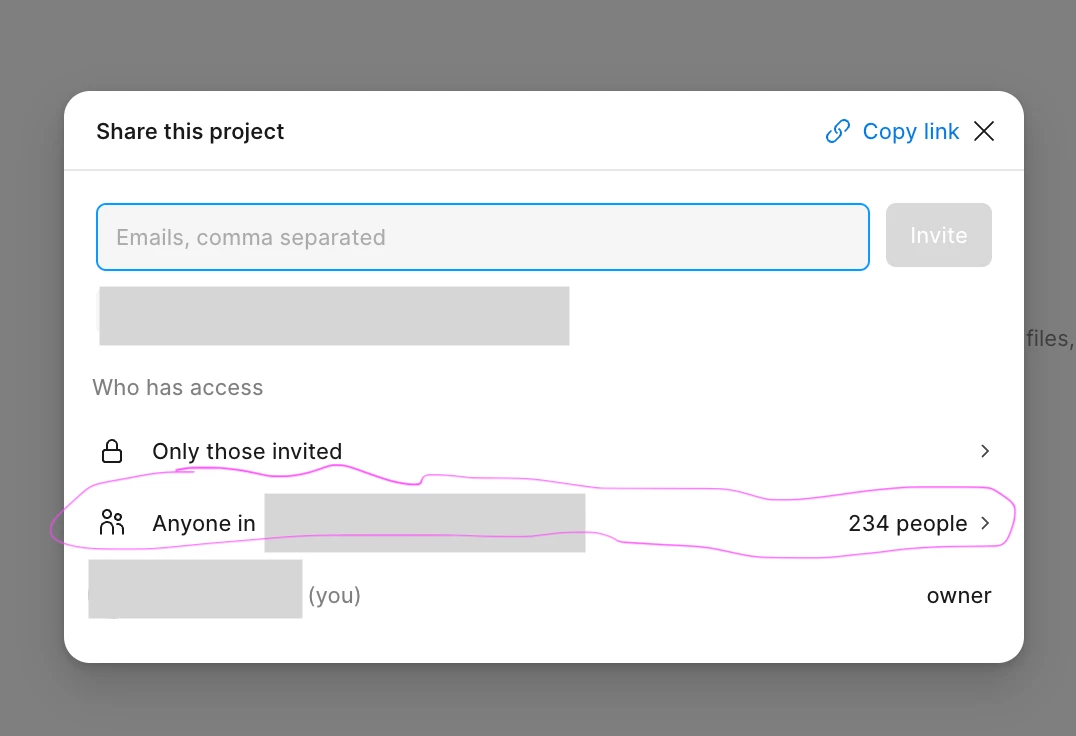
This feels deceptive and creates an unnecessary step (or few) to resolve.