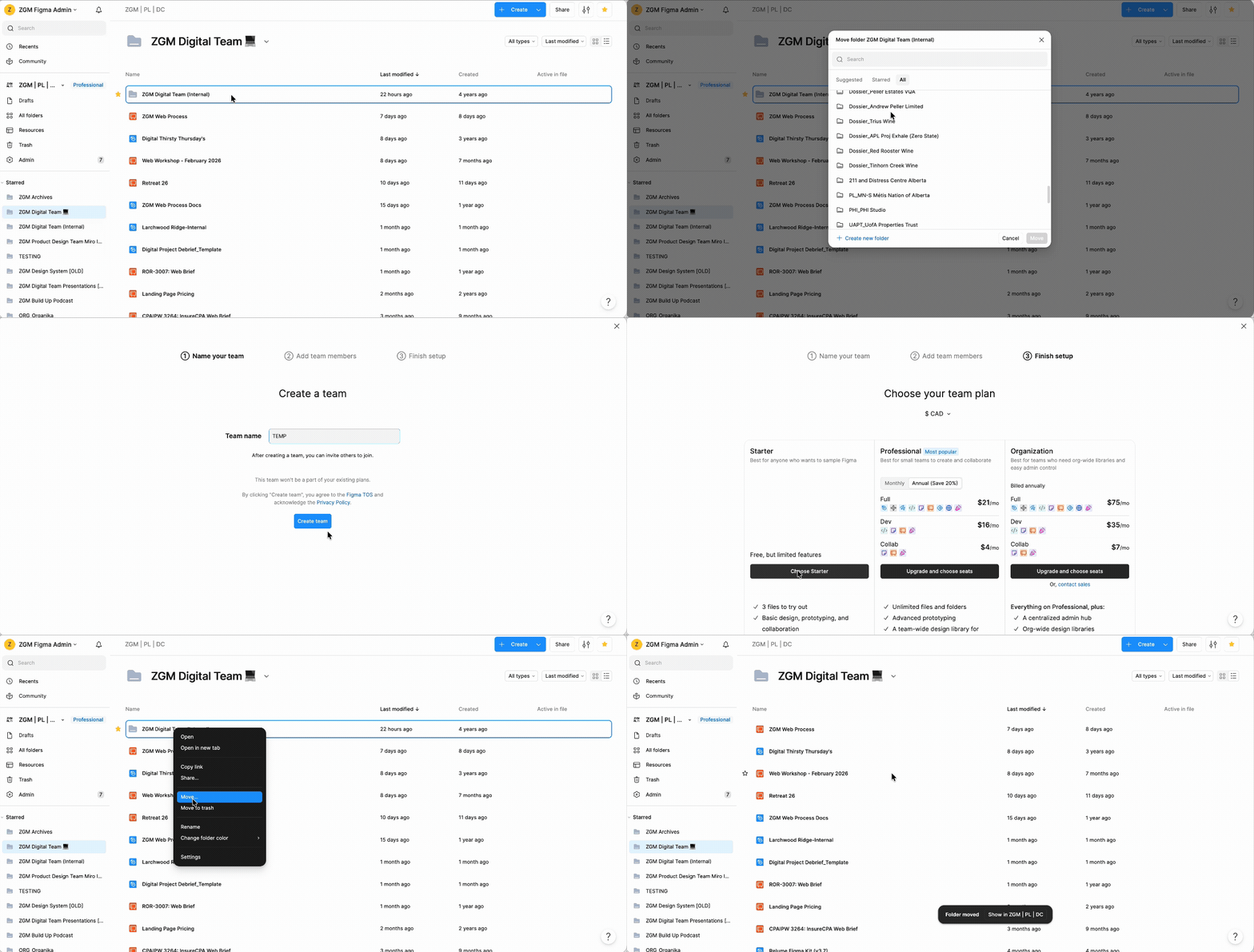
No way to move a nested folder back to the top "All folders" level
📣 Don’t make the same mistake we did in attempting to clean up some projects by taking advantage of nesting folders 🚨
If you move a top-level folder from your “All folders” section into another folder, then realize you actually want it back at the top level (perhaps due to the inherited permissions not being suitable, or just because you re-thought your organization strategy) there is apparently no way to reverse this change.
- You would think you could drag the folder back onto the “All folders” option in the sidebar:
- Nope!
- Or perhaps up to the team name that shows at the top of the page…
- Nuh Uh!
- Maybe right-click > “Move…” on the folder will offer the “All folders” option, maybe even under the “All” tab
- Negative!
We looked through all the documentation and best practices guides we could find and this appears to be a fully-unmentioned gotcha 😖
The AI support agent “helpfully” suggested manually re-creating such folders back at the top level, reapplying permissions as desired, and finally moving all the containing files into that new folder and deleting the old nested one… but… c’mon…… this seems like it should be a solved problem when it comes to folder structures in general…??