Question

피그마메이커 파일 안열림 오류

  • February 25, 2026
  • 1 reply
  • 23 views

seyoung.yang

현재 프로패셔널 유로 플랜 이용중입니다.

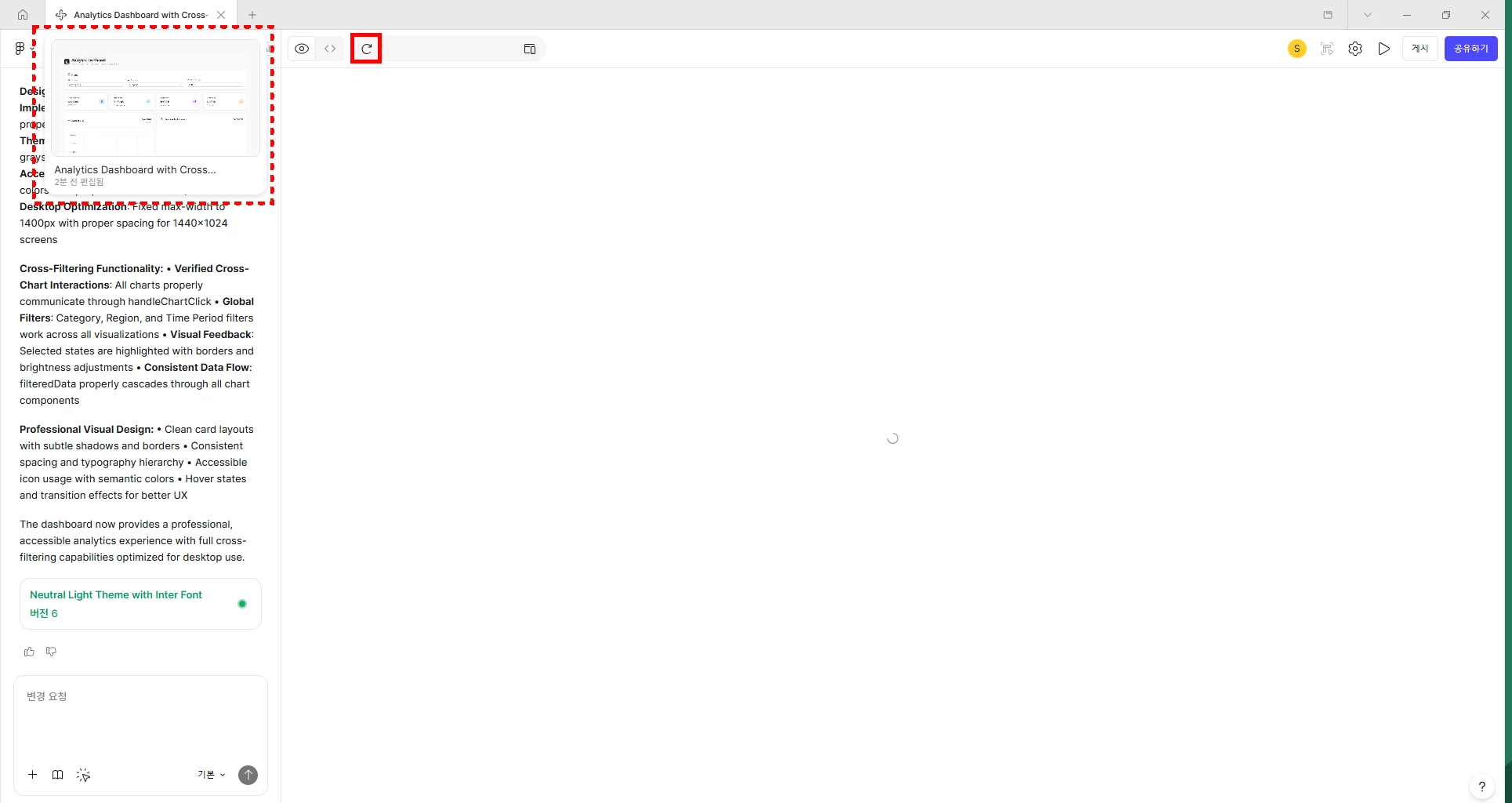
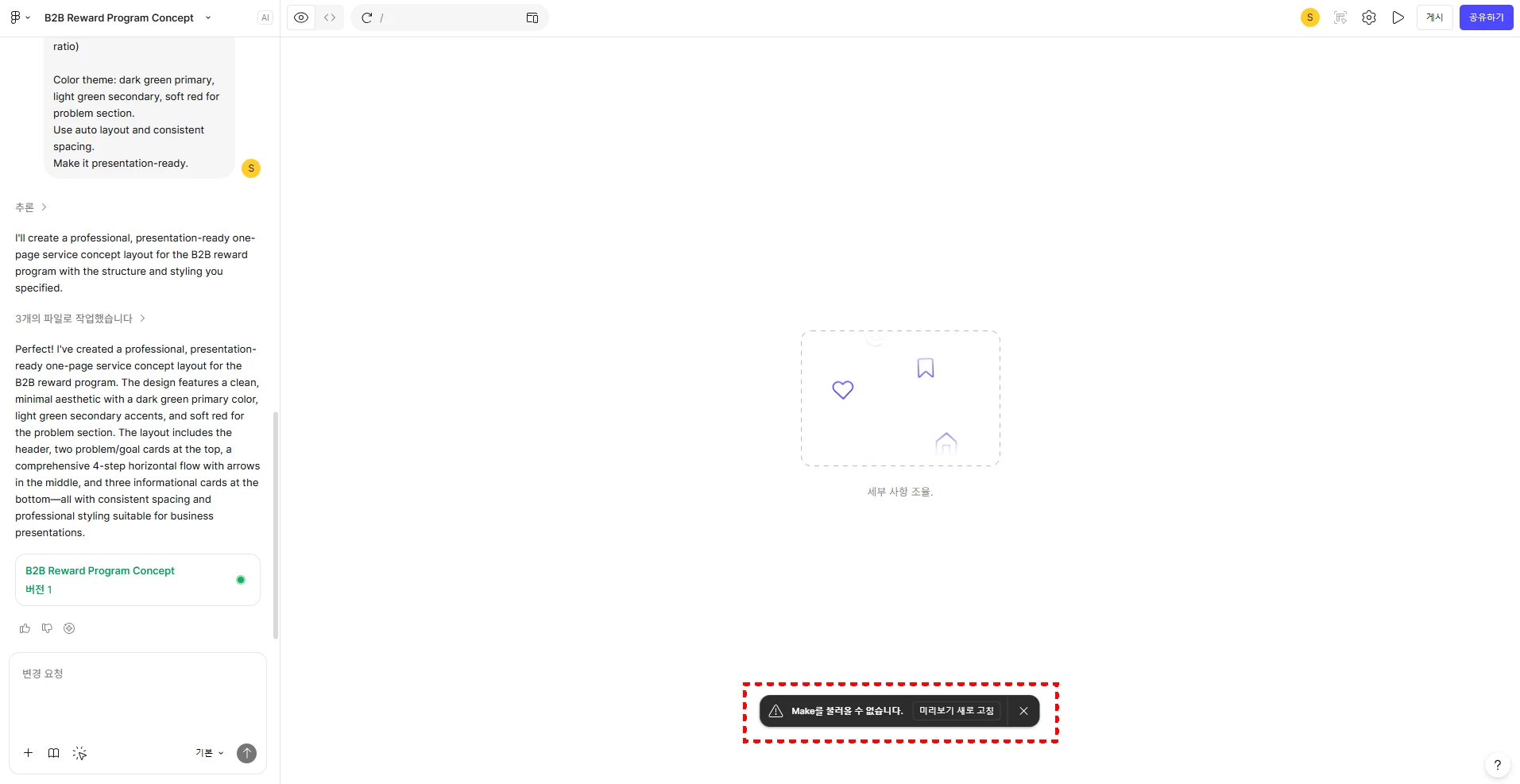
어느날부터 피그마메이커로 만든 파일을 열어보면 왼쪽 채팅창만 보이고, 우측 화면엔 아무런 콘텐츠가 노출되지 않고 있습니다. 미리보기 새로고침시에도 동일현상 지속 발생중이며, 아주 간혈적으로 오른쪽에 콘텐츠가 보입니다. 

2월 초까진 특이사항 없이 잘 쓰고 있었는데, 2월 중순쯤부터 아래와 같은 현상이 계속 발생해 피그마메이커 기능을 전혀 사용하고 있지 못하는 상황이라 해결방법 좀 알려주세요. 버그 리포트도 올렸는데 따로 답변이 아직 안왔습니다.  
 

1 reply

  • Figmate
  • February 25, 2026

Hi ​@seyoung.yang


I hope it’s OK to reply in English. I understand you’re not seeing the functional prototype or web app in the preview of your Figma Make file. You mentioned trying Refresh preview, but the issue persists.


I can see your support ticket (#1761702) and that you’ve shared the affected Figma Make file with our team.

I’ve escalated your case by adding an internal note to the ticket so it can be prioritized. The team will respond via the ticket, so please continue the conversation there.


In the meantime, if this happens across all of your Figma Make files, please double-check your network configuration as outlined here: Adjust your network settings

In addition, here are some steps that have helped when previews don’t load correctly:

  • Open the file in a different browser.
  • Switch to full-screen preview to see if it loads there.
  • Create a copy of the file and see if the copy loads correctly. If it doesn’t, try reverting the copy one version back.

If the issue persists or you have additional questions, please continue the conversation in your support ticket.


Thanks,