정예음
New Member
October 16, 2026
Solved

피그마 학생인증 초과 풀어줴

피그마 학생 인증 좀 풀어주세요ㅠㅠㅠㅠㅜㅜㅜㅜ 저 시험보고 과제해야해요 제발요

Celine_
Celine_Solution
Community Support
October 16, 2026

Hey there, Celine from the Community Support team at Figma here. I don’t speak Korean, hope it’s ok I continue in English here.

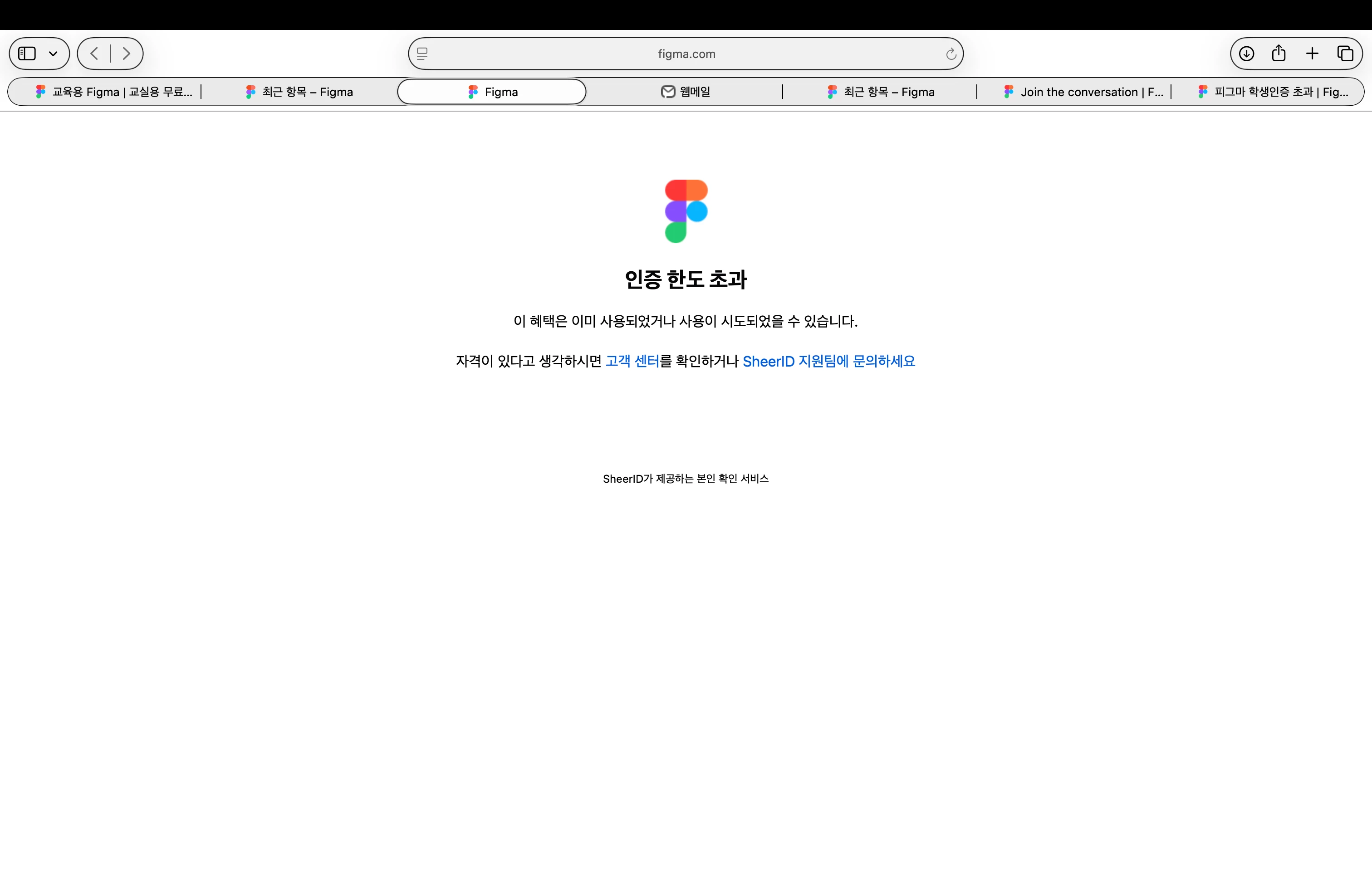
Sorry to hear this is getting in the way of your exam and assignments! To resolve the “Verification Limit Exceeded” error, please email our verification partner, SheerID, at figmasupport@sheerid.com and ask them to reset your verification limit.

(SheerID manages this verification process and has the tools needed to reset your attempts so you can continue. Please include the email address you used for verification and a screenshot of the error.)

You can find more information in our Figma for Education guide. For your privacy, please share your email address and any student documents only through your private support correspondence, rather than here in the Forum. Thank you for your patience!

Update: ​@정예음 , I noticed you also created a topic in English now, so I’ve merged it into this thread to keep everything together.

Since you contacted SheerID today, please allow them time to review your request. You can also CC education@figma.com on your email and mention your upcoming exam and assignment deadlines to give the team visibility into the urgency. Thank you for your patience!

2 replies

정예음
정예음Author
New Member
October 16, 2026

Hello Figma team,

I am a Digital Media Design student at Cheongju University in South Korea. I am trying to verify my student status for the Figma Education plan, but I keep getting the "Verification Limit Exceeded" error.

What I have done so far:
- Logged in to Figma with my school email (redacted due to PII)
- Tried the verification without a VPN
- Emailed SheerID (figmasupport@sheerid.com) on October 16 to ask them to reset the limit

I need the Education plan for my design classes, and my next class that uses Figma is on Thursday, October 22. I understand SheerID usually takes several business days to reply, so I would really appreciate it if the Education team could look into my case as well.

Please let me know if you need any additional information or documents, such as my student ID or a certificate of enrollment.

Thank you very much for your help.

Best regards,
Yeeum Jeong


Celine_
Figmate
Celine_Solution
Community Support
October 16, 2026

Hey there, Celine from the Community Support team at Figma here. I don’t speak Korean, hope it’s ok I continue in English here.

Sorry to hear this is getting in the way of your exam and assignments! To resolve the “Verification Limit Exceeded” error, please email our verification partner, SheerID, at figmasupport@sheerid.com and ask them to reset your verification limit.

(SheerID manages this verification process and has the tools needed to reset your attempts so you can continue. Please include the email address you used for verification and a screenshot of the error.)

You can find more information in our Figma for Education guide. For your privacy, please share your email address and any student documents only through your private support correspondence, rather than here in the Forum. Thank you for your patience!

Update: ​@정예음 , I noticed you also created a topic in English now, so I’ve merged it into this thread to keep everything together.

Since you contacted SheerID today, please allow them time to review your request. You can also CC education@figma.com on your email and mention your upcoming exam and assignment deadlines to give the team visibility into the urgency. Thank you for your patience!

