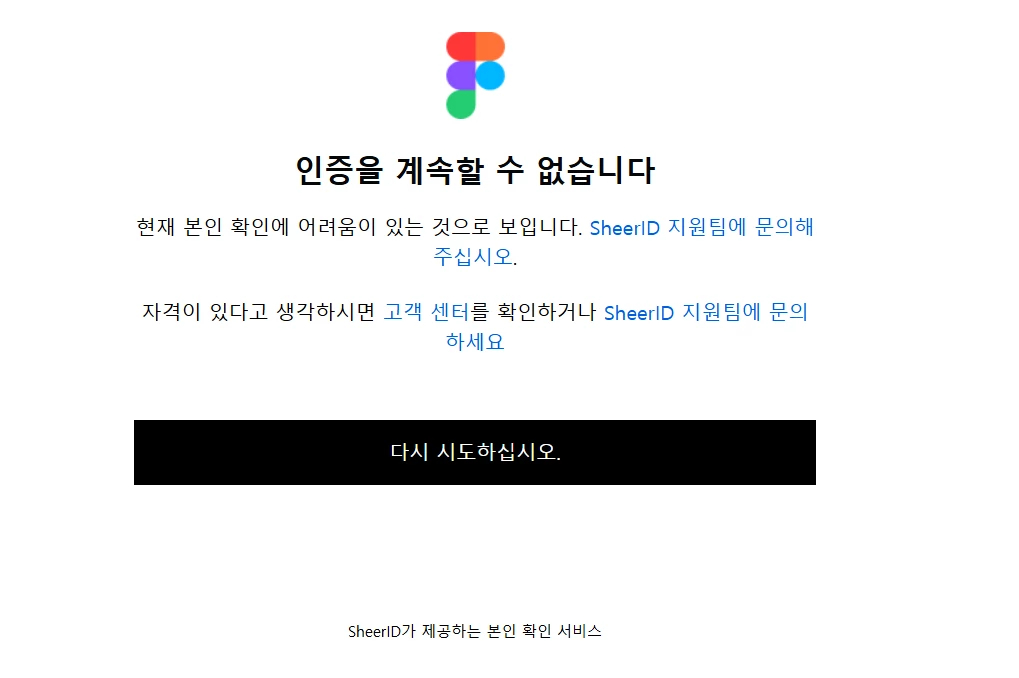
Hey @nana73 . Celine from the Community Support team at Figma here, thanks for sharing the screenshot! I don’t speak Korean, hope it’s fine I speak in English here! It looks like you've successfully submitted your enrollment document, but you're running into an error at the final step of the SheerID verification process.
Since SheerID manages the verification process and has access to the tools needed to review your submission, please reach out directly to their Figma-specific support team at figmasupport@sheerid.com.
When contacting them, please include the screenshot you've shared here and mention that the error appears after clicking the verification button in the email following your document submission. This will give their team the context they need to review what happened with your verification.Thanks!