Hey @蔓清 1111 , thanks for reaching out! I’m replying in English, but please let me know if anything isn’t clear and I’m happy to clarify.
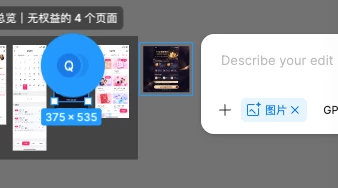
In Figma Design, you can currently add a reference image to Make an image or Edit image in these ways:
- Click + in the prompt box to upload an image from your computer.
- Copy an existing image to your clipboard, then paste it into the prompt box.
- Drag an image from your computer directly into the prompt box.
Selecting a frame directly isn’t one of the documented options right now, so I’ve passed your feedback to our team internally.
You can find the current steps in Generate and edit images with Figma AI.
Hope this helps!