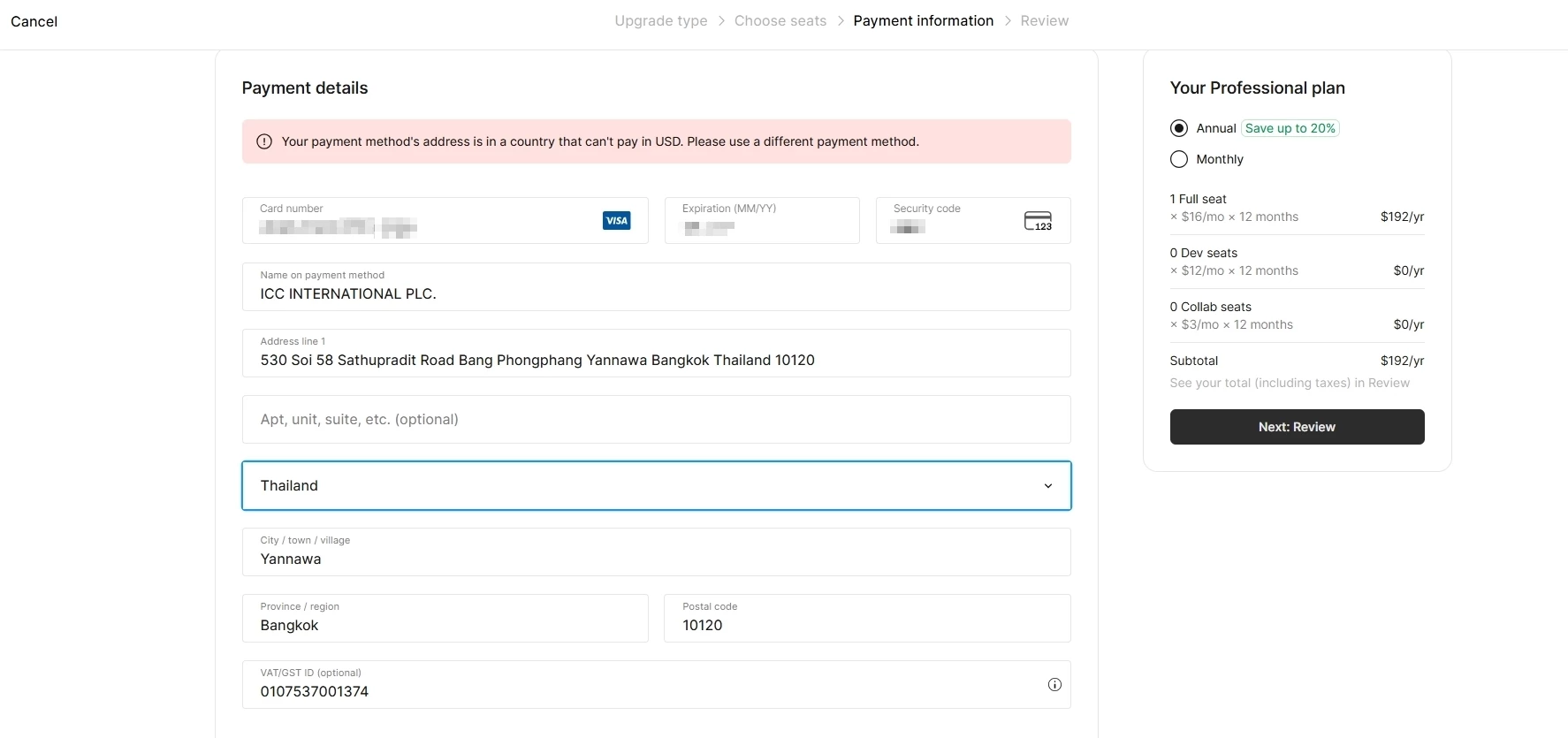
Hi @system team, thanks for flagging this. That does seem unusual.
As a first step, could you please try using a different payment method? You can update your payment details directly in your Figma account by following these steps:
- From the file browser, click Admin.
- Select the Settings tab.
- In the Billing section, click Payment details.
- Enter the new credit card or debit details in the fields provided.
- Click Save to update.
More information in our guide: Manage payment and invoice details
If you’re still running into the same issue after trying a different card, our Support team will need to investigate further via a secure channel. For security reasons, we’re not able to handle private billing issues directly in the Forum. Please check your DM, I’ve sent you some important information to help with next steps, thank you!