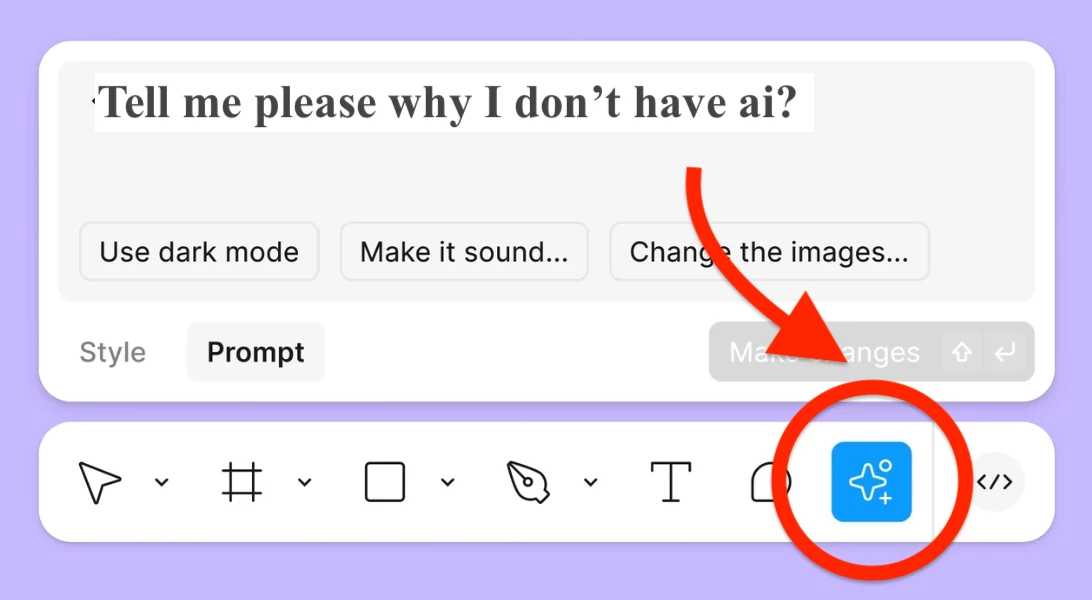
Question

Why is the AI icon / Figma AI features missing in my toolbar?

  • March 1, 2026
  • 1 reply
  • 109 views

Vlad Vla Vla Vlaa


Dear Sirs,

I’m on the free Starter plan and don’t see any Figma AI features (no magic wand, no AI options like First Draft, Generate, Edit with prompt, Remove background, Vectorize).

What I see:

  • File in Drafts (Free)

  • Plan: Starter / Free (confirmed in Settings → Plan & billing)

  • Searching “AI”, “Generate”, “First Draft”, “Remove background” in Actions shows nothing native, only third-party AI plugins (UX Pilot, Codia, Photoroom, etc.).

Could you clarify if Figma AI is available on the Starter plan, or do I need to upgrade to a higher plan?
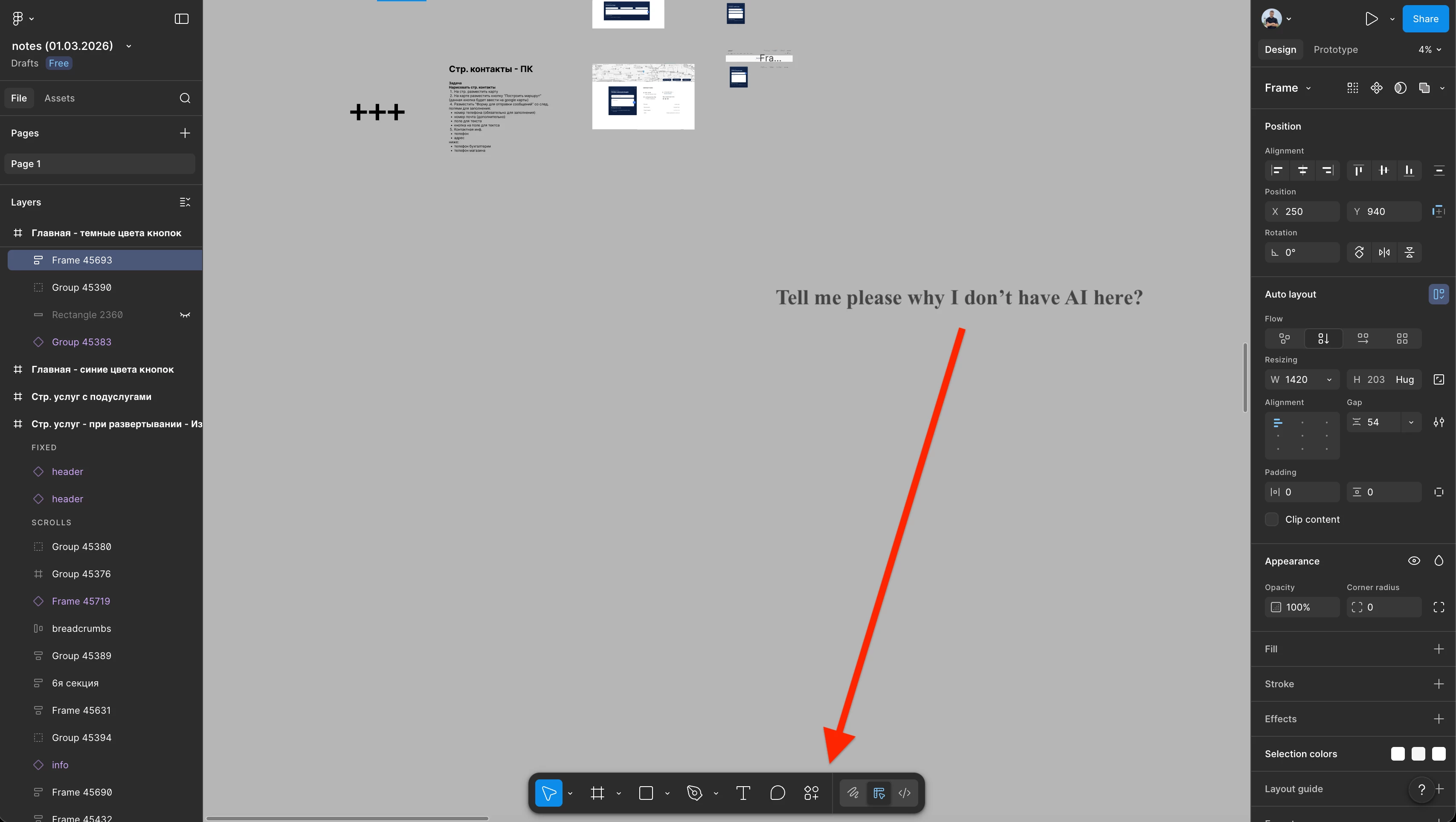

 

Screenshot from my Figma
Screenshot from my Figma 2
Screenshot: tools I see on other users’ accounts


1 reply

Vaishali L
  • New Member
  • May 8, 2026

Figma AI features are currently limited rollout features and may not appear on all Starter/Free accounts yet. In many cases, AI tools are only available for paid plans, selected regions, or specific workspaces.

Try:

  • Updating Figma desktop/browser version

  • Creating a new draft file

  • Checking if AI is enabled in workspace settings

  • Searching “First Draft” or “AI” from Actions menu (Ctrl + /)

If none of these work, the feature is likely not enabled for your account yet.