Why do Figma Motion layers flicker in Present mode?
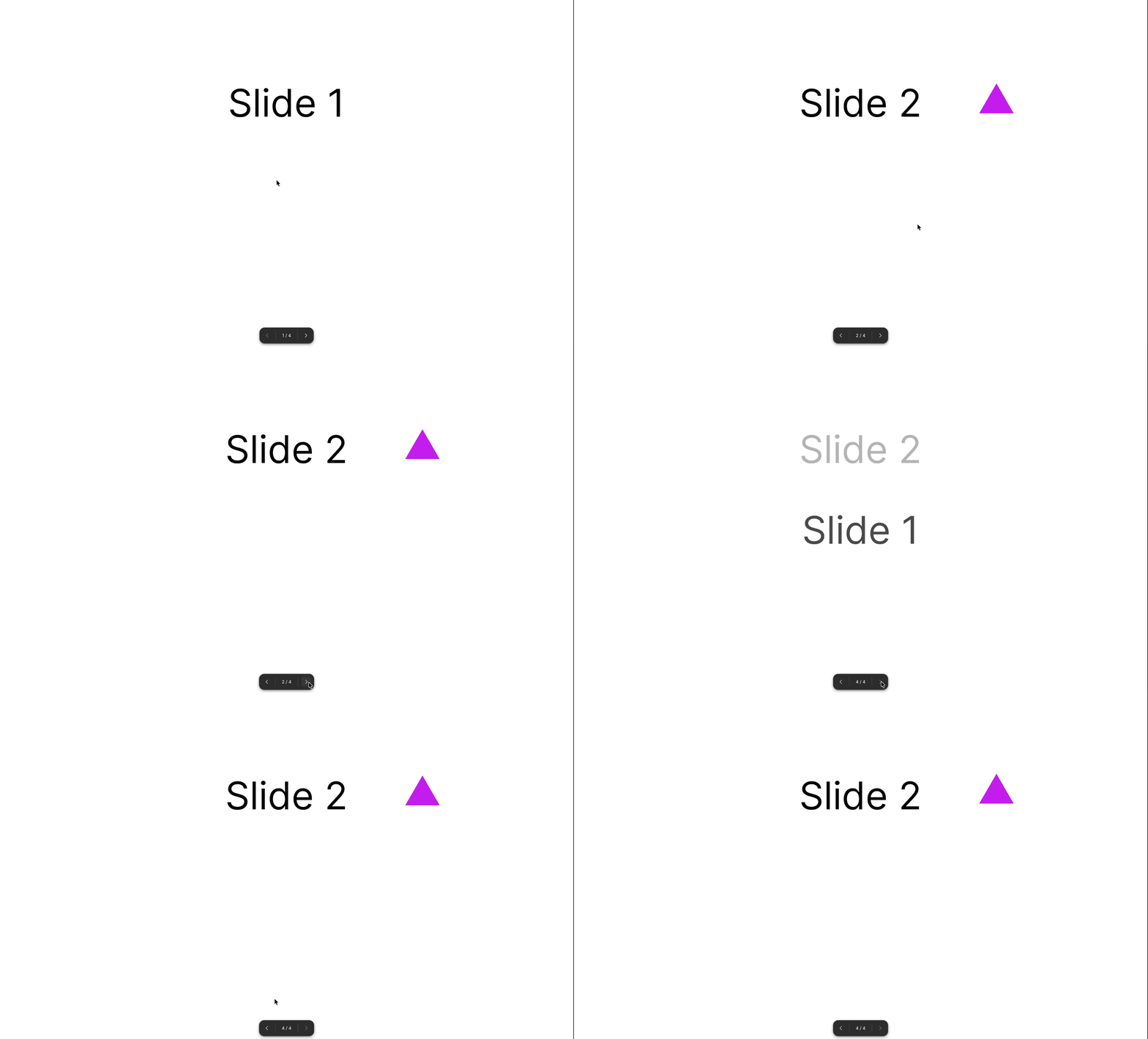
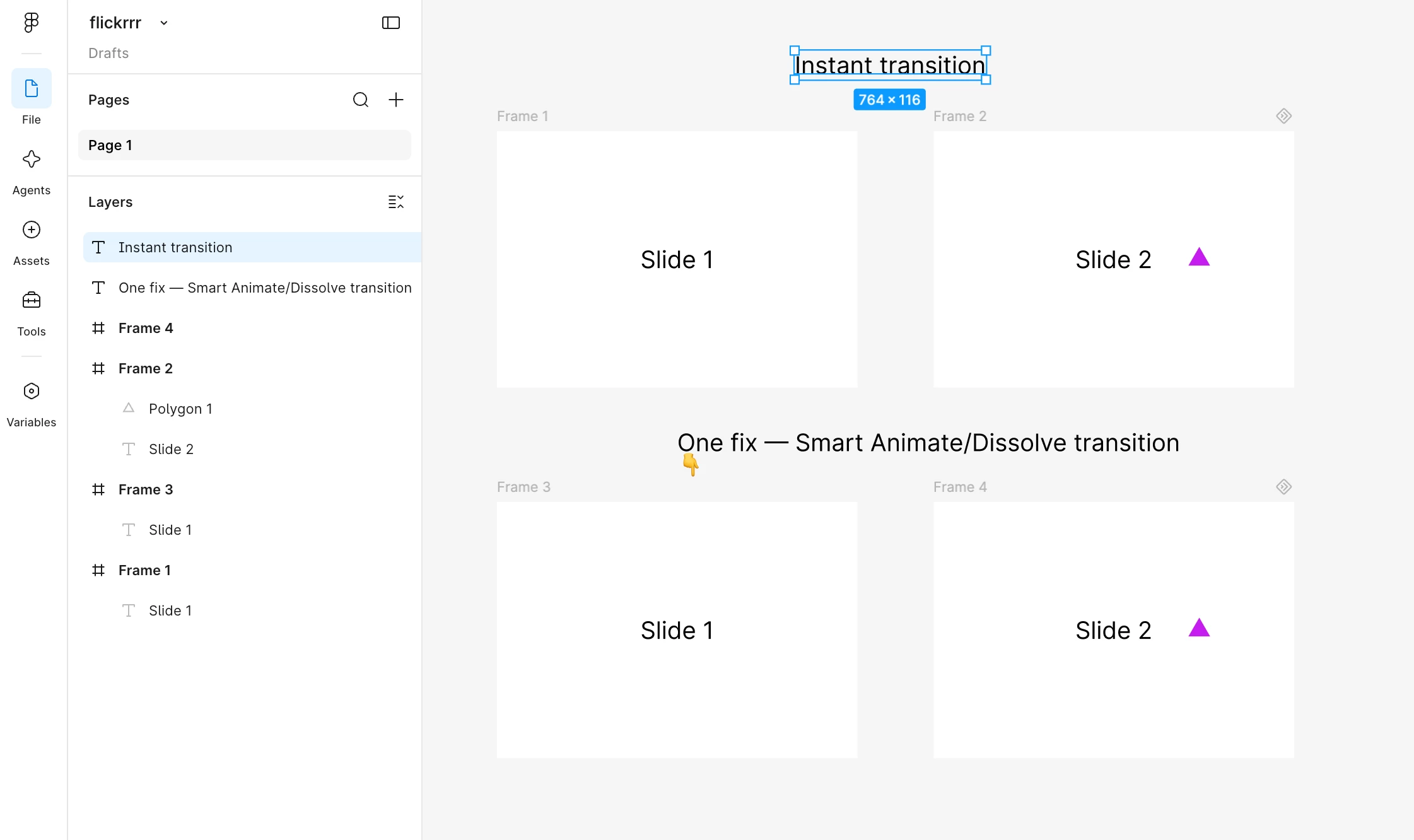
I’m testing out Figma Motion to make a glorified presentation (I know, very original). But when I play the prototype, every time a frame that has motion on it appears next, its normal appearance shows first, then fades in with the motion I added, as intended. This is creating a flickering effect while trying to present. This flickering doesn’t happen while in Motion mode, so I’m assuming it has something to do with the way motion frames and layers show up in prototype mode. I’d appreciate tips and/or a fix on this, Figma!
Is this flickering with presentation mode with Figma Motion happening for anyone else?
Secondly, I want to request that frames with Motion can be turned off in presentation mode. This would be a great option for when I am just testing things out and don’t want to present just yet. Or when I want to make sure storyboards and frames flow well before getting distracted by the motion.
Would others appreciate a toggle to turn Motion on and off in Present mode?
(That second request is partly because I want a quick fix/patch for the first problem mentioned, but thought it’d be worth asking the community!)