Question

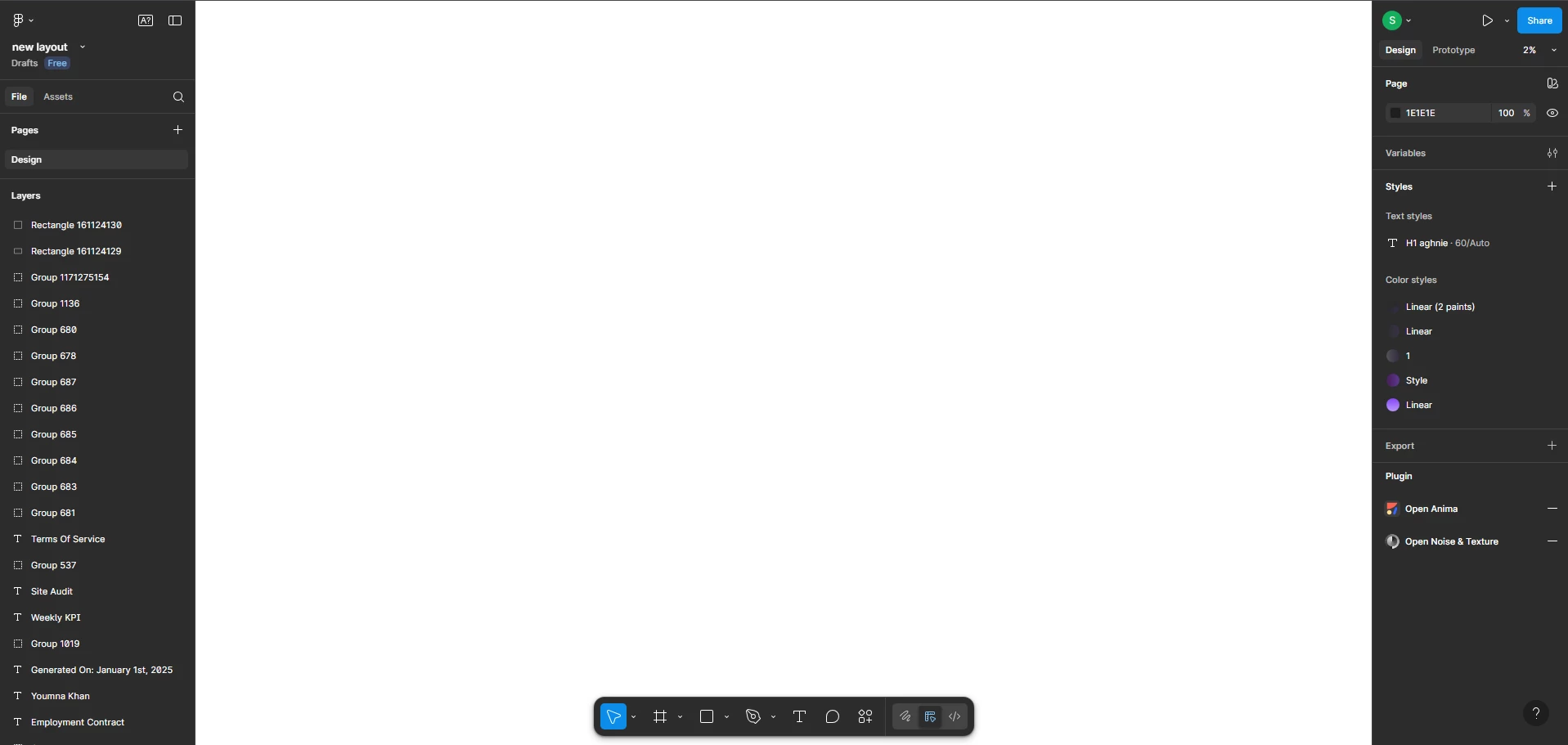
White screen of death

  • October 3, 2025
  • 3 replies
  • 203 views

Sarim Chaudhry
PLEASE HELP! ;(

This is what I have been looking at, I tired everything, I cleared the cache, changed browsers, tried a vpn, reinstalled my browser xD, nothing works. Please any clue how to fix this or is this from figma side ? 

 

3 replies

Celine_
Figmate
  • Community Support
  • October 3, 2025

Hi ​@Sarim Chaudhry , Celine from Figma here, happy to help!
I understand you’re seeing a white screen in Figma, and thanks for sharing the steps you’ve already tried. Could you also check by disconnecting from any VPN or proxy, and see if Figma loads? (If you need to use one, adding Figma to your safe list can help.) 
For more details, you can also check our Troubleshooting checklist, it includes additional steps that may help.


Is the issue still persists, I’d recommend reaching out directly to our support team so they can take a closer look at it: Submit a bug report
In the form, please use your Figma email and include the troubleshooting steps you’ve already tried, this will help the team investigate faster. Thank you!


Timaurus
  • New Member
  • December 18, 2025

I have been having the same issue and have tried everything, including clearing cache, reducing screen refresh rates, separating the figma file, etc. It’s a government computer, so there’s only so much I can tinker with. If anyone has further suggestions, please let me know


Celine_
Figmate
  • Community Support
  • December 19, 2025

Hey ​@Timaurus , sorry to hear you’re still running into issues after trying the troubleshooting steps. I can see on our end that you’ve already submitted a bug report (thank you for that).

Our Support team is best equipped to investigate this further, and I can see they’re currently waiting for your reply to take a closer look. When you have a moment, please check your inbox and follow up there. Thanks!