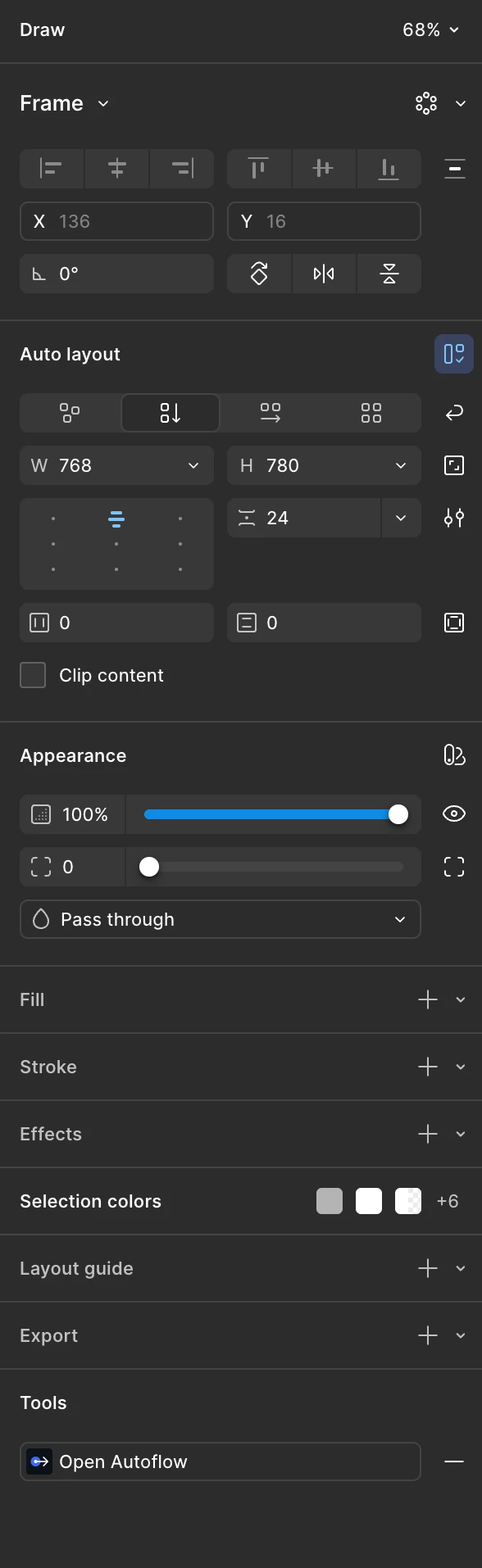
Thanks for sharing the screenshot! Looking at the top of your right-hand panel, it looks like you are currently in Draw mode instead of Design mode. 🔍
You can switch it back by clicking on the cursor icon on the very left of the bottom toolbar (as shown in the screenshot below) and selecting Design.
Once you switch back to Design mode, the Ignore auto layout option should appear in the right panel as expected.
Hopefully, you manage to get it sorted out soon! 😊
Product designer @ NETWORG | Designing Model-driven Power Apps in Figma | Power Apps DesignKit (Model-driven) | Disclosure: I’m part of Figma’s Forum Ambassador program.