

Jialun Yang
New Member
August 18, 2026
Question

When I export my motion, the gif version lost half of the image, but the mp4 version works

  • August 18, 2026
  • 4 replies
  • 62 views

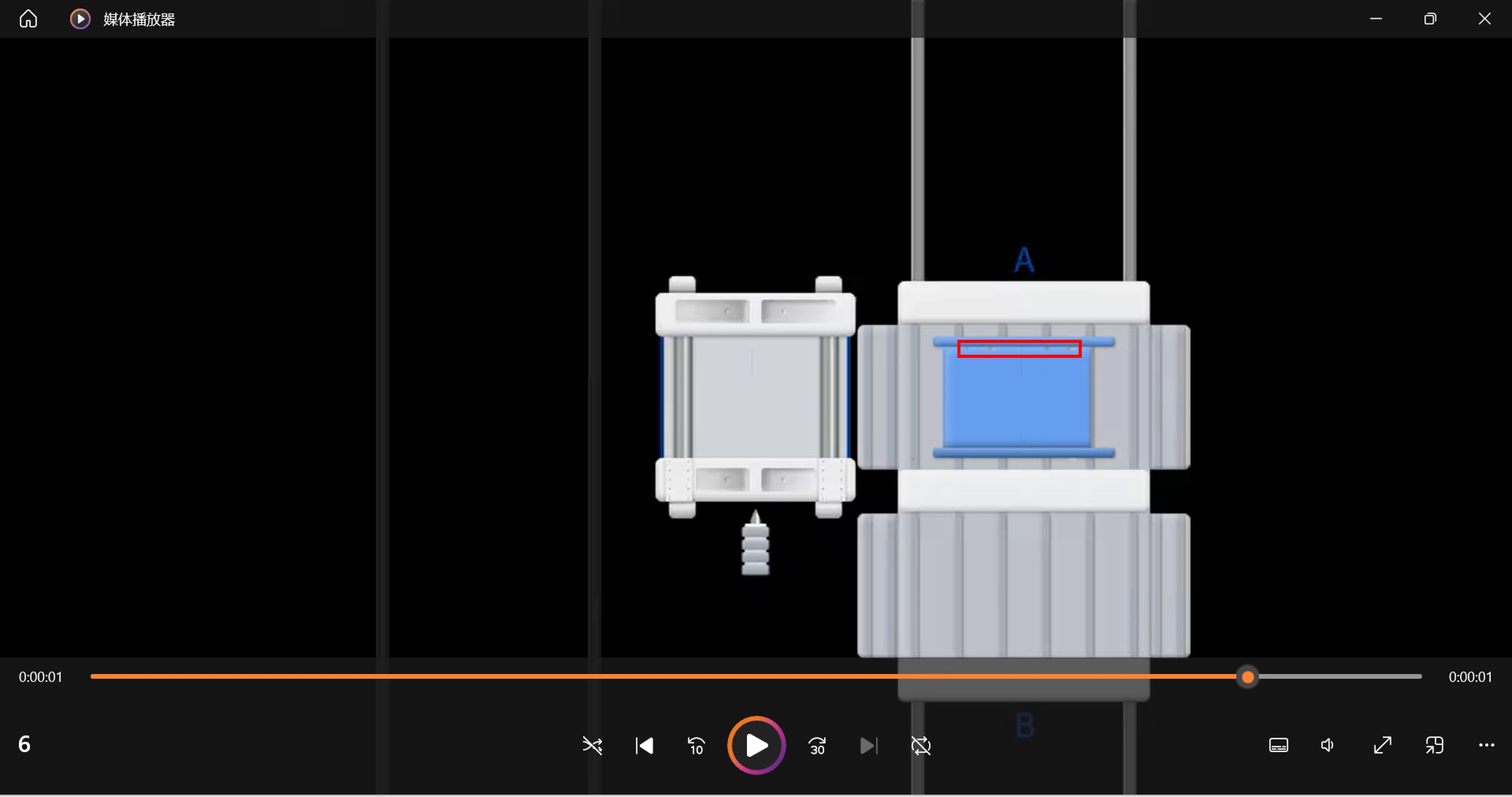
video image is full, can move correctly. But still have some problems, like in the red box i marked, dots are not supposed shown.
 

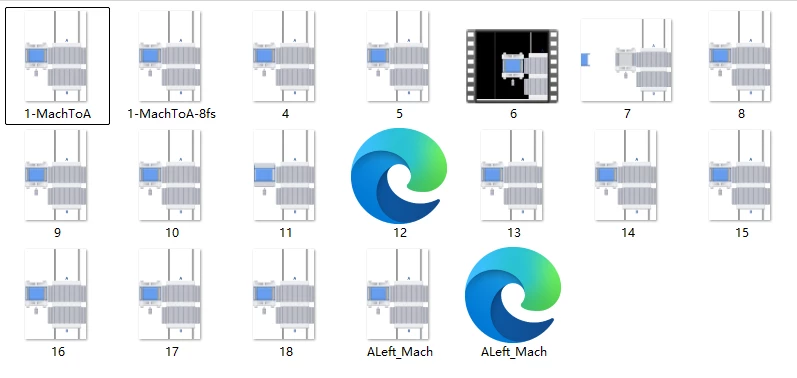
I want gif export. but all of them all half only (on the left, there should be two lines) and not move correctly.
 

4 replies

Jialun Yang
New Member
August 18, 2026


Gayani_S
Figmate
Community Support
August 18, 2026

Hey ​@Jialun Yang, thanks for reaching out and for including those screenshots! 

Since your GIF export is coming out with part of the image missing and not animating the way it does in Figma Motion, while your MP4 from the same file works correctly, we'd like to dig into what's going on.
Could you confirm two quick things:

  • Are you exporting from a top-level frame (one placed directly on the canvas, not nested inside another frame)?
  • Does your timeline have a loop mode like ping-pong/boomerang turned on?

To get a closer look at the missing content itself, could you also open a request with our customer support team through the Support Hub and include a link to the file? That'll let us reproduce it on our end.

In the meantime, here's our guide on exporting animations from Figma if you want to double-check your export settings while you wait to hear back.

Thanks for flagging this! 

Jialun Yang
New Member
August 19, 2026

Hi ​@Gayani_S , thank you for your response. I think I found the problem. my left part has opacity value. seems the gif can’t export half transparent parts?

Jaycee Lewis
Figmate
Figmate
August 21, 2026

Hey ​@Jialun Yang 👋 Thanks for letting us know. I am happy to take your last question to the Motion team for clarification. Do you have an example gif that I can add to my question for them? Thanks! – Jaycee