
Question

Verification Issues for Education plan

  • September 18, 2025
  • 5 replies
  • 226 views

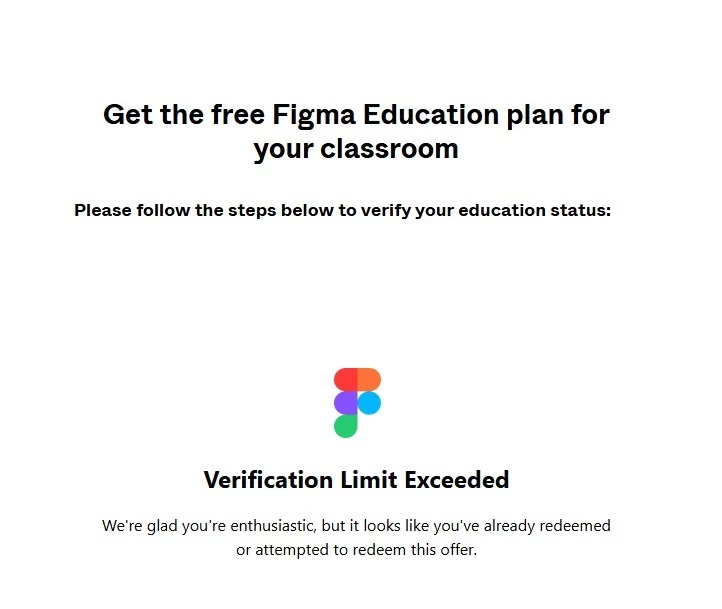
I signed up for Figma using my school-issued email address and have attempted the student verification process twice. Unfortunately, both attempts were unsuccessful(I don’t know why.. I submitted my school ID photo), and now I receive a message saying that I have exceeded the verification attempt limit.


I contacted SheerID for assistance, but they informed me that they are unable to help further. Therefore, I am reaching out here to request direct support from the Figma team.


Could you please reset my verification attempts so I can submit the correct documents? If that is not possible, may I try the student verification again using a different email address that is not my school email?
 

5 replies

ramsay
  • New Member
  • September 19, 2025

I have a student who is having this exact issue as well. Need a resolution asap.


djv
Figmate
  • Community Support
  • September 23, 2025

Hi All, thanks for reaching out! 

I can only imagine the frustration this process has caused. If you’ve already contacted SheerID and they weren’t able to help, please reach out to the Education team directly via email at: education@figma.com to help verify your education status. 


Sheikh Owais
  • New Member
  • September 30, 2025

same issue please resolve this


ChristineR
  • New Member
  • November 18, 2025

Hi! I have the same issue, I have contacted SheerID who say my student verification is all accurate but I am still not getting access to Figma. I have contacted education@figma.com twice and have not heard back for weeks. I need access to Figma for my courses urgently.


Gayani_S
Figmate
  • Community Support
  • November 27, 2025

Hey ​@ChristineR, apologies for the delayed response! I took a look at your support ticket (#1577679) and it looks like the team was able to sort this out for you and you were successfully verified. 

Let me know if there is anything else I can help with!