

Cammy Hogg
New Participant
October 1, 2026
Question

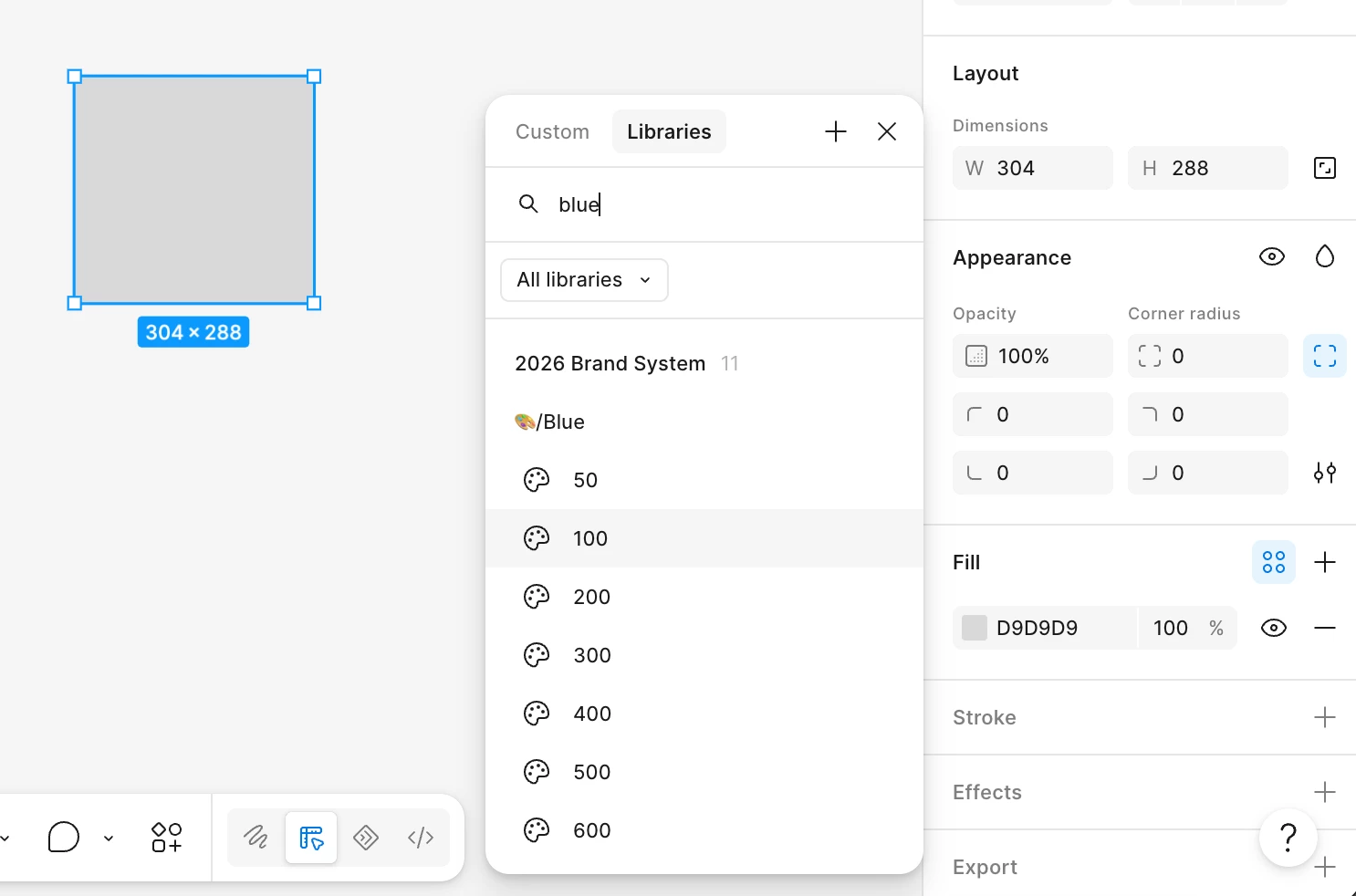
Variables not loading

  • October 1, 2026
  • 3 replies
  • 24 views

Colour variables fail to load. They’re hosted in a core brand system file, published, and the library is active across different files. For some reason they never seem to load, and selecting an ‘unloaded’ variable results in the object turning white. I’ve tried hiding/unhiding from publishing, removing/reactivating the library, but I can’t find a solution.
 

3 replies

djv
Figmate
Community Support
October 2, 2026

Hi ​@Cammy Hogg, thanks for flagging this and sharing what you’ve already tried!

I can see how this would disrupt your workflow, especially when applying a variable turns the object white.Does the same thing happen if you select All libraries in the variable picker? Also, are teammates seeing this same behavior with the same library?
 

Let me know, and we’ll continue to troubleshoot this together.

Cammy Hogg
New Participant
October 2, 2026

Hi ​@djv, thanks for getting back so quickly.

I’ve tested with colleagues and they’re having the same issue - some variables seem to be loading forever. The problem persists regardless of whether I chose ‘All libraries’ or a specific file. Any other ideas?

adamsmasher
Figmate
Figmate
October 2, 2026

Hi ​@Cammy Hogg! Stepping in for ​@djv with a few additional questions that will help us narrow down what might be happening.

  • Do the affected variables display and apply correctly within the original brand-system file?
  • Does this also happen in a new blank file with that library enabled? 
  • Do you see this in the desktop app, web browser, or both?


With a bit more information we can help start a ticket with our Technical Quality team for you.