
Question

Variables missing from the file

  • June 30, 2026
  • 3 replies
  • 63 views

Sachinda

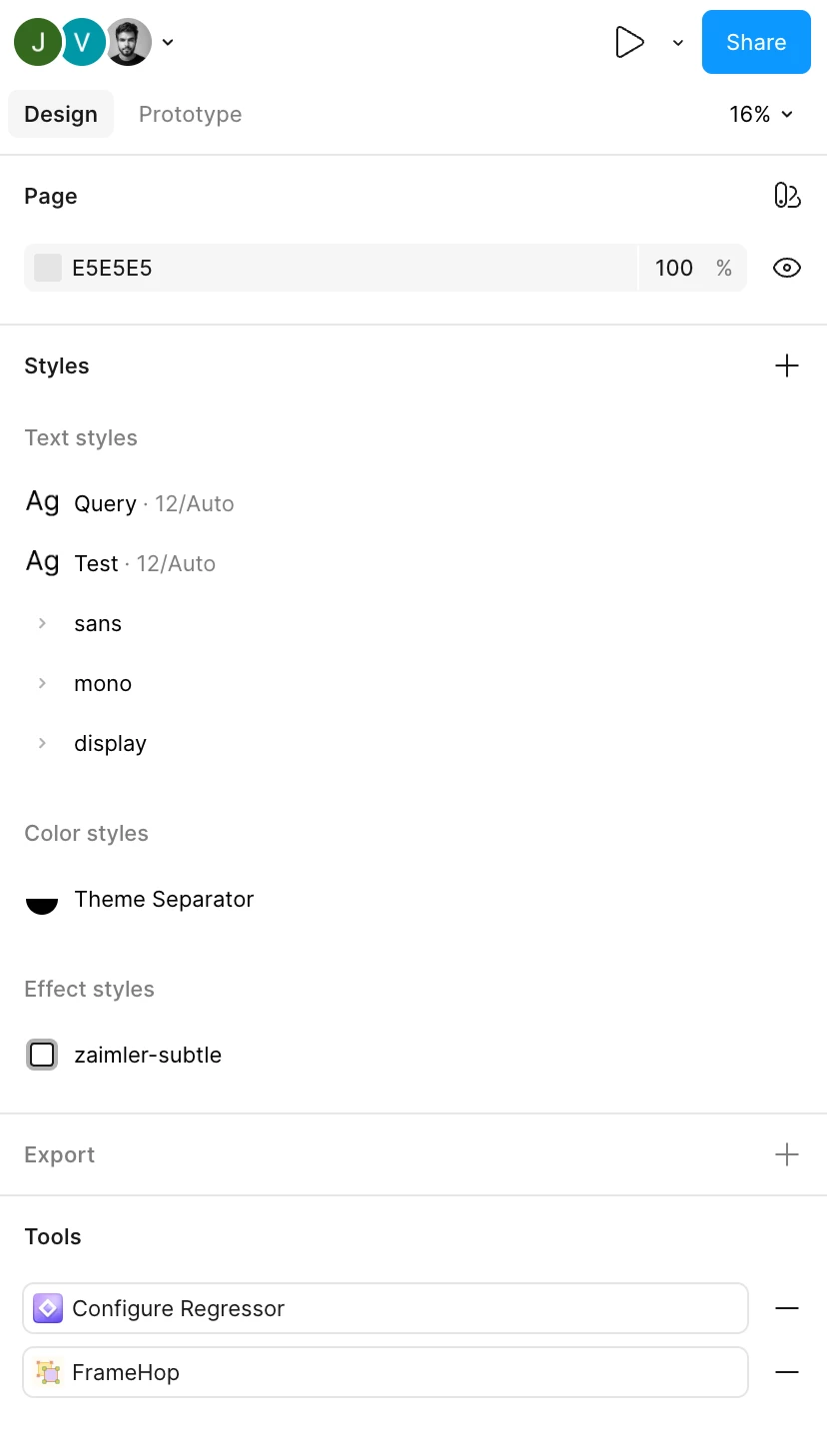
Hi, I am not able to find Variables in my properties panel on the right in Figma. What changed?


3 replies

Jordane Tephany

Hello,
Go to View > Panel > Toogle variables it should be work
Have a nice day :)


Passi Navneet

I am using the dev mode, View > Panel > Toogle variables it should be work this option is not availble for me, it was able to see the variable table option till 2-3 days ago, i tried options shared by AI agent, like no layer should be selected etc..


Celine_
Figmate
  • Community Support
  • July 1, 2026

Hey everyone, Variables have moved to the left navigation bar as part of a recent Figma update.

To open them, click the Variables tab from the navigation bar on the left to access variables view. (The Variables view gives you access to creating and editing variables, modes, and collections.)

You can find more details in the Help Center: Create and manage variables and collections , and Explore the navigation bar and left sidebar.

Hope this clarifies!
