

Question

Variable search is inconsistent

  • March 31, 2026
  • 3 replies
  • 33 views

Jeroen2

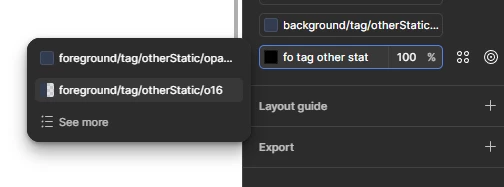
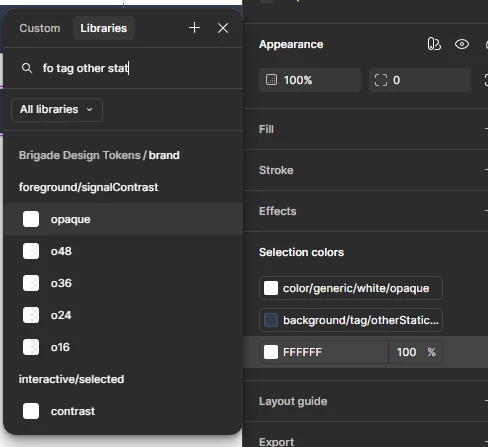
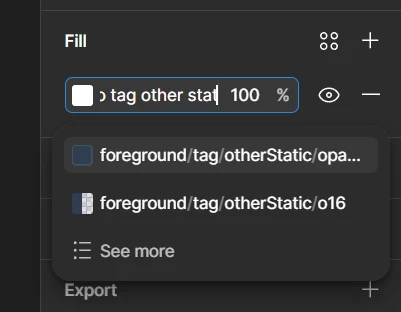
Since the “search inside the color field”-feature has been introduced, I am experiencing inconsistency in the search results when I search for Variables.

1. searching in the color field (correct ✅):
2. searching in the color library panel (incorrect ❌):
3. searching in the color library panel, but omitting the first layer in the token's path (correct ✅):
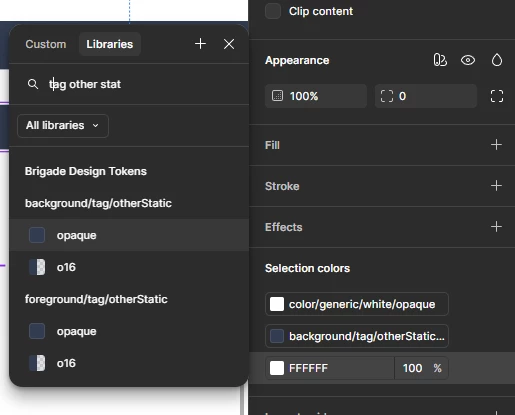
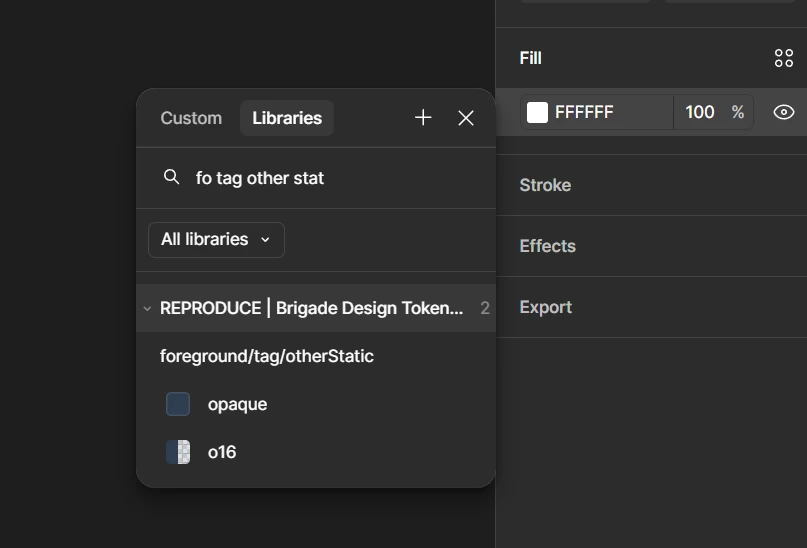
I think the key is that the library search seems to have a bug in the search algorithm. Only when I omit the first layer in the token's path, I get the correct result just like when I search with the search-in-color-field functionality.
3 replies

Sarah_Zatkovich

The variable search worked well previously. The variable search not working as expected is a huge time suck


  • Figmate
  • April 3, 2026

Hi ​@Jeroen2 


Thanks for flagging this and sharing such a detailed report with screenshots.


I just tested this on my end, but I wasn't able to reproduce the issue. In my test, using the same partial query worked for both the inline search and the search within the Libraries tab.

However, I noticed a key difference: my test environment only has 3 levels in the path structure, whereas yours appears to have 4. This could be related to the depth of the hierarchy.


Since this requires a deeper investigation, I'll go ahead and create a support ticket for our team to take a closer look. Someone from our team will contact you directly via email through that ticket.

I'll also keep an eye on the ticket's progress and will post any relevant findings here in the forum for the benefit of others experiencing the same issue.


For your reference, I'm attaching a video of my test: https://www.loom.com/share/1a72af72642d4124bba625e761866611


Thanks,


Jeroen2
  • Author
  • Active Member
  • April 3, 2026

Thank you ​@Junko3, I am following up on the support ticket. Let's figure this one out! 😁