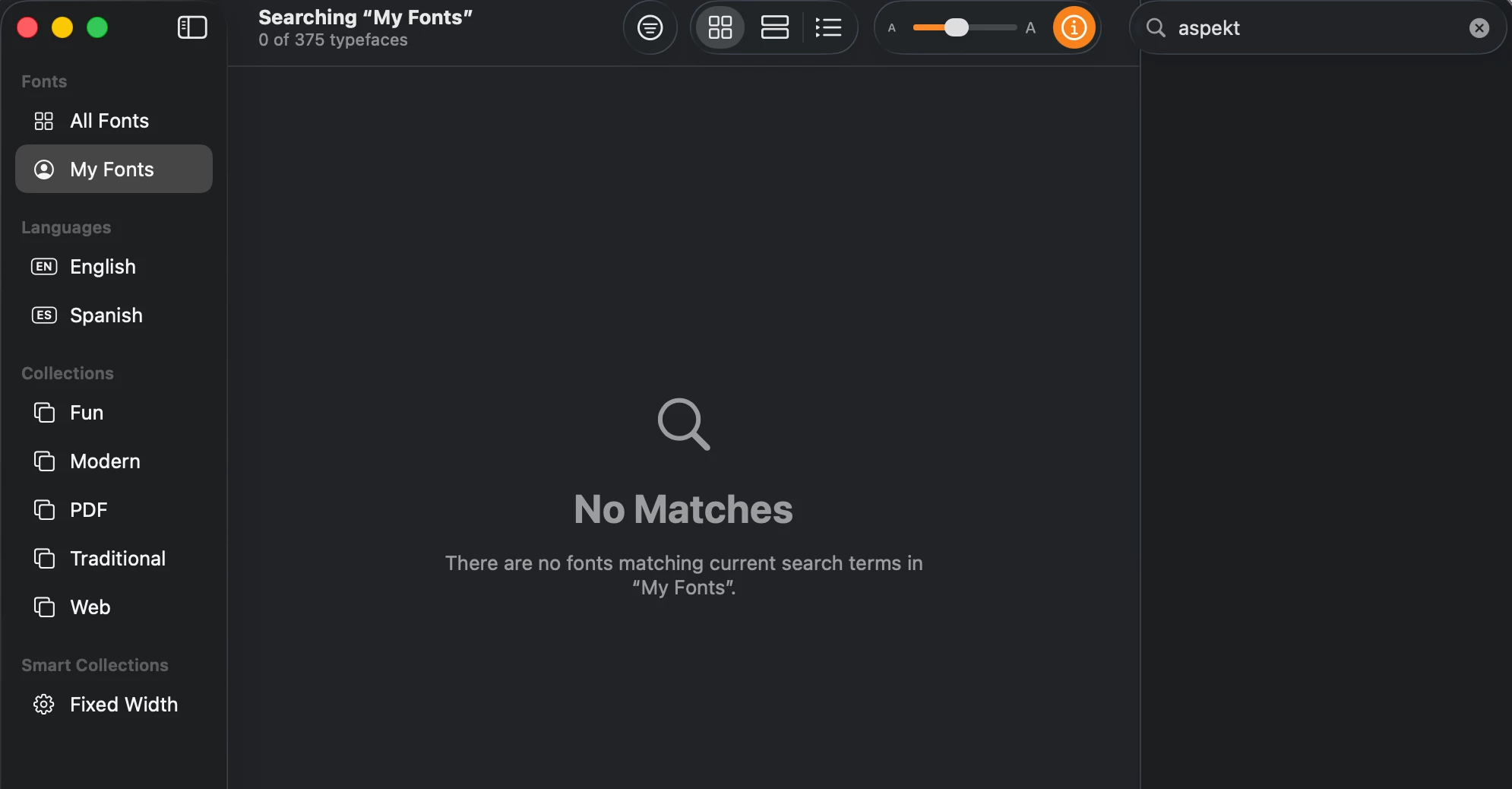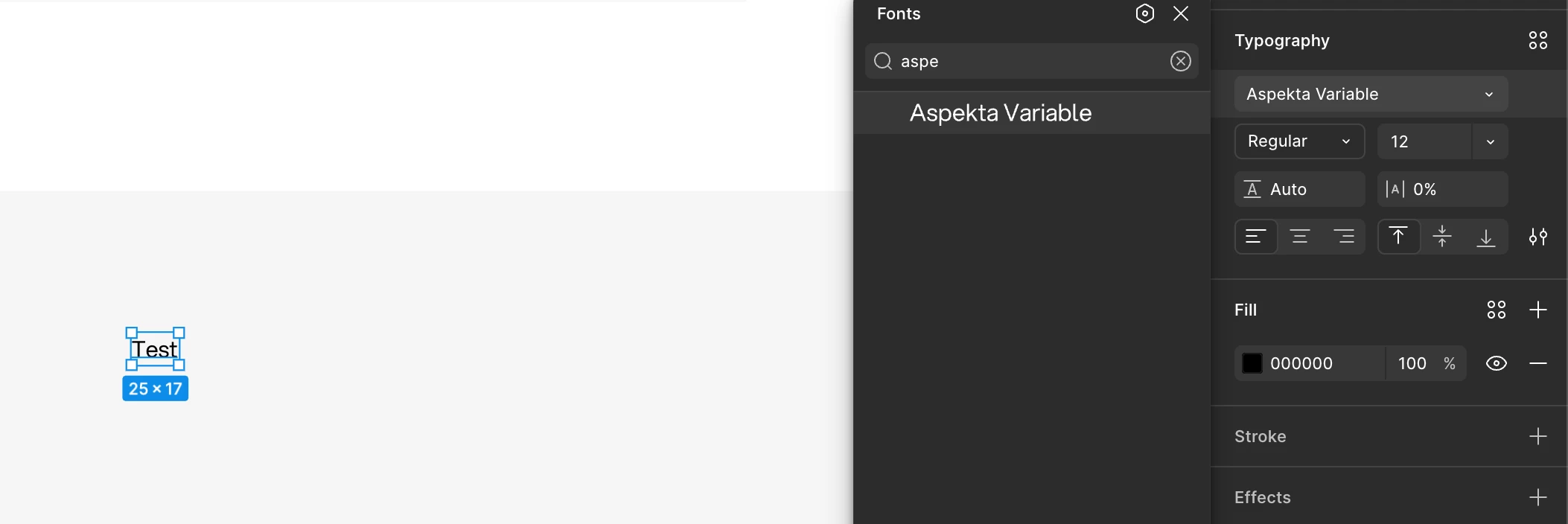
Variable font shows no weight/axis controls — only static "Regular" instance available (desktop + browser, latest version)
Hi, I’ve been trying to solve an issue with a font for a few days now and I’m out of ideas to try...
In our company design system we use a custom variable font (Aspekta, loaded as "Aspekta Variable") previously worked correctly on my machine — I used it directly while building out our design system's typography, with full access to its weight axis. It has since stopped working with no changes on my end: Figma now shows only a single static "Regular" instance for it, with no weight axis slider or numeric control. Binding a numeric value to fontWeight via a Figma Variable is accepted without error, but has no visible effect on rendering.
Environment
- Figma desktop, latest version (confirmed same version as coworkers who don't see this issue)
- Also reproduced in browser (Chrome) — same result
- macOS Tahoe v26.3.1
Steps to reproduce
- Install
AspektaVF.ttf(a variable font with a working weight axis, 300–900) locally - Open a Figma file with text set to "Aspekta Variable"
- Open the Typography panel for that text layer
Expected behavior
The weight field should show an adjustable axis control (slider or numeric stepper spanning the font's actual variable range) — which is exactly what I had access to when I originally set this font up and used it to build our typography system.
Actual behavior
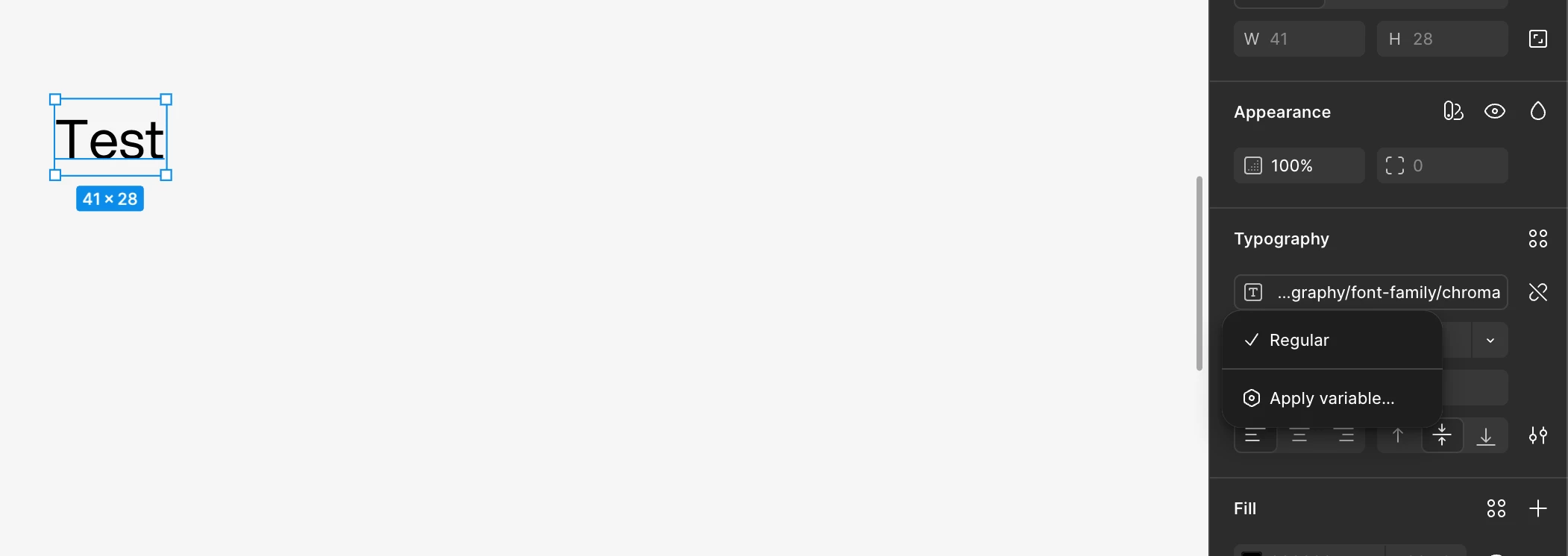
Only "Regular" appears as a selectable static instance, with no axis control. Binding a Figma Variable (numeric, e.g. 560) to the layer's fontWeight property is accepted without error, but the text continues rendering at the default weight — no visible change.
What's changed vs. what hasn't
I did not touch the installed font, reinstall the OS, or knowingly change any Figma settings between when this worked and when it stopped. I haven't been able to pin down the exact point it broke.
What I've already ruled out
- Confirmed the font file is byte-identical to a coworker's working copy (file size/checksum match)
- Two coworkers on different machines open the exact same Figma file and see the weight axis correctly
- Cleared Font Book cache, macOS system font cache (
atsutil databases -remove), and restarted - Fully uninstalled and reinstalled the font, keeping only
AspektaVF.ttf(removed all static weight.ttffiles that were also installed) - Fully uninstalled and reinstalled the Figma desktop app
- Same result in Figma web (browser), ruling out desktop-app-specific caching
- Figma version confirmed identical to coworkers who don't experience the issue
Given this worked correctly for me previously, and the file/font/app version are all confirmed identical to working setups on other machines right now, I’m becoming to think this might be a bug... Happy to provide more screenshots or files if needed.
Thanks in advance!
Martin
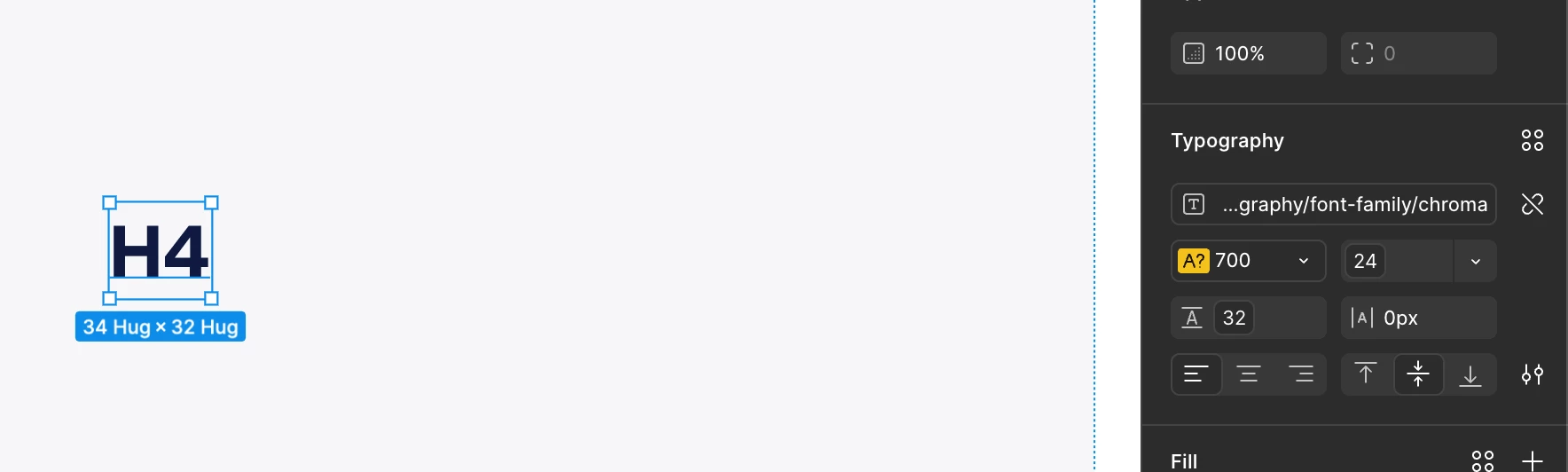
Edit:
I’ve just tried to remove completely the font from my machine, cleared Figma cache and surprisingly Aspekta variable font still shows up on the font picker. Tried with the static Aspekta version, removing it from the font book makes it not appear anymore in the font picker in Figma.