

Variable applied to dimensions of icons recent bug.
Hi, So our team DS system icons its pretty much all setup with a locked aspect ratio + a variable applied. This is from all the way back when these options were announced, I think was sometime last year, anyways. Recently we dont know why happened, But the aspect variable applied to that icon that is nested in a button (for example) can't be change anymore when using it across the any page.
I think was up till few weeks ago all of that was working well but not it isn't. Please see attached images
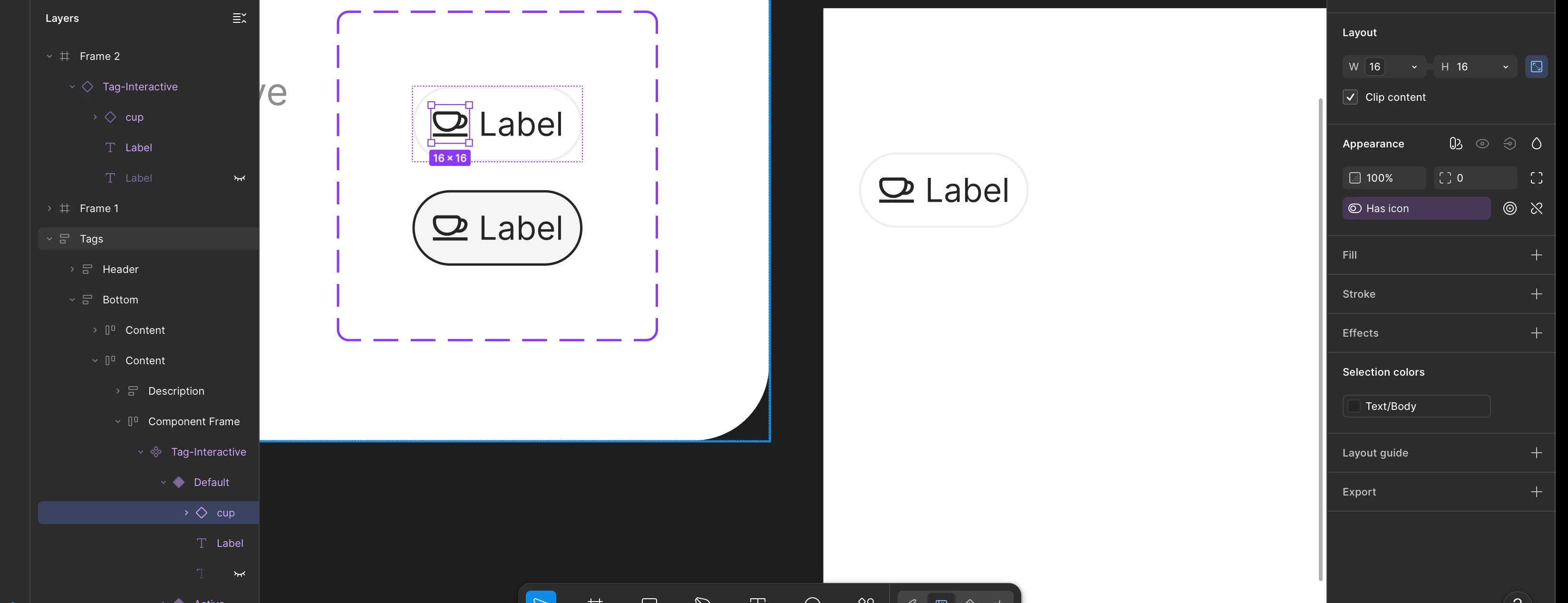
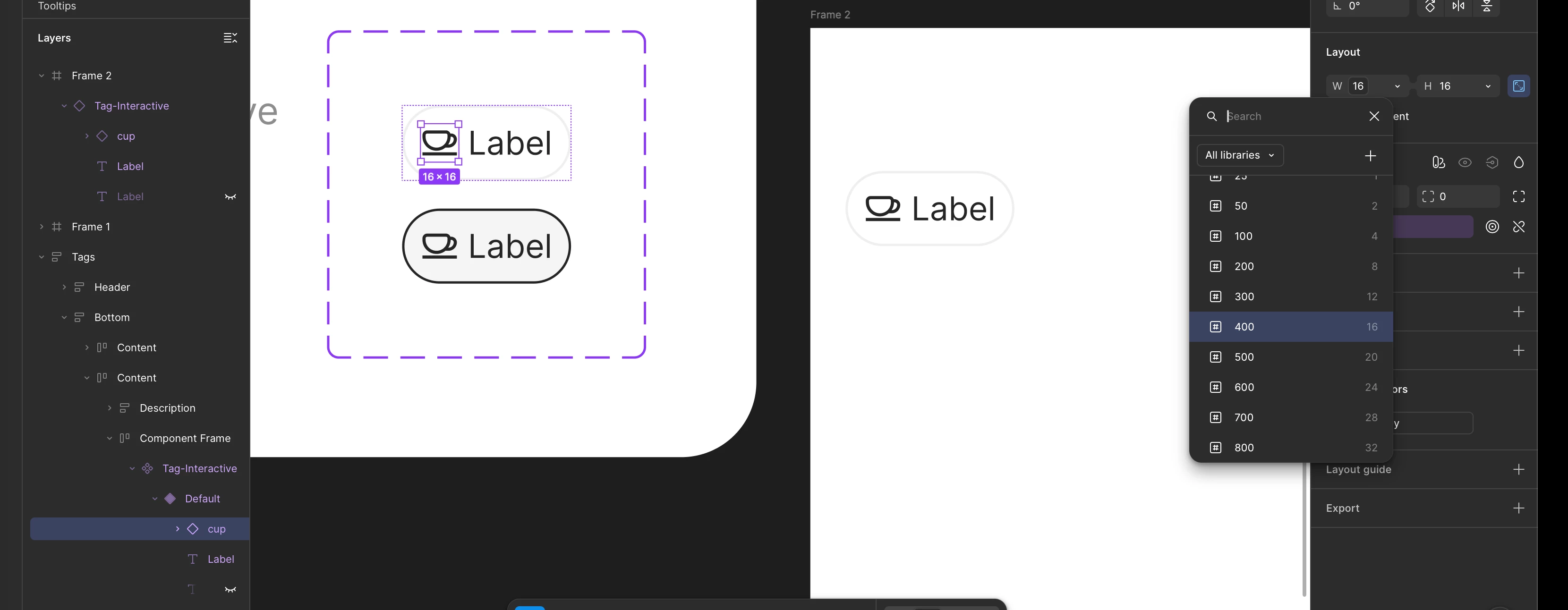
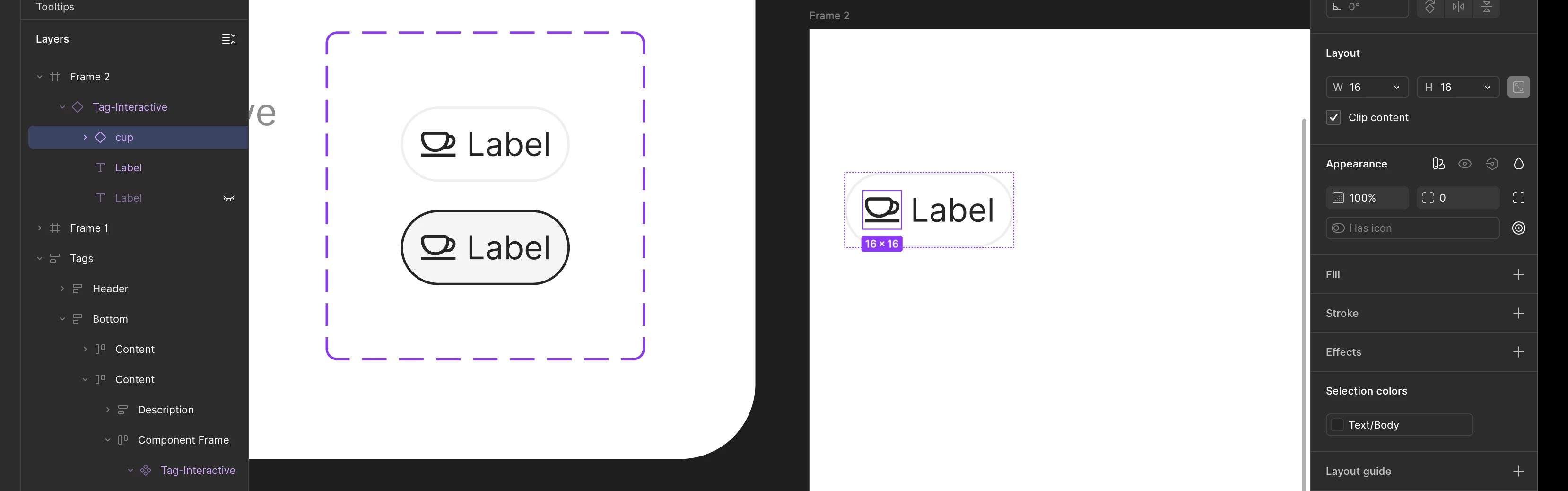
I tried creating a new button and nest any icon into it, then create a component out of it, inside. the component u can see the dimensions of the icon still has that variable applied, and I can just click on it and change the size easily. But once I copy that component and put it on any frame outside , the dimension variable doesn't show as applied anymore.
And BTW all of this is happening across the whole platform which is dozens of files, this file im showing here is a the demo page inside the design system , so is not even about unpublished variables cuz they are all here.
Please we need some urgent help with this as the whole DS was design around this function working properly.
Thanks