Hey @Sujit Dedwal, thanks for reaching out!
A few things worth checking first:
- Open Trash from the sidebar of your file browser. Each team you're part of has its own separate Trash and if this was personal work, it's worth checking the team where your Drafts live too. If the file's there, right-click it to restore.
- While you're in there, set the "created by" filter to "Anyone" rather than just yourself.
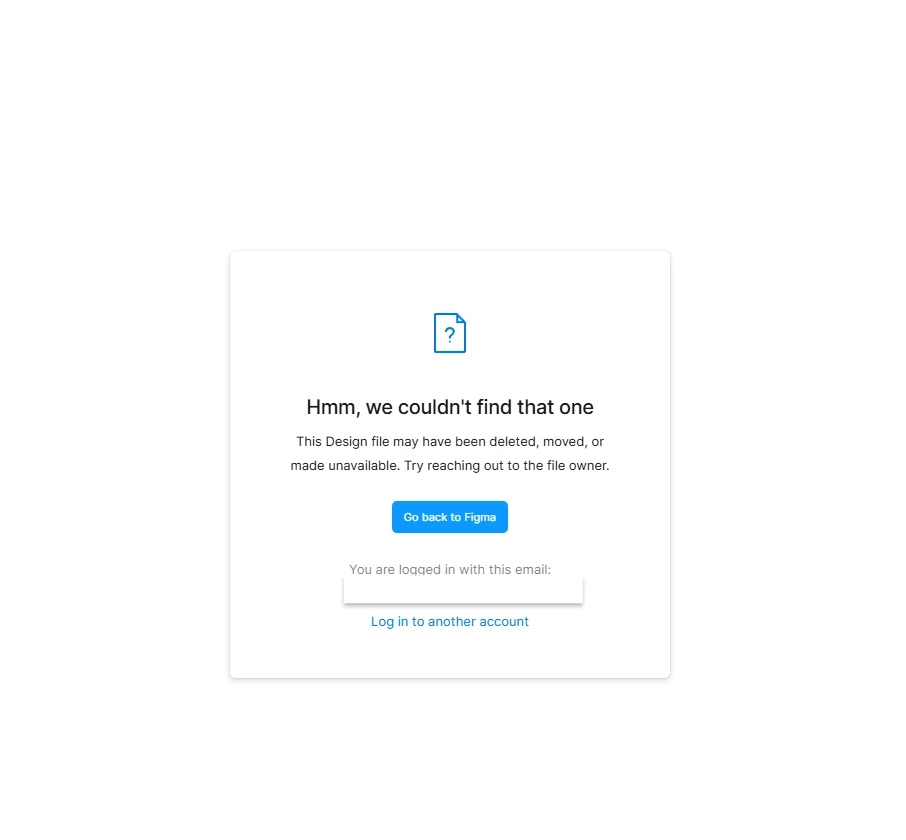
- Double check you're logged into the right Figma account, in case you have more than one.
- If the file lived inside a folder that itself got moved to trash, you'd find it under the Folders tab instead of Files, right-click the folder there and select Restore to bring back the folder and everything in it. If you only see Duplicate to drafts as an option, that'll still get you a copy of the file's contents.
This article walks through all of it in more detail, with screenshots: Delete and restore files.
If you've been through all of that and it's still not turning up, you can reach out to our customer support team through the support hub with a URL to the file and let the team take a closer look at your account specifically.
Hope this helps!