

Solved

Unable to verify for Education Plan (Can't even upload documents)
  • November 27, 2025
  • 4 replies
  • 241 views

Arun Jayakumar
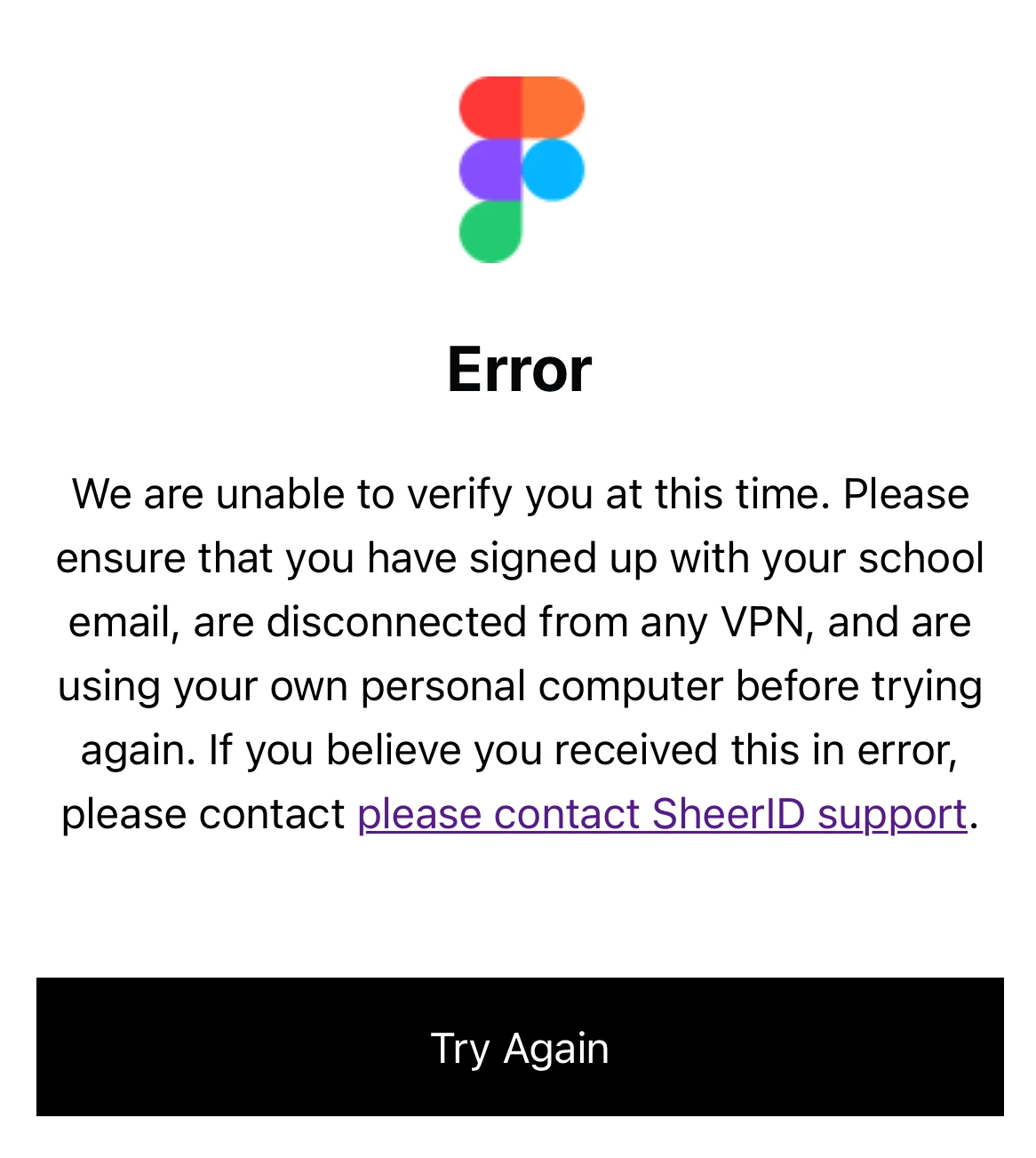
Error Screen


What i’ve tried:

  1. Kept retrying after couple of days, after weeks still same “Error” screen appears.
  2. Tried different networks, different devices, no VPN.
  3. Mailed SheerID support but they just closed the ticket without giving me any information
  4. Mailed education@figma.com, no response for 8 days.

The issue:

  • The verification link from Figma takes me to an “Error: We are unable to verify you at this time”

Now i’m seeing the “verification limit exceeded” screen & its pretty infuriating. Anybody face this issue? How do i fix this? 

Best answer by Arun Jayakumar

I got it to work by repeatedly applying. I usually wait a few days before re-applying for verification after that “Error” screen.

I uploaded the documents & got verified :)

Finally!!!!

4 replies

  • Figmate
  • November 28, 2025

Hi ​@Arun Jayakumar ,


I understand your concern, especially since you reached out to SheerID and they closed your request without explanation, and you haven’t received a response from our Education team yet.
 

Our Education team reviews requests in the order they’re received, and response times can vary depending on volume. Since you’ve already contacted them at education@figma.com, please rest assured that they will get back to you.

I’ve also added a note to your ticket to let the team know that you contacted us here as well, so they’re aware of your situation.


Thanks for your patience.


Arun Jayakumar
  • Author
  • New Member
  • December 12, 2025

Hey,

There’s still no response from education@figma.com.

i’ve sent another request to SheerID support, with more information this time, but with the same response after 10 days:

“We were unable to process your verification request. While we can't offer further details or support for this specific inquiry, please ensure all information submitted is accurate and meets the eligibility criteria for future attempts. Your ticket has now been permanently closed.”

I mean i can’t even upload my documents using the verification link & SheerID support is not helping me at all? What should i do now? Its been 3 weeks now!!!


Arun Jayakumar
  • Author
  • New Member
  • Answer
  • December 13, 2025

I got it to work by repeatedly applying. I usually wait a few days before re-applying for verification after that “Error” screen.

I uploaded the documents & got verified :)

Finally!!!!


Tom Reem
Figmate
  • Figmate
  • December 13, 2025

Thanks for the update, ​@Arun Jayakumar — glad to hear things are working now!

Really appreciate your patience and sticking with it. If any other questions come up, feel free to reach out. If it ever comes in handy, this page has the most up-to-date details on the Education plan: Figma for Education.