Solved

Unable to reverify Figma for Education after changing email address

  • March 13, 2026
  • 1 reply
  • 9 views

kirakiraAZK

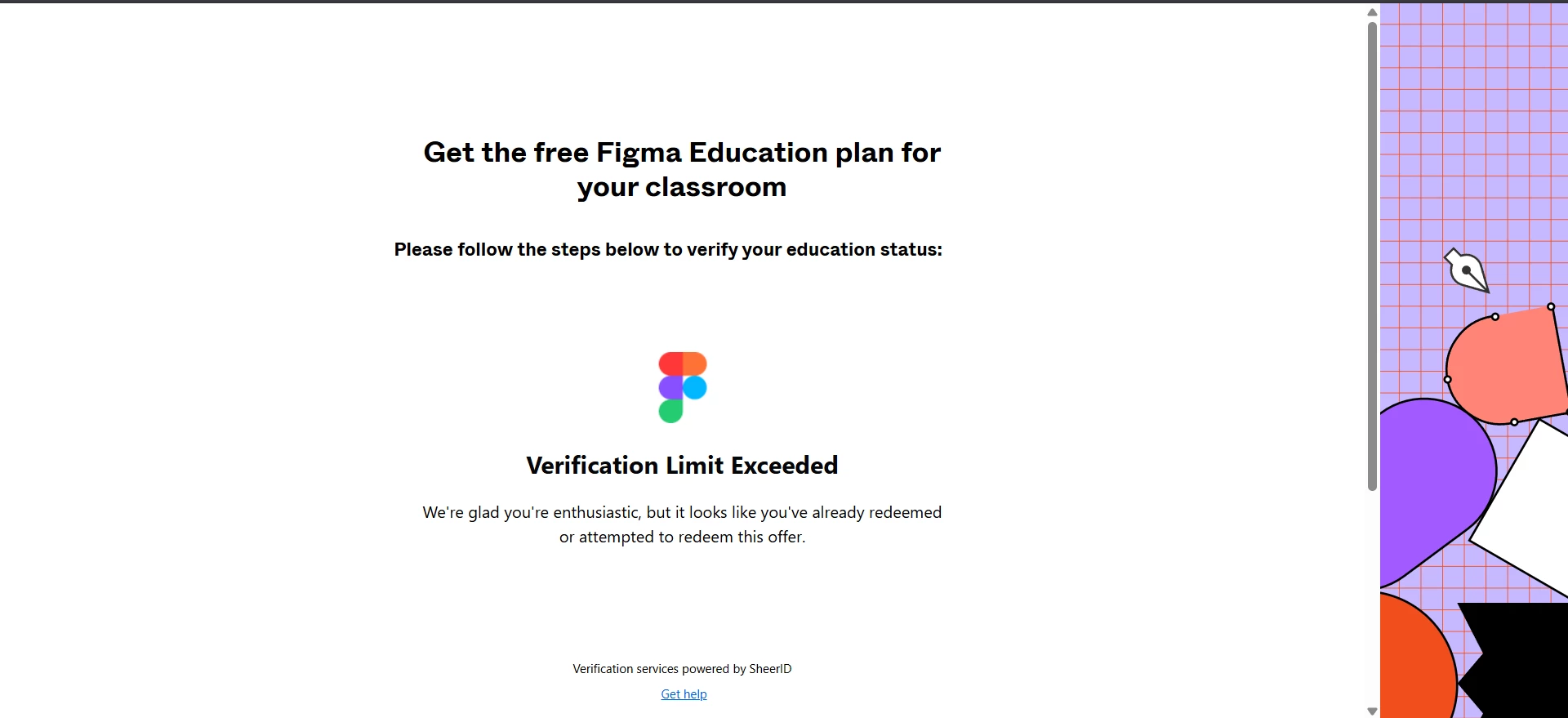
After i changing my email address because old email is no longer in use, i tried to re-verify my student status. But i cannot because verification exceeded limit. How i can re-verify my acccount again?


Best answer by Gayani_S

Hey ​@kirakiraAZK, thanks for reaching out! 

When that message appears, it usually means the maximum number of verification attempts has been reached on SheerID’s side. Since education verification is fully handled by SheerID (our verification partner), they’re the only team that can reset attempts or manually review your case.

Please contact figmasupport@sheerid.com, and note SheerID typically takes about 7–10 business days to respond. Unfortunately, Figma isn’t able to manually verify documents or override the verification system, so SheerID will be the right team to resolve this for you.


Hope this helps! 

1 reply

Gayani_S
Figmate
  • Community Support
  • Answer
  • March 13, 2026

Hey ​@kirakiraAZK, thanks for reaching out! 

When that message appears, it usually means the maximum number of verification attempts has been reached on SheerID’s side. Since education verification is fully handled by SheerID (our verification partner), they’re the only team that can reset attempts or manually review your case.

Please contact figmasupport@sheerid.com, and note SheerID typically takes about 7–10 business days to respond. Unfortunately, Figma isn’t able to manually verify documents or override the verification system, so SheerID will be the right team to resolve this for you.


Hope this helps!