

I recently tried to publish my design system file to Figma Make but I didn’t see the popup that allowed that option.
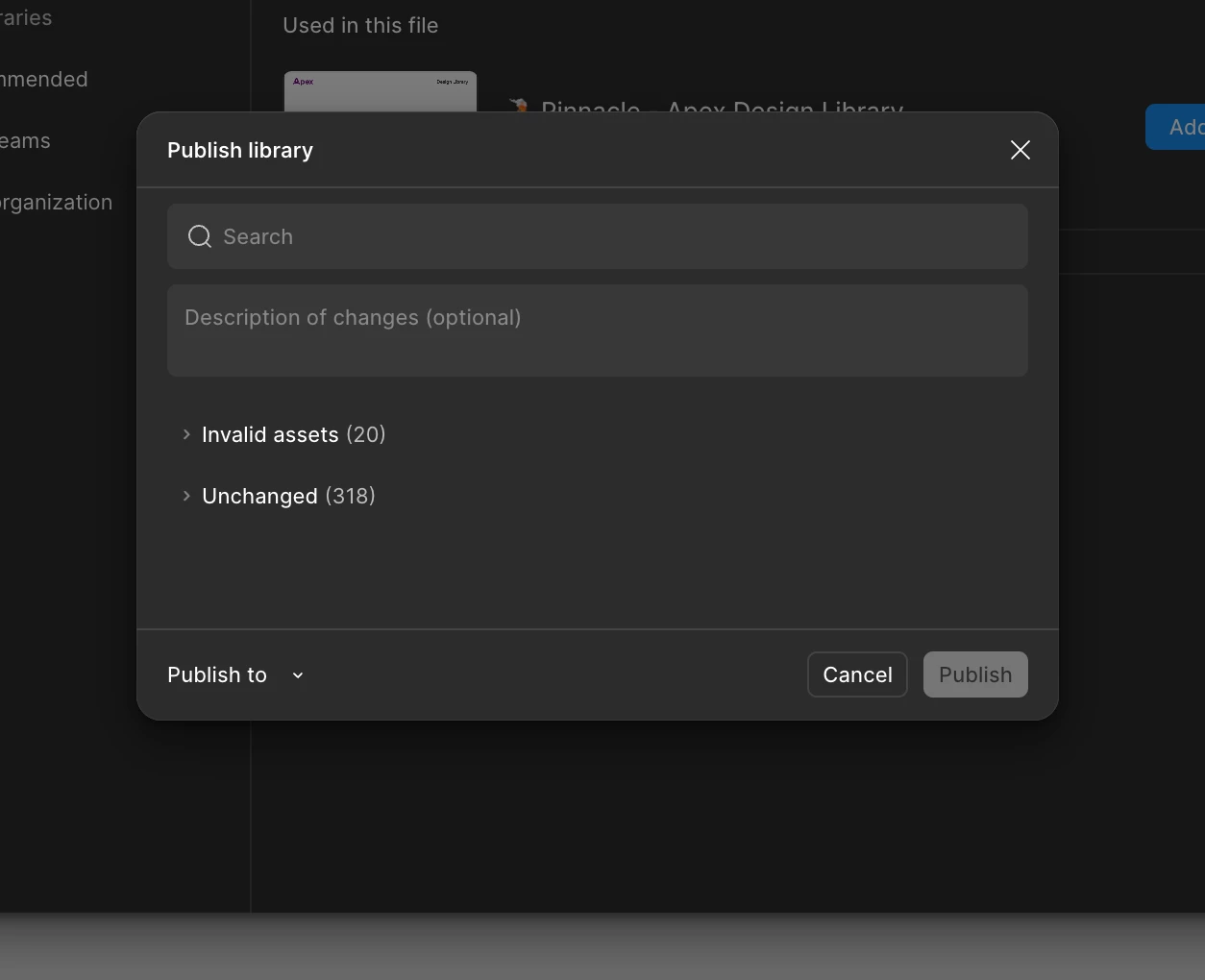
To clarify, our plan is the Organization plan and I am an admin so I should have full access to the features. We also have the AI capabilities turned on in the admin settings.
Would love to have a chat with someone to solve this problem. Thanks!

Best answer by djv
Thanks for following up, @Son_Vu_Dang!
It looks like support was able to get back to you on Wednesday, but just to close the loop here for anyone else in the community running into issues. There’s now an updated process for bringing files into Make. Here are the steps to follow:
Publish your design library
Open a Make file.
Click Settings in the top-right corner of the window and select Create a kit.
From the pop-up modal, choose Library styles and select your library
Hey, @Son_Vu_Dang 👋 Thanks for the question and for the details. It’s always helpful. I have a couple of question to help us get started:
When you tried to publish — were you inside a Make kit looking for the Publish kit button, or were you in your regular Figma design file and expecting a publish-to-Make option?
If you were in a kit — is it saved in your Drafts, or in a project inside the org?
Can you add a full-screen screen recording of the issue in action?
Hey @Son_Vu_Dang 👋 I’m going to open a support ticket for us. You’ll get a reply to the email associated with your forum account and I’ll post here with the support ticket ID as well.
I’ll send a few additional details there, but here they are for visibility. When you reply to the support ticket — rather than here on the forum — please make sure to:
Share the URL of the affected file(s)
Grant edit access to support-share@figma.com so our team can attempt to reproduce the issue
Include a full-size screen recording of the issue, if possible
Sharing file access won't impact your billing—it just allows our team to debug further on their end. Please be sure to use your Figma email account when sharing.
It looks like support was able to get back to you on Wednesday, but just to close the loop here for anyone else in the community running into issues. There’s now an updated process for bringing files into Make. Here are the steps to follow:
Publish your design library
Open a Make file.
Click Settings in the top-right corner of the window and select Create a kit.
From the pop-up modal, choose Library styles and select your library