

Question

Unable to open a file

  • June 20, 2026
  • 3 replies
  • 13 views

ColanAdmin

its been a week and still we are unable to open Only one particular Figma design, its taking too long to load and finally gives us the following error.

URL: https://www.figma.com/design/JAikGFFNnduKurqdqEuEdz/Production_Module?t=4GFIUjGWl2hek9wB-0
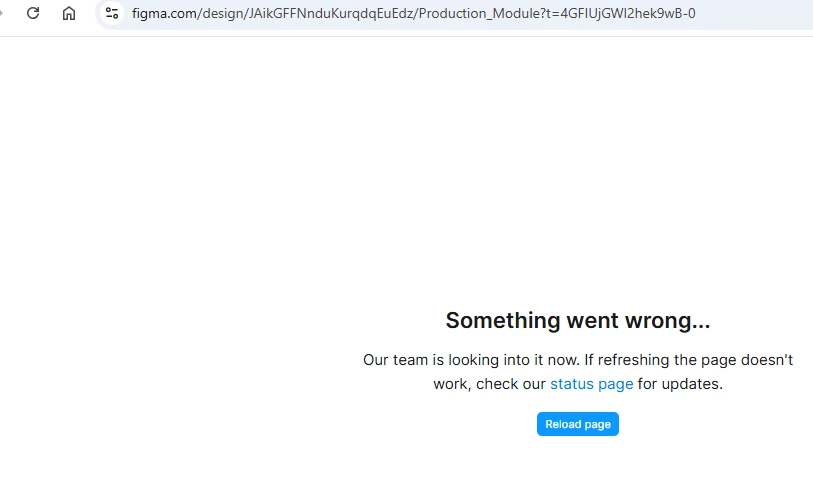


I have submitted ticket twice but I didn’t get any response and I didn’t even get any acknowledgement email for those tickets. 

3 replies

Tom Reem
Figmate
  • Figmate
  • June 20, 2026

Hi ​@ColanAdmin, welcome to Figma Forum. Sorry for the trouble accessing this file, and for the delay with your earlier ticket.

I checked with our Product Support team and confirmed they have your request: 1964363. I've flagged your post directly with them, and pointed out the urgency, so they have full context as they take a closer look. I don't have access to account-level details from here, but they'll be able to dig into the specifics of this file.

You mentioned this is isolated to one particular file. A few more checks would help narrow it down further:

  1. Platform. Does this happen in browser, the Figma Desktop App, or both?
  2. Desktop app version. If you're on the app, can you check Figma → Check for Updates to confirm you're on the latest build?
  3. Network. Can you try a different network (e.g. a mobile hotspot) and refresh the file to see if it loads?

I'll keep an eye out for your reply here, and Product Support will follow up with more on the file-specific side as soon as they can.


ColanAdmin
  • Author
  • New Member
  • June 23, 2026

Still the issue has not been resolved, now there is one more design file started to give me the same issue while accessing. This needs to be resolved immediately. I received email from your team with some instructions but those not relevant to this issues, Not sure whats going on with the designs, i need immediate help so please do the needful ASAP.

Thanks


Celine_
Figmate
  • Community Support
  • June 23, 2026

Hey ​@ColanAdmin , Celine from Figma here, stepping in for ​@Tom Reem ! I'm sorry to hear the issue is now affecting another file, I understand the urgency.

I can see the Technical Quality team is actively investigating your case. Since they're best equipped to handle this in detail, please continue the conversation directly via your support ticket. They'll be able to follow up on your concerns and work through the next steps with you from there. Thank you 🙏