Hi @Kseniya Gerasimenko,
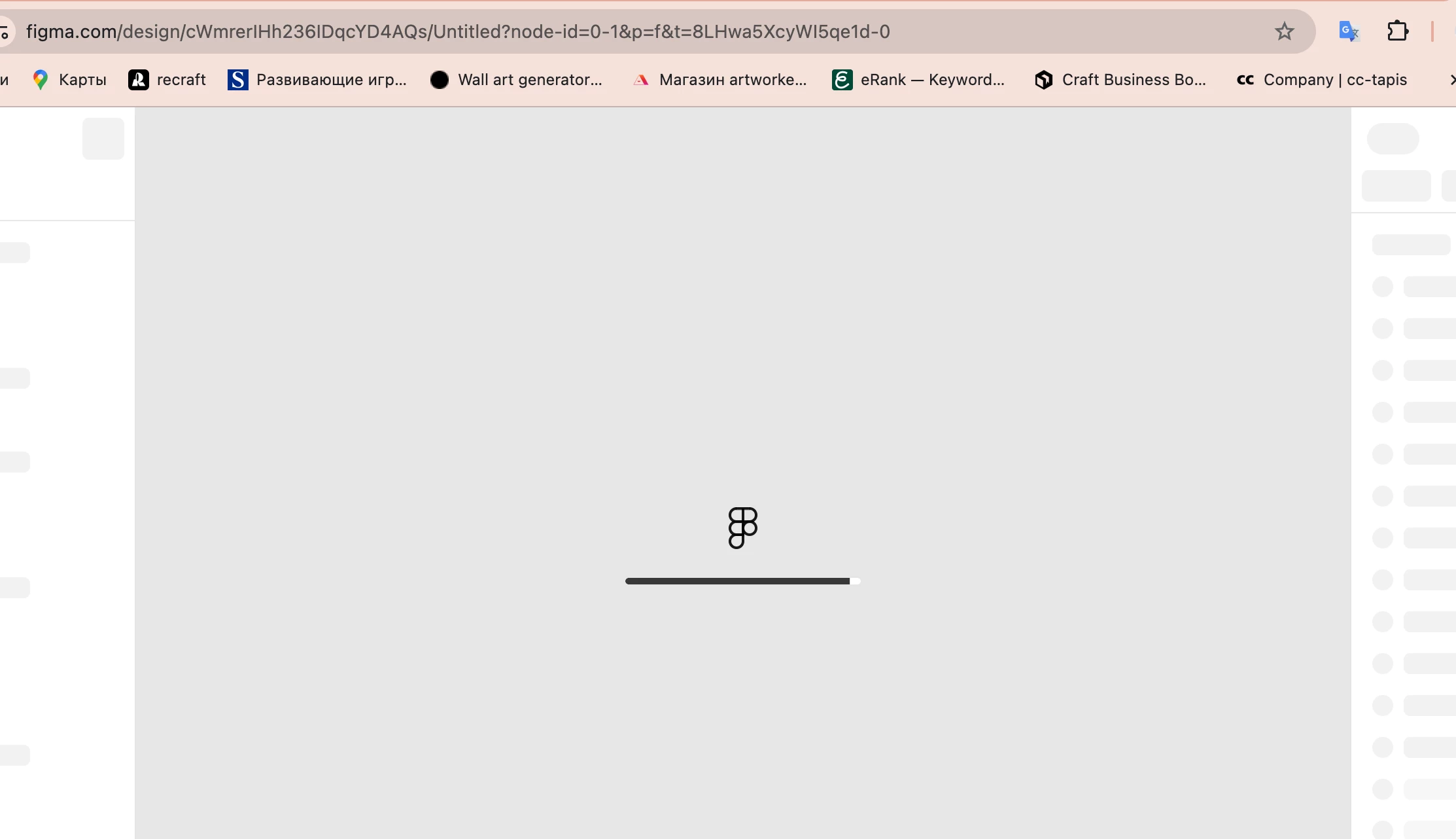
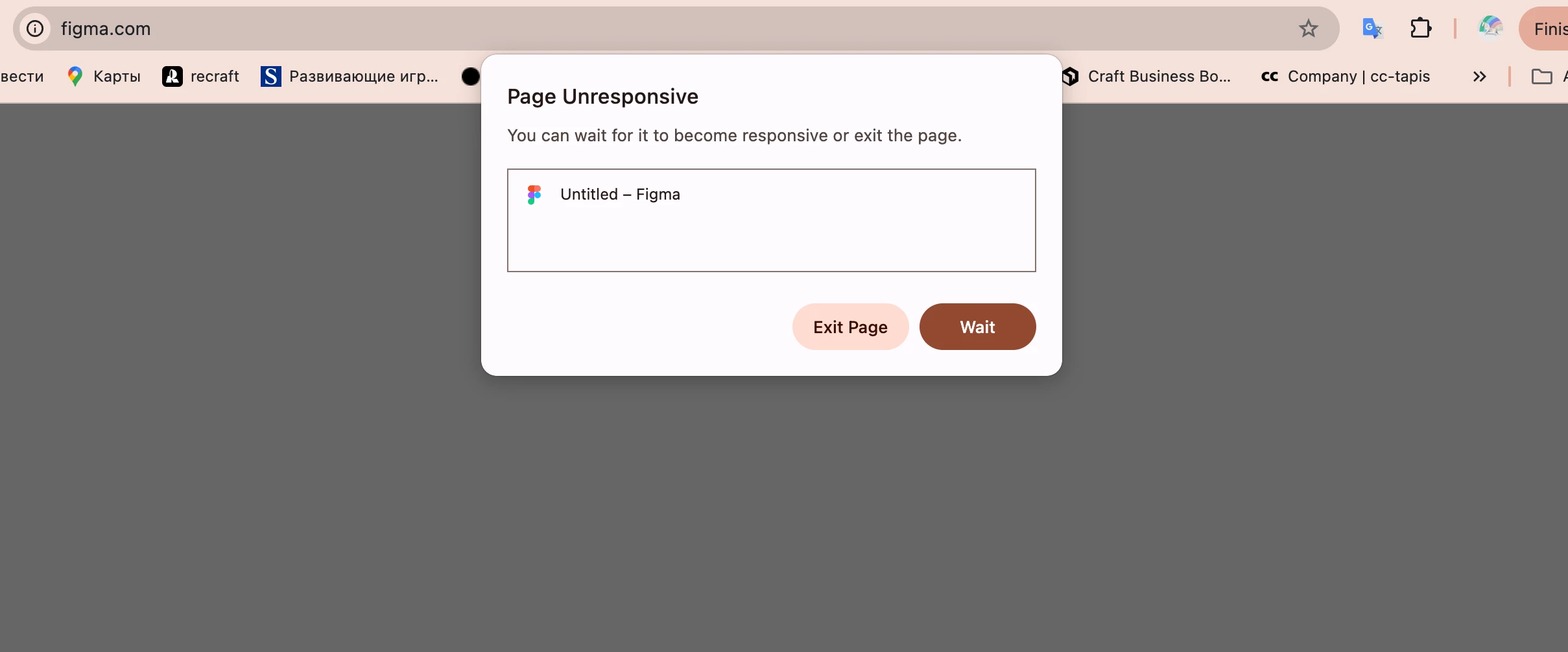
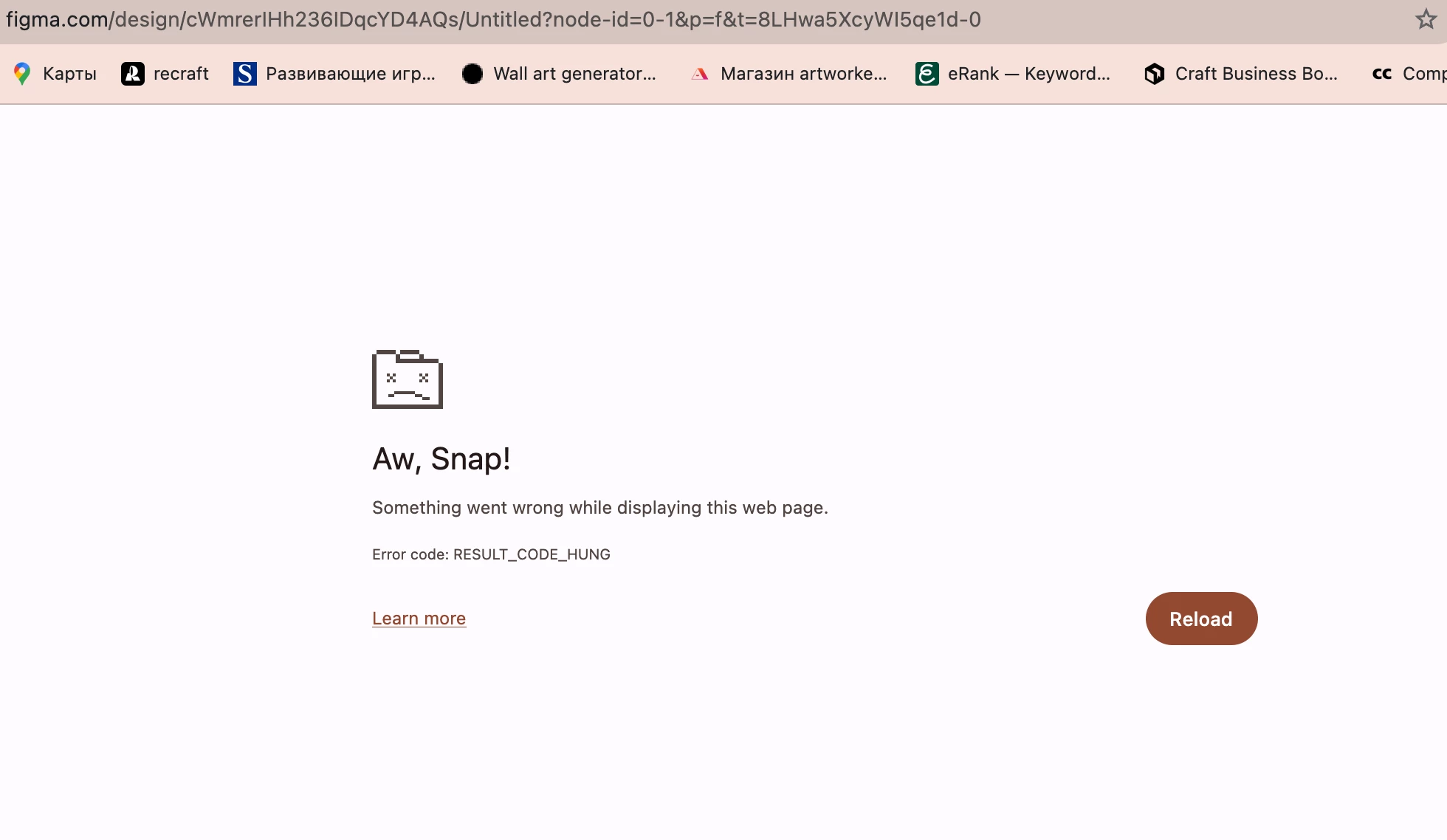
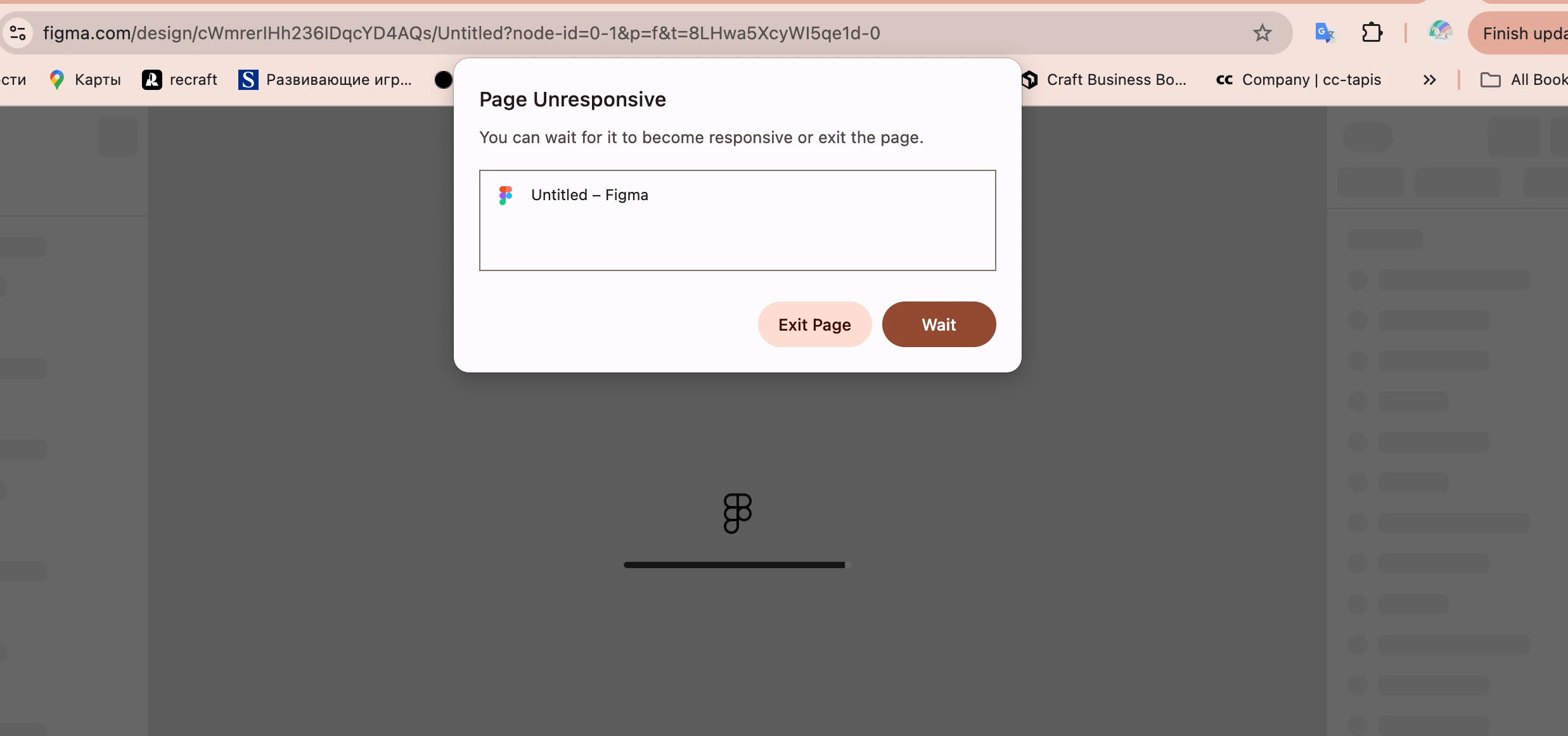
I understand that you’re seeing an “Error code: RESULT_CODE_HUNG” message in Chrome when opening your file.
You also mentioned that you previously saw a message asking to allow a connection to use fonts, though you’re no longer seeing that message now.
Since we don’t have the exact details of the fonts-related message, I can’t confirm its cause. However, if you’re using Figma in a Chrome browser and want to use local fonts in Figma Design files, you’ll need to install the Figma Font Installer. You can read more about this here: Add a font to Figma Design.
To help narrow things down, could you please try the following troubleshooting steps?
- Make sure you’re running the latest version of Chrome and your operating system. After updating, restart your computer to ensure the changes take effect.
- Clear your browser cache.
- Disable browser extensions one by one to see if the issue changes.
- Try using another supported browser and the Figma desktop app to see if the issue occurs there as well.
- Try connecting from a different network (for example, a mobile hotspot) to see if the issue persists.
- Let us know whether this happens in a specific file or across all Figma files.
If the issue continues, please let us know the results of each of the steps above and share a screenshot or screen recording if possible.
This will help us better understand what’s happening and determine the next best steps.
Thanks!