
Flamebamboo
New Member
Oct 28, 2026 6:17 AM UTC
Solved

The app refreshes itself every time I move.
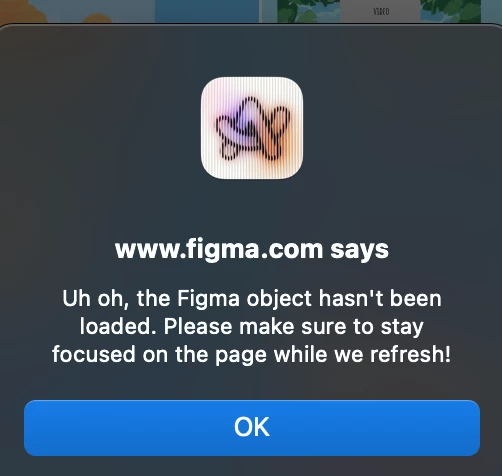
I’m using Arc browser, it normally works fine but for the past few days I can barely do anything as it refreshes itself every time I zoom or move around. 

Gayani_S
Gayani_SSolution
Community Support
Oct 28, 2026 6:42 PM UTC

Hey ​@Flamebamboo, thanks for reaching out! 

Arc isn’t listed among the browsers we support, so a good first step is to see if it behaves the same elsewhere. Here are a few things to try:

  1. Open the same file in Chrome, Edge, Firefox or Safari, or in the Figma desktop app.
  2. Close any Figma tabs you aren’t using, then force-quit your browser and reopen the file in a new window.
  3. Turn off your browser extensions and try the file again.

You’ll find more quick fixes in our Troubleshooting checklist.


If it keeps happening in a supported browser or the desktop app, let me know if this happens in every file you open, or only one specific file?
 

1 reply

Gayani_S
Figmate
Gayani_SSolution
Community Support
Oct 28, 2026 6:42 PM UTC

Hey ​@Flamebamboo, thanks for reaching out! 

Arc isn’t listed among the browsers we support, so a good first step is to see if it behaves the same elsewhere. Here are a few things to try:

  1. Open the same file in Chrome, Edge, Firefox or Safari, or in the Figma desktop app.
  2. Close any Figma tabs you aren’t using, then force-quit your browser and reopen the file in a new window.
  3. Turn off your browser extensions and try the file again.

You’ll find more quick fixes in our Troubleshooting checklist.


If it keeps happening in a supported browser or the desktop app, let me know if this happens in every file you open, or only one specific file?