Team invites are not being received.
The Issue
I am trying to give team level view permissions to members but they are not being received.
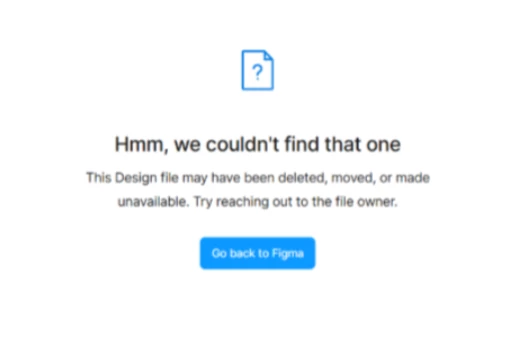
Because of the confidentiality of the project, access permissions are controlled at team level and is set to “People invited to team”. I am inviting the team members the same way I’ve done everyone previously but they don’t receive an email and they have no notifications to accept. Even if I add them to the team and then share a link they still can’t access the team or pages. Unless they are able to “Accept” the invitation they can never access any of the team content. Even this behavior feels inconsistent, because sometimes they can request access and sometimes it says it can’t be found. (Picture attached) It’s causing major issues with giving access to our new devs. It’s also difficult to trouble shoot because they are on such a large time difference we are rarely on at the same time.
Additional Info:
- We are on an Enterprise account
- We predominately only have trouble with our contractors who join the team, but they all have a company email address.
- So far I’ve only noticed an issue with team members in India
- I believe all accounts affected are free accounts. But not all free accounts have this issue.
- One user recently ‘solved’ the issue by switching to a new browser, but not sure if that is actually what fixed the problem or if it was just a coincidence
- None of the people in this team (affected or unaffected) are added as team members to this workspace.
- Because the permissions are managed per team, and they change frequently, I’m hesitant to add the as members at the workspace level.
It feels like this only started recently, so I’m wondering if there has been some kind of permissions change that affects how these invites are handled.