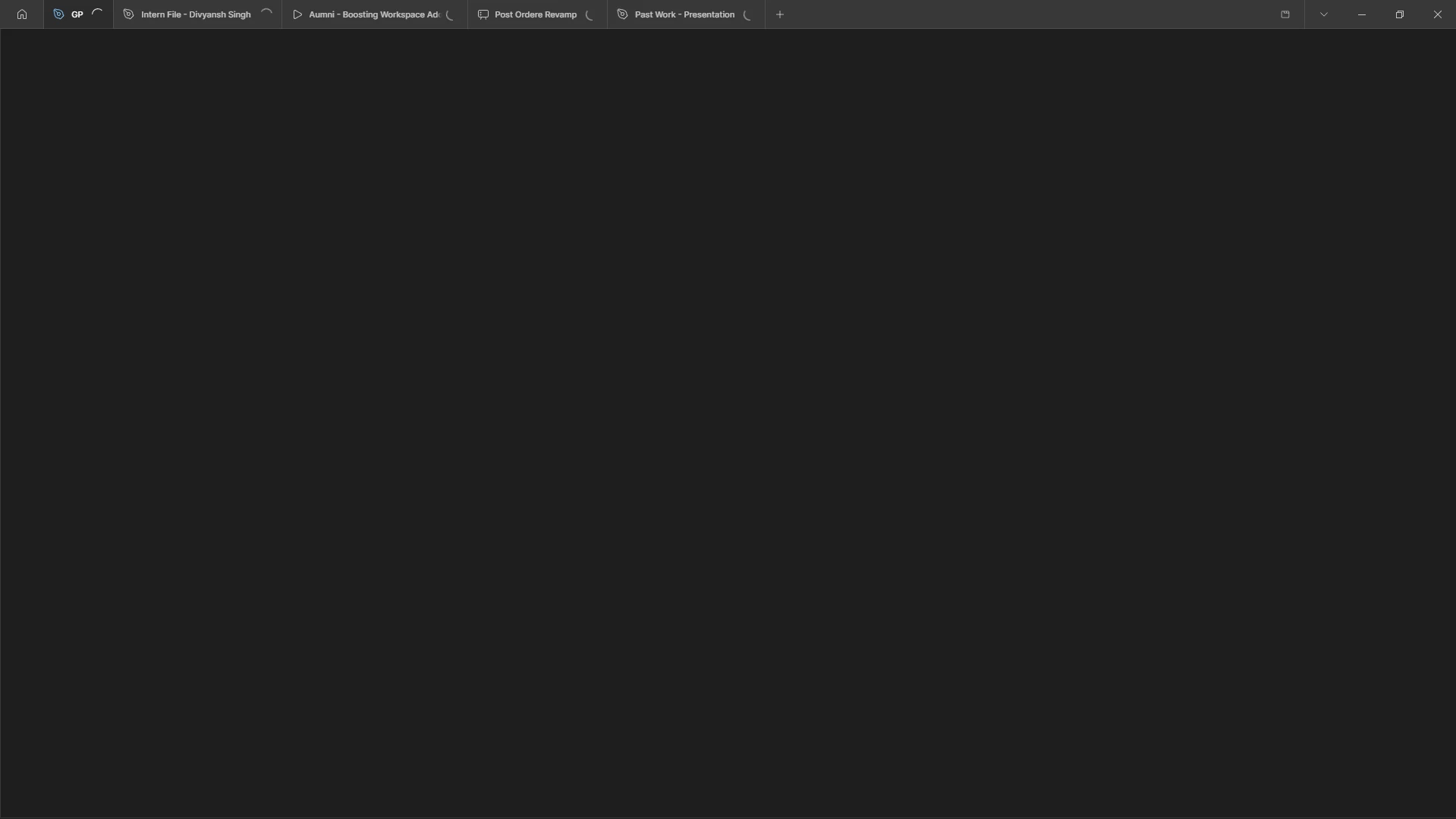
Solved

Stuck on loading

  • July 28, 2026
  • 1 reply
  • 32 views

divyansh9972
even after restarting laptop


Best answer by Celine_

Hey ​@divyansh9972, Celine from the Community Support team at Figma here. Thank you for flagging this! I'd like to have our Technical Quality team take a closer look, so I've gone ahead and created a support ticket on your behalf. For reference, your support case is 2036661, sent to your email address: dixxxx72@gxxxl.xxm.

You'll receive an email shortly with instructions on how to reply to the ticket. To help us investigate, please include as much detail as possible, such as:

  • A description of when the file gets stuck on loading
  • The affected file URL(s)
  • A screen recording or screenshot of the issue
  • Your operating system, browser (or desktop app) version, and any troubleshooting you've already tried

Our team will review the information and follow up with you directly. Thanks for your patience!

Update: Good news, I can see that your issue has been resolved! It’s working now properly after you have reinstalled the application.
I’lll go ahead and close the thread here.

This topic has been closed for replies.

1 reply

Celine_
Figmate
  • Community Support
  • Answer
  • July 28, 2026

Hey ​@divyansh9972, Celine from the Community Support team at Figma here. Thank you for flagging this! I'd like to have our Technical Quality team take a closer look, so I've gone ahead and created a support ticket on your behalf. For reference, your support case is 2036661, sent to your email address: dixxxx72@gxxxl.xxm.

You'll receive an email shortly with instructions on how to reply to the ticket. To help us investigate, please include as much detail as possible, such as:

  • A description of when the file gets stuck on loading
  • The affected file URL(s)
  • A screen recording or screenshot of the issue
  • Your operating system, browser (or desktop app) version, and any troubleshooting you've already tried

Our team will review the information and follow up with you directly. Thanks for your patience!

Update: Good news, I can see that your issue has been resolved! It’s working now properly after you have reinstalled the application.
I’lll go ahead and close the thread here.