
Gaurav Nandan
New Member
October 7, 2026
Solved

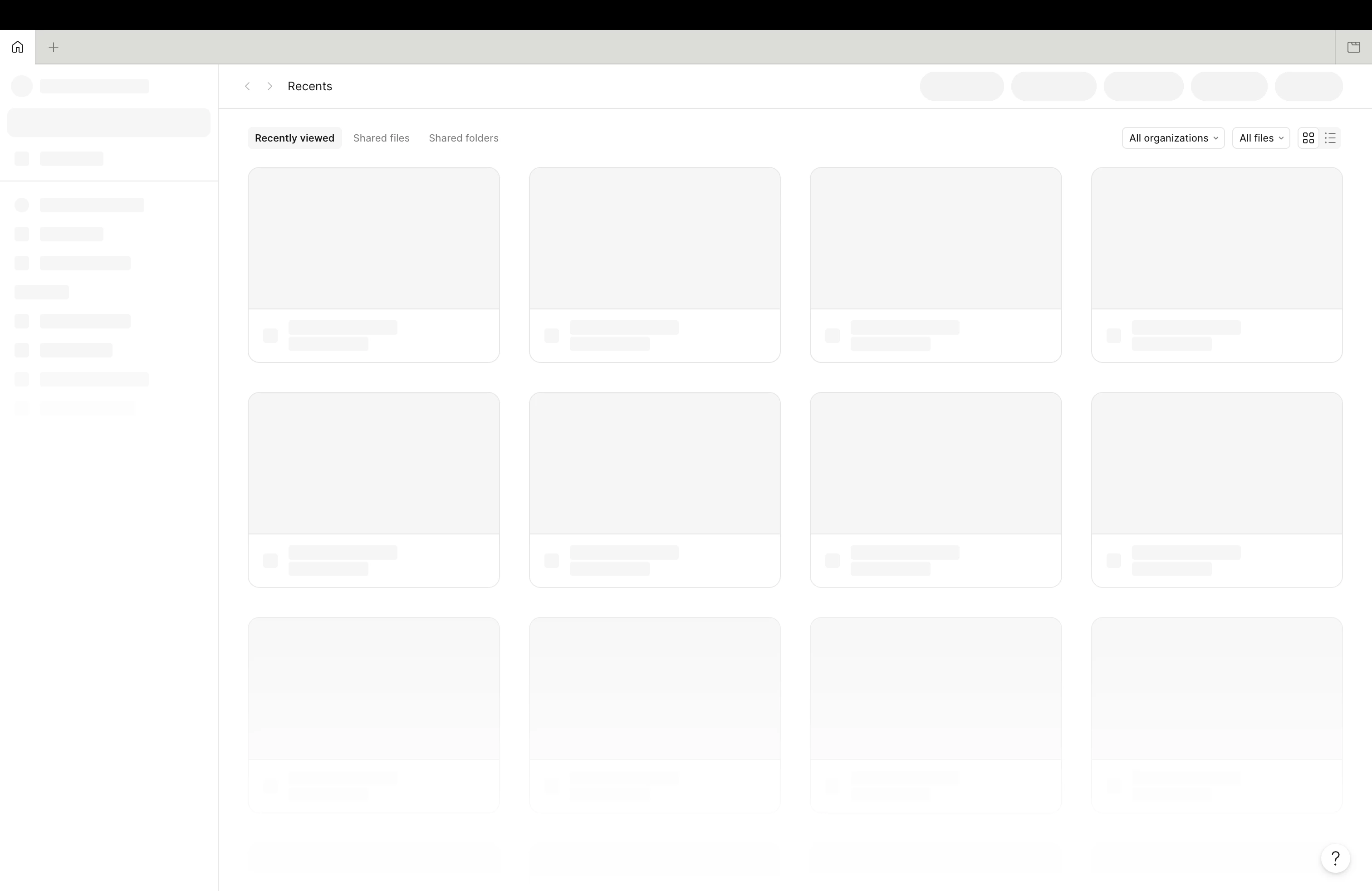
Stuck at lazy loader state

Figma isn’t loading since yesterday. Its stuck at lazy loader state. I am not having any internet connectivity issue. Please check.

 

    Celyn_L
    Celyn_LSolution
    Figmate
    October 7, 2026

    Hi ​@Gaurav Nandan, Celyn from the Figma Community Support team here.

    Thanks for reaching out and for sharing the screenshot. I understand that Figma has been stuck on the loading screen since yesterday, even though your internet connection is working.

    I’ve gone ahead and created a support ticket for you so the team can take a closer look and assist you directly. Your ticket number is #2175749.

    Please reply directly to the ticket with these details:

    • Does this happen in both the browser and the Figma desktop app?

    • What device and operating system are you using?

    In the meantime, this resource covers some additional troubleshooting steps that may be worth a look: Troubleshooting checklist → Try these quick fixes.

    Someone from the team will be reaching out with next steps soon, thanks for your patience!

    1 reply

    Celyn_L
    Figmate
    Celyn_LSolution
    Figmate
    October 7, 2026

    Hi ​@Gaurav Nandan, Celyn from the Figma Community Support team here.

    Thanks for reaching out and for sharing the screenshot. I understand that Figma has been stuck on the loading screen since yesterday, even though your internet connection is working.

    I’ve gone ahead and created a support ticket for you so the team can take a closer look and assist you directly. Your ticket number is #2175749.

    Please reply directly to the ticket with these details:

    • Does this happen in both the browser and the Figma desktop app?

    • What device and operating system are you using?

    In the meantime, this resource covers some additional troubleshooting steps that may be worth a look: Troubleshooting checklist → Try these quick fixes.

    Someone from the team will be reaching out with next steps soon, thanks for your patience!
