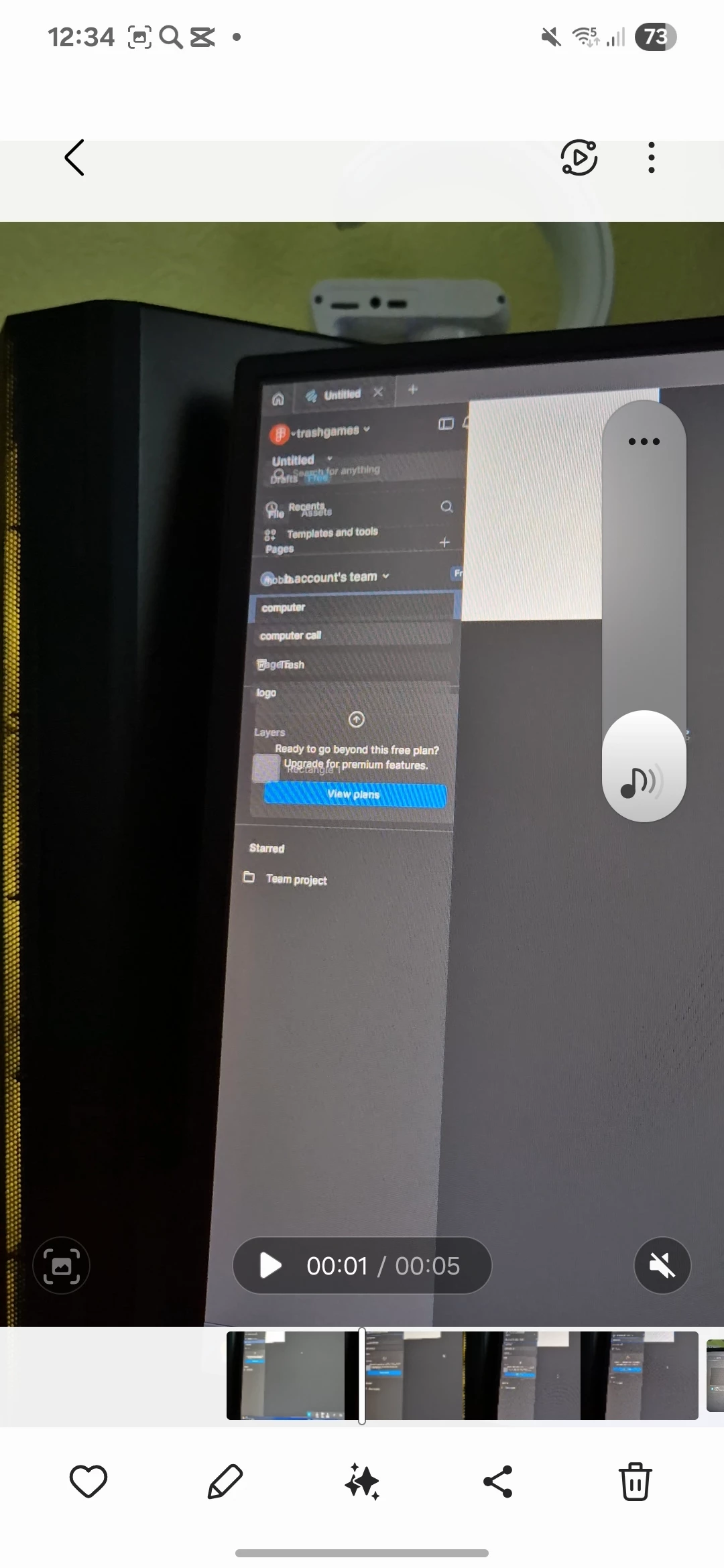
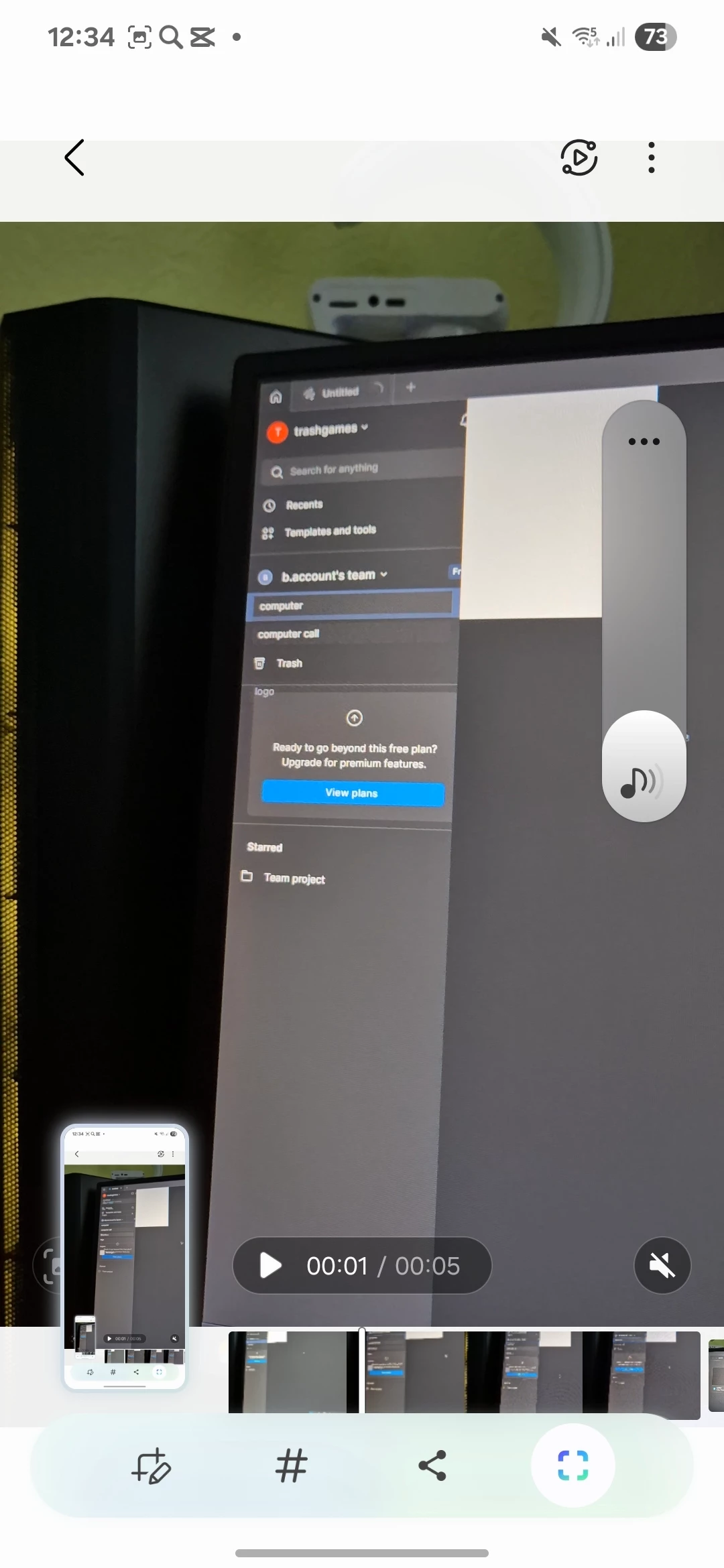
Hi @trashgames! At the moment, we don’t support Russian language directly, so I’ll continue in English. Please don’t hesitate to let me know if anything is unclear. I’m happy to explain further!
From your message, it sounds like the desktop app is glitching, but things are working fine in the browser, is that correct? I looked at the screenshot, but couldn’t quite tell where the glitch is happening. Could you share a bit more detail about what exactly you're seeing? I am guessing you tried to attach a screen recording. To share screen recordings, you can either use Google Drive or Loom.
To help us troubleshoot, here are a few quick questions:
Are you seeing any error messages in the desktop app?
Does the glitch happen in just one file, or across all your files?
When did the issue start, and how often is it happening?
You mentioned you're on Windows — just to confirm, are you using a 64-bit system with Windows 10 or later?
I’ll do my best to help you get this sorted as quickly as possible!
Hey @trashgames. apologies for the delayed response! Appreciate your effort in answering in english, these information are very helpful!
Could you try clearing the cache and see if that helps? You can clear the desktop app cache on Windows under the toggle-arrow at the right of the top toolbar under Help > Troubleshooting. If you'd prefer to manually clear your cache you can:
Close the Figma desktop app
Open the Start menu, and paste in this, followed by enter: %APPDATA%\Figma
In the window that opens, delete the Desktop and DesktopProfile folders if they exist
Launch the desktop app again
If this does not clear your issue please contact our support team via this form and send them your desktop app debug logs. So our team can investigate whats causing this. You can find the steps in our Help Center article: Download Figma desktop app debug logs.
Please let me know if you need help reaching out to our support team or assistance with the translation.