Hey @Stistudent138 — welcome to Figma Forum, and thanks for flagging this.
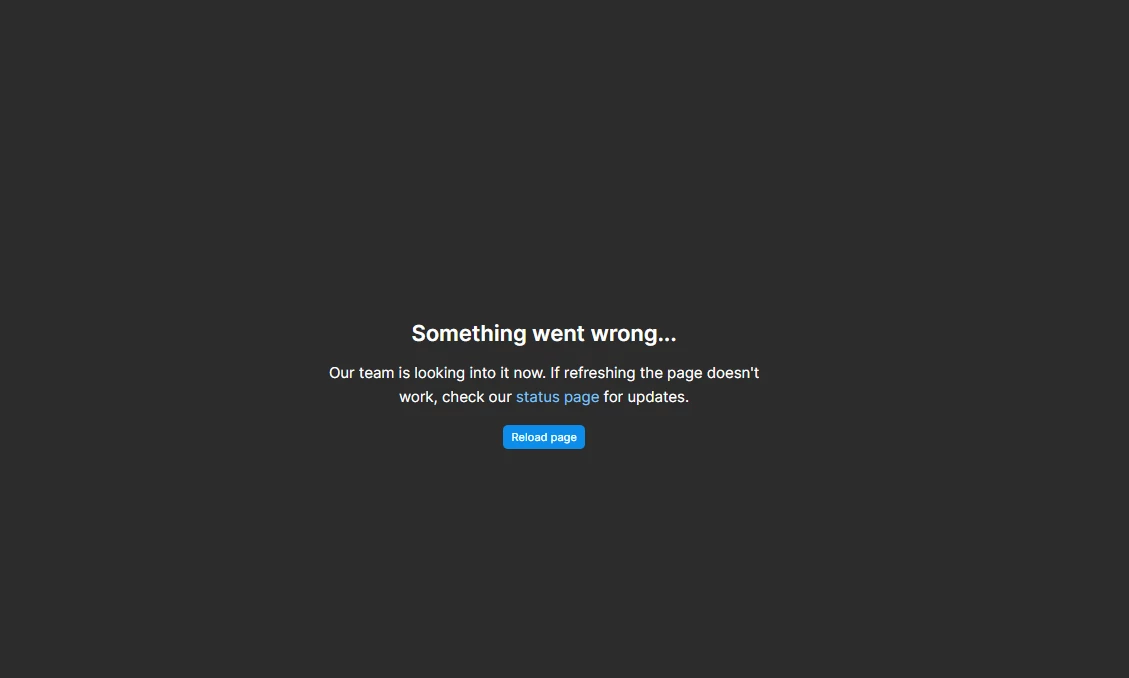
Are you still seeing the “Something went wrong…” error, and does it happen in Figma Make, Figma Design, or both? Often, waiting a moment and retrying or duplicating the file and trying there resolves it. If it persists, you can submit a bug report, or check our troubleshooting guide here: Troubleshoot in Figma Make → Error messages.
If things are still blocked after giving those a go, please reply with the steps leading up to where it fails, and I’ll help escalate it with Product Support for a closer look. 🙏🏻
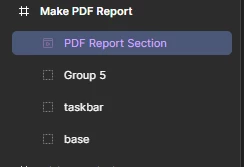
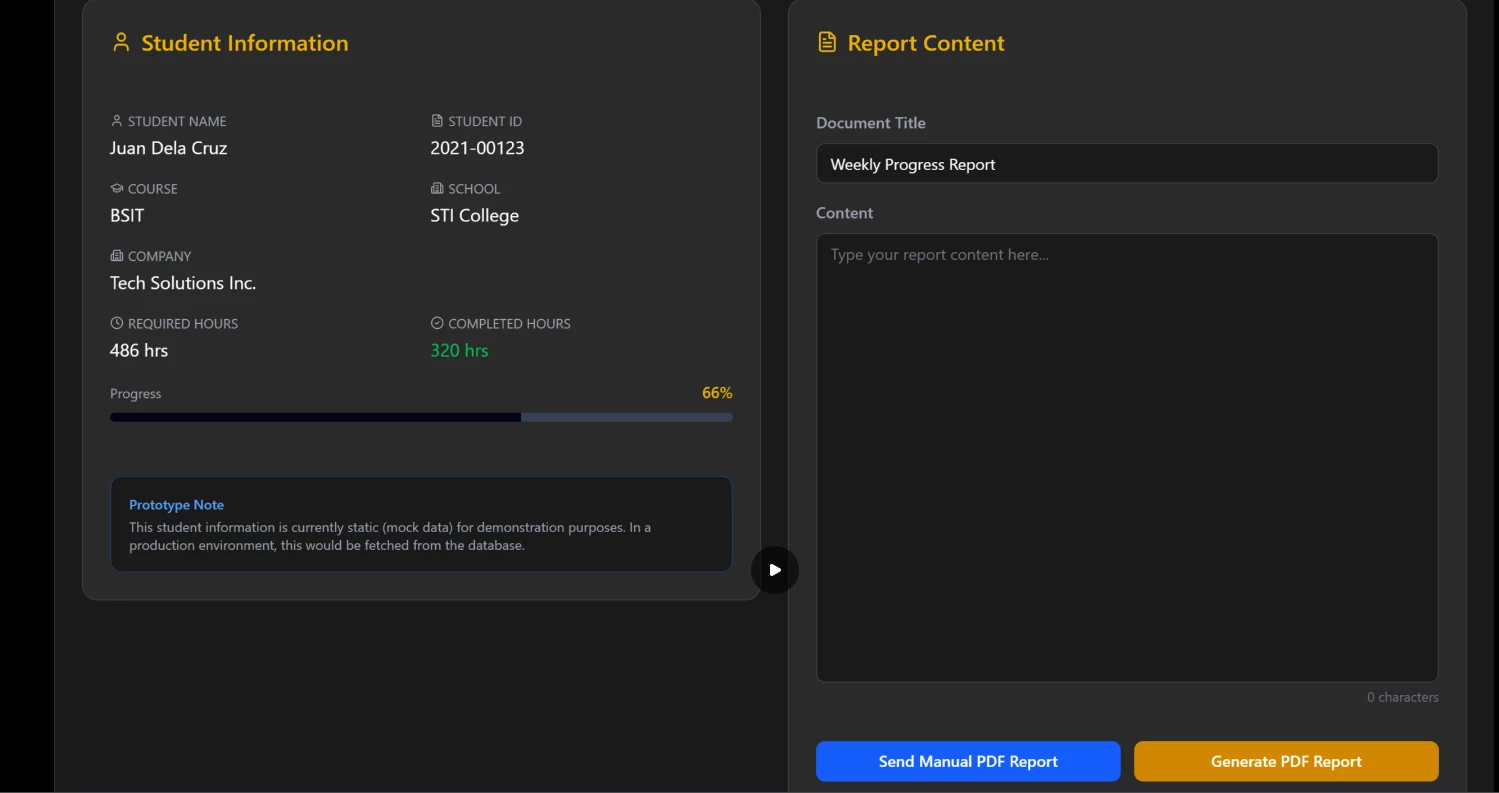
It's working on figma make in the chat, but when I clicked the share link and paste it on the figma design, it stops working. When you click the play button it stops working.
I already tried duplicating and retrying the file.
and making a new prompt and a new figma design it still doesn't work.
This problem started in Feb 17 2026 and still broken right now in Feb 23 2026.
Thanks for taking the time to test all of that and report back, @Stistudent138 — that really helps.
I haven’t been able to reproduce this on my end yet, so the next best step is to get our Product Support team a closer look at what’s happening in your file.