

Question

"Something went wrong error" without any error code while trying to merge a branch

  • June 23, 2026
  • 1 reply
  • 10 views

Maximilian Tora

Hey there,

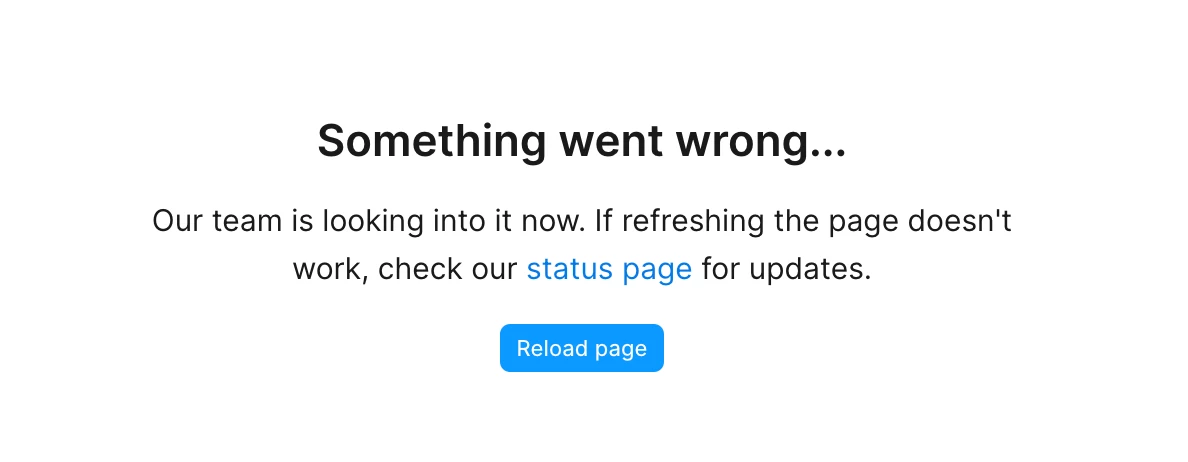
I’ve been trying to merge a larger branch for hours already but when I click on review and merge changes, it loads for quite a bit and then results in that error screen.

I tried on desktop and via browser – always the same result
When I tried it a few hours before it worked until I clicked on the actual merging button after the conflicts resolving. However I received the same error screen.
Under the status page link everything looks fine.

Since the latest update it seems that Figma is really getting slower and slower.

This really marks a new low in the overall quality.
Pls help quickly
 

1 reply

Jaycee Lewis
Figmate

Hi ​@Maximilian Tora 👋 I’m sorry you’ve run into this. 

To check my understanding:

  • Clicking "Review and merge changes" loads for a while, then lands on the "Something went wrong" error screen
  • Same result on both the desktop app and the browser
  • Earlier today it got you through conflict resolution, but the error still hit when you clicked the final merge button
  • This is a larger branch

The fact that it reproduces in both desktop and browser is useful to know.

Quick questions: Roughly how large the branch is (how many pages or layers have changed) and roughly how long it's been diverged from the main file?

For our support ticket, would you be able to share a few additional things?

  • The file URL, with support-share@figma.com invited as a viewe. Please also include the name of the branch you're merging
  • A short screen recording of the full flow, from clicking "Review and merge changes" through to the error screen, including the wait time before it fails

Talk soon! — Jaycee