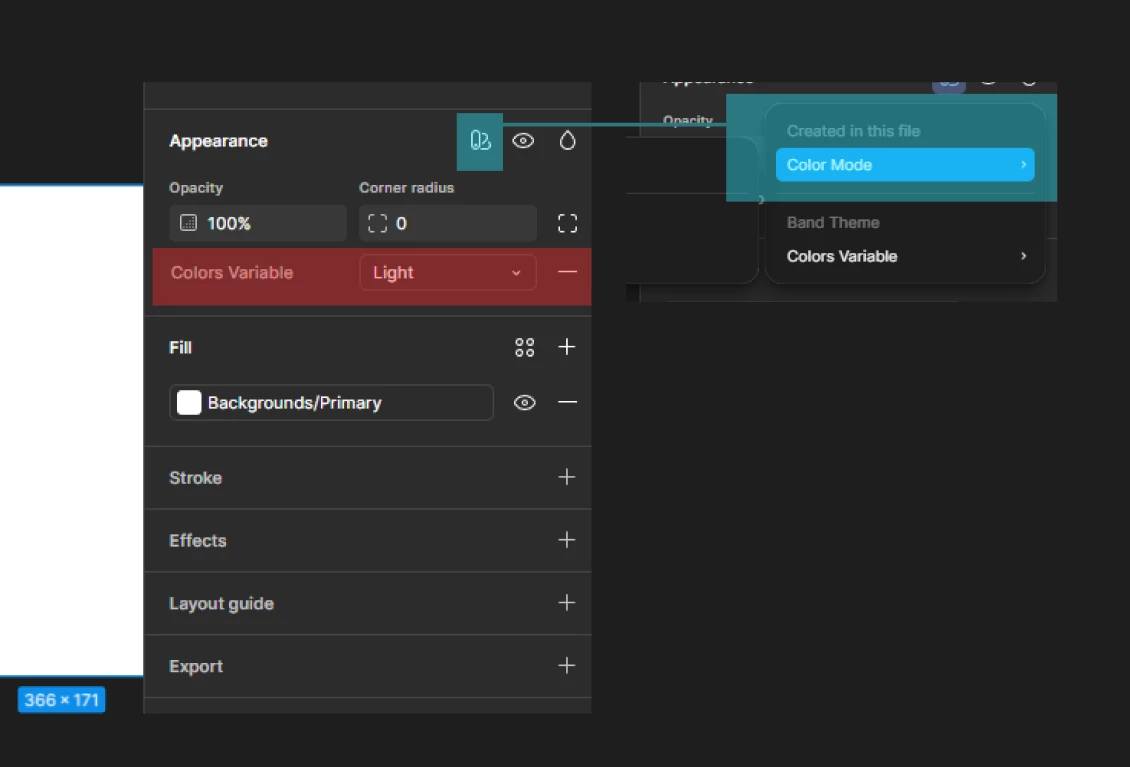
SOLVED: Variable Mode not working
Just thought I’d share for posterity as this almost drove me insane! I’d set up basic light / dark color modes and variables, which worked almost everywhere except for a few frames. It turns out i’d copied some assets from another project, and the appearance tab had exposed the variable modes for them, rather than the ones in the current file. The solution was to go the longer way through [blue] to the variable mode.