Question
Small Improvement: Prevent Timeline Zoom Controls from Covering Frames
A small usability improvement for the Motion timeline:
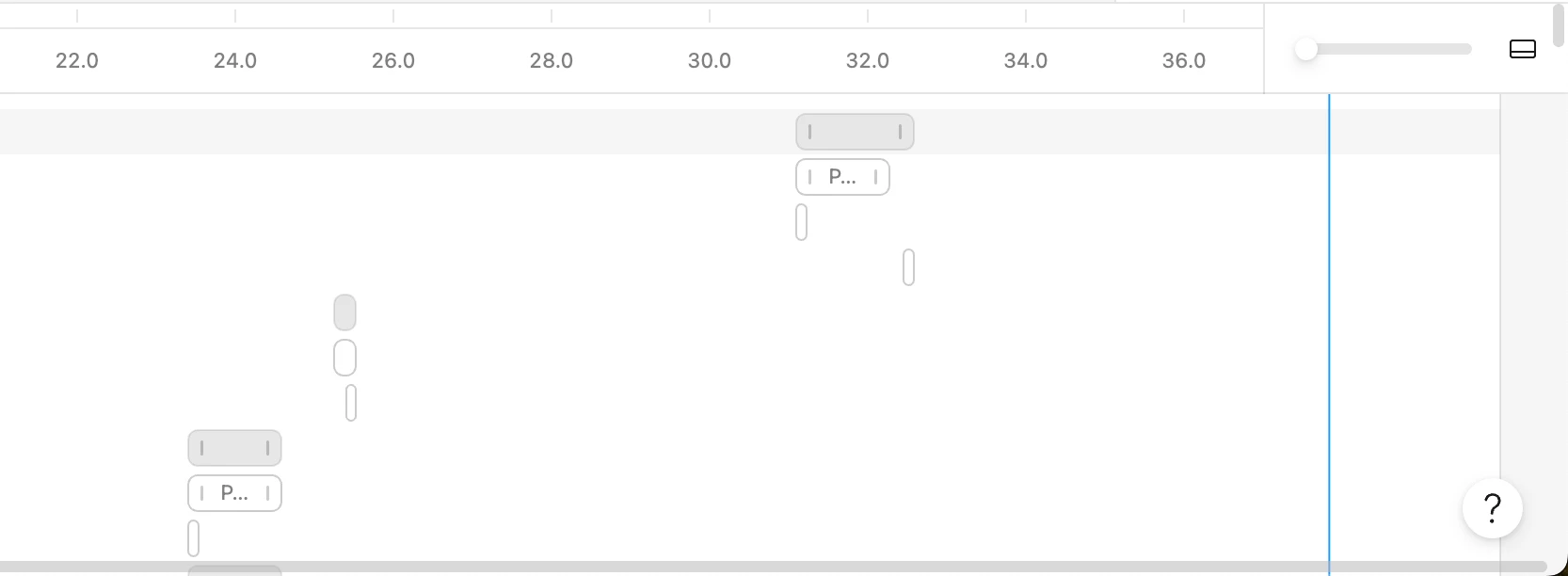
When working on a longer animation, the floating timeline zoom controls can cover the frames underneath them.
For example, my current animation is around 40 seconds long, and near the end of the timeline the zoom control box overlaps the remaining frames, making them harder to see and interact with. It becomes a little annoying when working precisely in that area.
A few possible improvements:
- move the zoom controls outside the active timeline area
- make the control box collapsible
- allow it to auto-hide while editing
- add extra right-side timeline padding so frames can always scroll past the overlay
It’s a small issue, but fixing it would make longer timelines much more comfortable to work with.
The controls should never hide the frames you’re trying to animate.