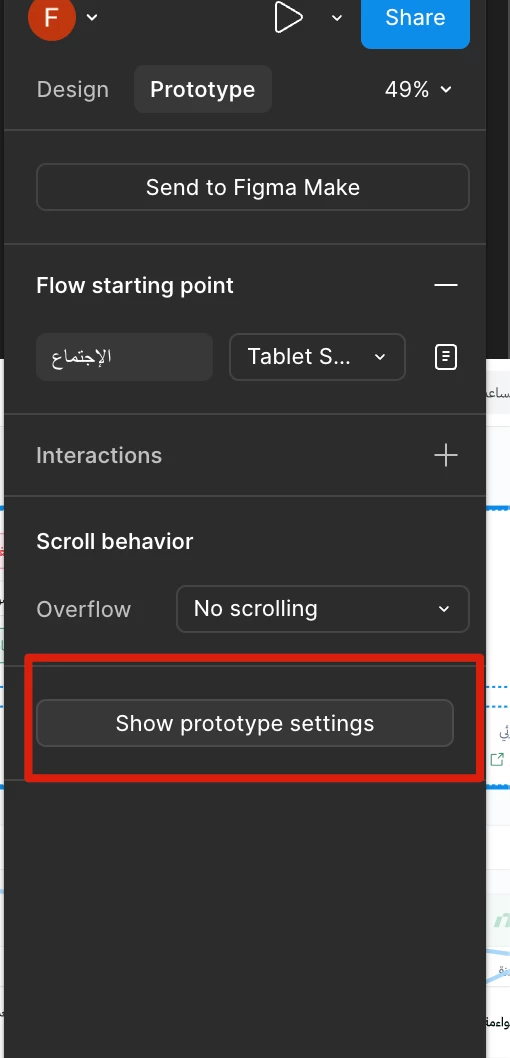
Thanks for your post and for the screenshot! That must be weird to see when nothing happens. Here’s what I see when I click on Show prototype properties:
Prior to clicking - looks the same as your screenshot.Updated right-side panel after clicking “Show prototype settings”.
You can see that the right panel updates so I can choose a device and color. Can you check and see if you are using the most recent version of the desktop app? I’m guessing you are using the app since you mention that this is ‘on the desktop’. To update the app in mac OS, click Figma in the top menu bar; on Windows, use the top-level menu and select Check for Updates.
You can also try doing this in a web browser as well if that’s quicker. If you still have trouble after updating or using a browser, let me know.