

Question
Shortcut “K” no longer auto-focuses Scale input when switching from Move tool
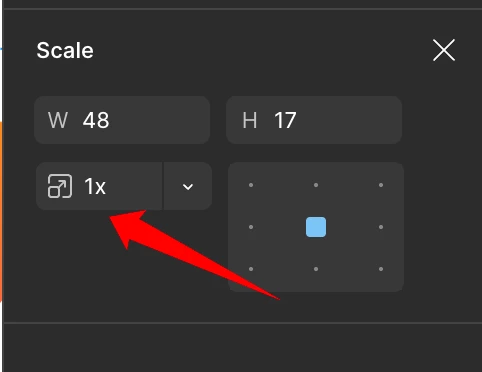
I’ve been using the “K” shortcut workflow for scaling for years, and something has clearly changed recently.
This directly affects efficiency and accuracy, so I want to raise it for the team’s attention.
Expected Behavior
-
Select any object
-
Press K
-
Figma switches to the Scale tool
-
Automatically focuses & highlights the X scale field
-
-
Type the desired scale value
-
Press Enter
Current Behavior
-
Pressing K while:
-
switches to the Scale tool
-
but does NOT auto-focus the X scale input
-
-
Now I need to press K twice
-
First: switch tools
-
Second: focus the scale input field
-
This breaks the entire workflow, and my muscle memory leads to accidental opacity changes (e.g., typing 5 changes opacity to 50 instead of scaling).