Solved

Shift + Up Arrow not working at color value

  • April 9, 2026
  • 2 replies
  • 84 views

Vasiliy4

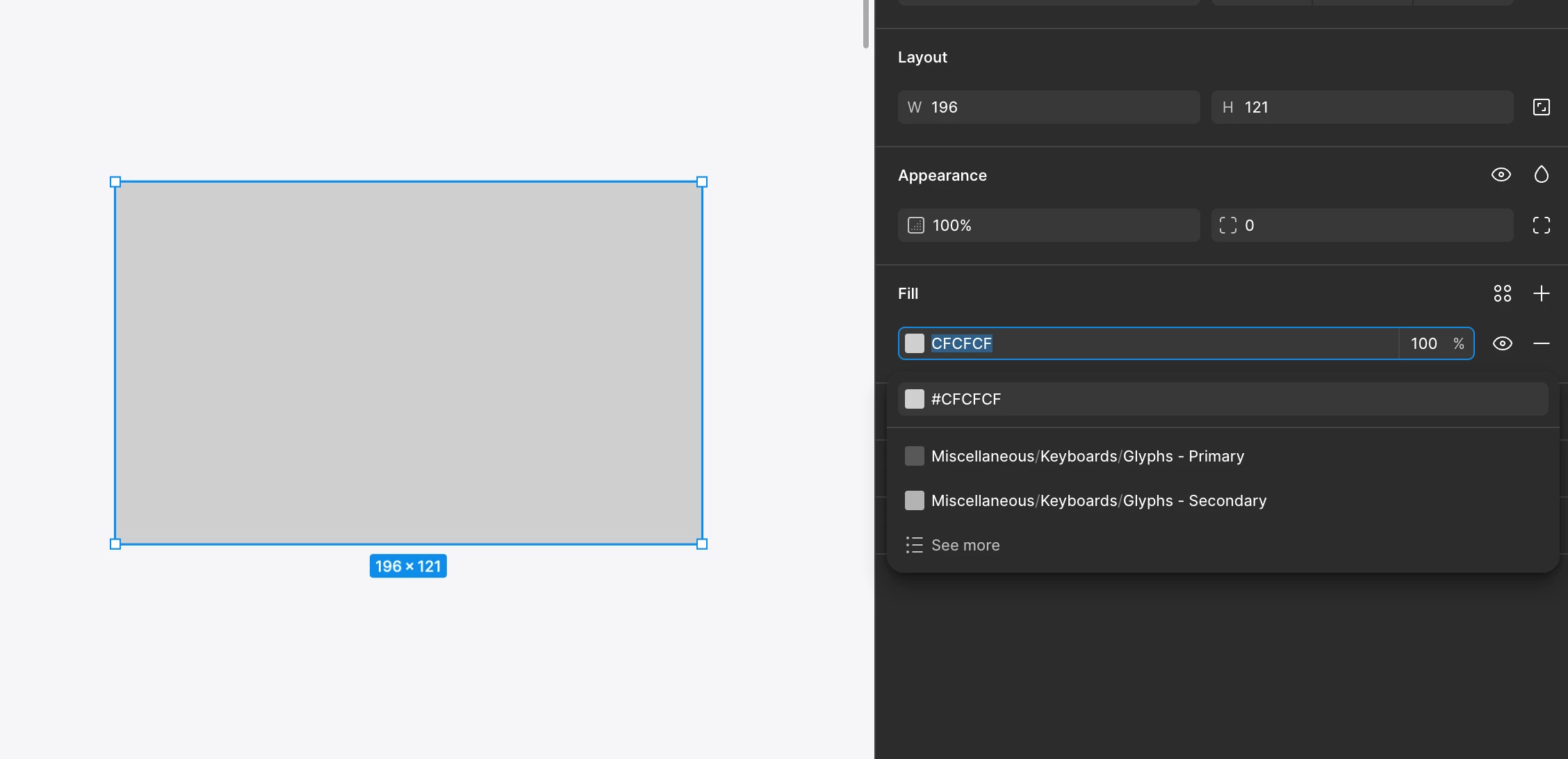
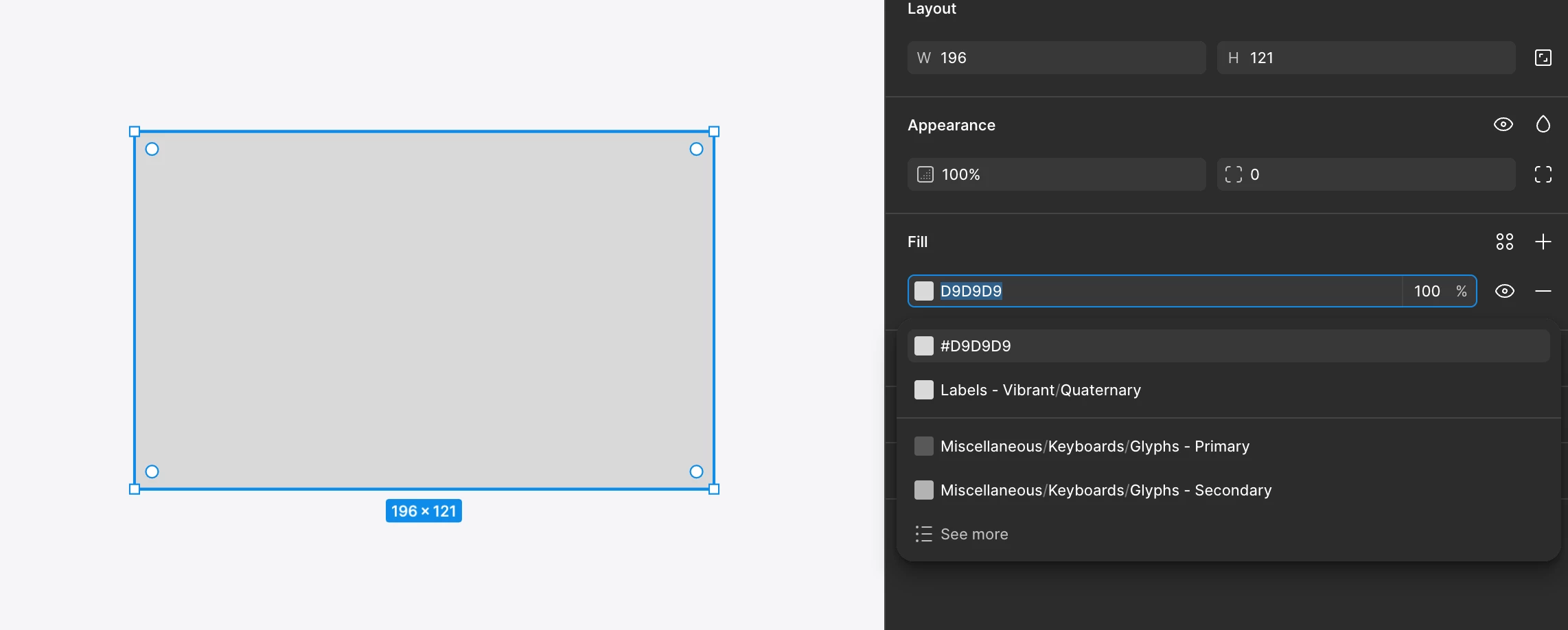
The Shift + Up Arrow combination with a selected hex color value in the right panel no longer increases the color's lightness, while the Shift + Down Arrow combination still decreases the color's lightness


Figma Desktop App version 126.2.10 (MacOS 26.4)

Best answer by adamsmasher

Hello again, ​@Vasiliy4


We’ve released an update for this, so now using shift + up will increase color lightness. Let me know if have any issues or other questions. Thanks again for flagging this!

2 replies

adamsmasher
Figmate
  • Figmate
  • April 9, 2026

Hi ​@Vasiliy4!

Thanks so much for your post and detailing what you’re seeing when using shift + up to increase fill color lightness. I was able to reproduce this myself so I opened a bug ticket with our team. Thanks for your patience while we work to resolve this issue, and please let me know if you have any other questions.


adamsmasher
Figmate
  • Figmate
  • Answer
  • April 23, 2026

Hello again, ​@Vasiliy4


We’ve released an update for this, so now using shift + up will increase color lightness. Let me know if have any issues or other questions. Thanks again for flagging this!