Right-click stopped working on figma canvas on ipad
Hi Figma team,
Right-click suddenly stopped working on the Figma Design canvas on my iPad. It was working normally until yesterday.
The important detail is that right-click still works everywhere else in Figma, including the Layers panel and Figma menus. It only does not work directly on the Design canvas.
I am using an iPad with a mouse.
I have already tried:
- Refreshing Figma multiple times
- Completely restarting the iPad
- Creating and testing with a new Figma account
- Opening the file in Safari
- Opening the file in the Figma app
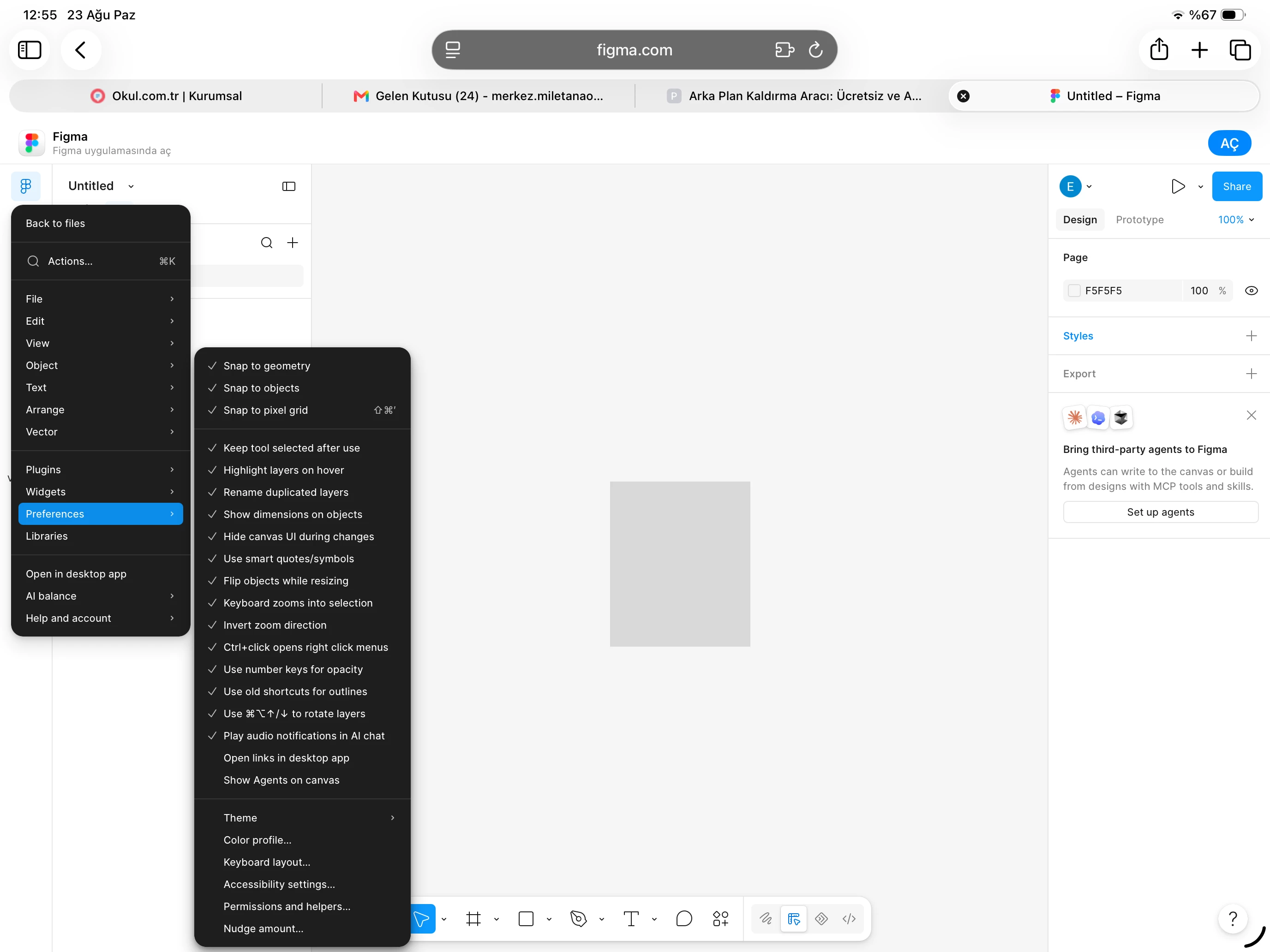
- Checking that “Ctrl + click opens right click menus” is enabled
- Disabling “Show Agents on canvas”
- Trying Ctrl + left-click
- Trying Command + right-click
- Trying a long right-click
None of these solved the problem.
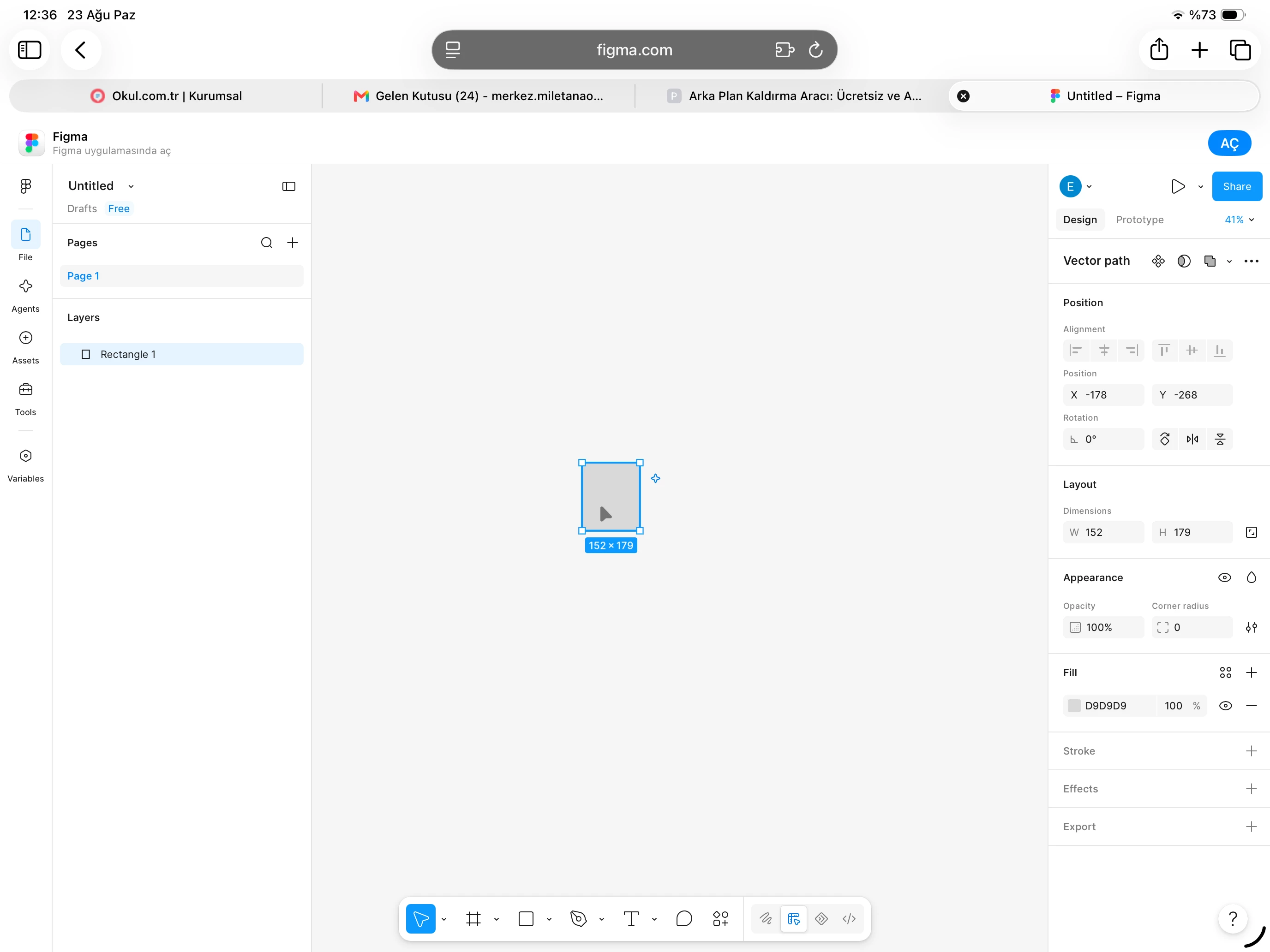
Right-click works in the Layers panel, but not on the canvas. This makes normal workflows such as grouping layers, changing layer order, renaming, and other context-menu actions very difficult because I normally use the right-click menu for these operations.
This started suddenly today, although it was working normally yesterday.
Could you please check whether this is a current Figma/iPad canvas bug?
I can provide screenshots or a screen recording if needed.
Thank you.