

Question

Prototype Glitching

  • February 23, 2026
  • 1 reply
  • 34 views

Andrea Peña

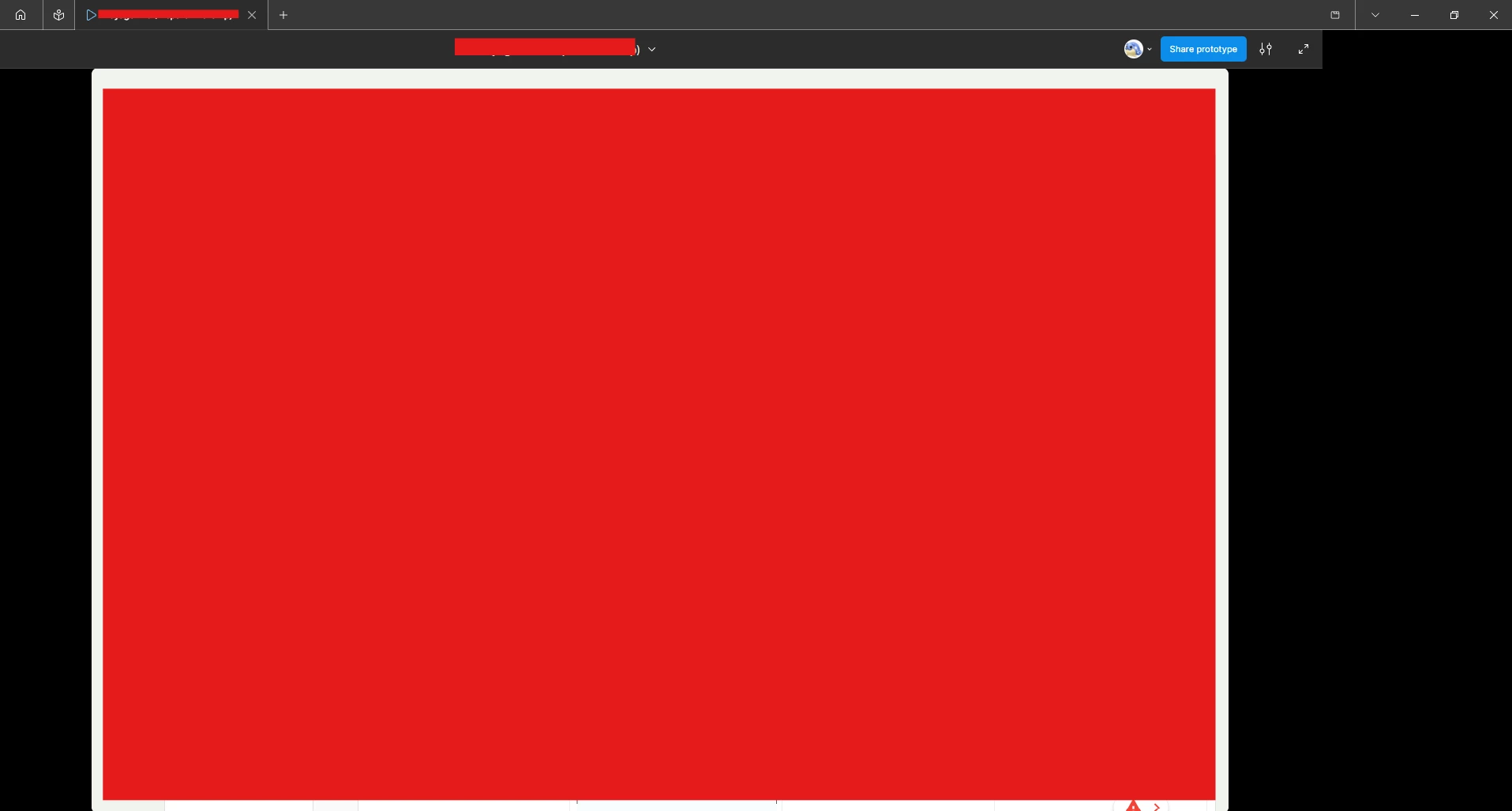
I have to redact the actual content of the prototype, but it is essentially a CRM dashboard; when opening this prototype on web, desktop app, and on my own home + work PC as well as other coworkers’ machines, the prototype UI ‘jumps’ and glitches out; the ‘Flows’ section on the left completely disappears and cannot be opened, the right side of the screen shifts so it is just black, and many of the clickable elements still show the blue flashing bounding box to signify they are clickable, but they don’t respond to clicks. This is a serious error as it is impacting my ability to share concepts with stakeholders and I cannot even switch flows so I have deleted the other flowpoints as they are useless when the prototype UI glitches.

I have cleared cache, closed and reopened Figma, even downloaded Figma Beta and the issue persists. It’s been about 4 days now and at first it was just this flow, but now other older versions of this screen are affected. I’d really appreciate any assistance here.


1 reply

Celyn_L
Figmate
  • Figmate
  • February 26, 2026

Hi ​@Andrea Peña — Celyn from Figma Community Support here.

I’m sorry to hear you’re experiencing issues with your prototype UI, especially as it’s impacting your work.

Thank you for sharing such detailed context and outlining the troubleshooting steps you’ve already tried — that’s very helpful.

Based on what you’ve described, this appears to require a deeper technical review. We’d like to take a closer look to better understand what may be happening on the backend.

I’ve created a support ticket on your behalf so our Technical Quality team can investigate further and assist you directly.

Please check the inbox associated with your Figma account for a message related to Ticket #1765442, and reply directly to that email with:

  • A screen recording showing the behavior end to end, with the full Figma window visible (including the toolbar and panels)

Additionally, please share the impacted file with support-share@figma.com and grant “Can View” access. This will not impact your billing and will allow us to reproduce the issue and investigate with Engineering.

We appreciate your patience while we work to get this resolved.