

Question

Properties component missing/lost

  • July 3, 2026
  • 4 replies
  • 43 views

Alexander Forbes

Your latest A/B test has lost the ability to add a property to a component. I have to copy and paste from previously existing properties. God forbid I want to add another property. I cannot express how incredibly frustrated I am. Please do something like point out on screen with helper tips where things have moved.

alkondkls;fnlskdnf;lkasnhdakljsdnsk,mnf,safn;dklndxlvknx,mcn,m.szxdncfdk,ahbdkjeaqnwkd;sabcdjmnsbxzck.jbhzhk;cjzbx,kcdnsaklfd/,.nvl,kxn,c.vnx,.mvcn,.sxdbfkj.bsdfsxkfndem,

Hard to keep professional while expressing frustration. Hopefully this suffices.

aIJKsbdhkjs;dkah;deoi uaoidjoia;dh9pq8iwhdoahsd;lkjdkja’;lxcsjm’;laM:DLjopd’ahjdal'kdnlksadhnlk;znhdslk,znhklsdzhnslkdsdzhnls;dkhl;kdhnkandlkakdnwa
4 replies

Tom Reem
Figmate
  • Figmate
  • July 5, 2026

Hey ​@Alexander Forbes, welcome to Figma Forum and I appreciate you taking the time to flag this.

Based on your screenshots, it looks like you're looking for where to add a new property to your component. This was reorganized, and a few other designers brought this up in another thread — this discussion and walkthrough that may help: Can not add property to the component.

Here's the quick version:

  1. Select the main component (not an instance).
  2. In the right sidebar, find the Properties section.
  3. Click ➕ and select the property type you want to add (Boolean, Text, Instance swap, etc.).

For the full guide and additional context, have a look here: Explore component properties.

Let me know if that gets things back on track, or if you're seeing something different, please reply with a screenshot that includes both the left and right side panels — happy to dig in further.


Alexander Forbes


Hey Tom, 

Thanks for getting back to me. 

I have checked the thread you posted, as well as the explore component properties function. Unfortunately, neither of these have helped. I simply do not see the button to apply a property to a component, instanced, nested or otherwise.


Here is the structure of this simple component: 

Icon instance swap for nesting inside buttons, etc.


I then did as you said and added a boolean property:

Here you can see I have added a “Visible” boolean property

As you can see, the warning icon informs me that the boolean is not linked to any instance.


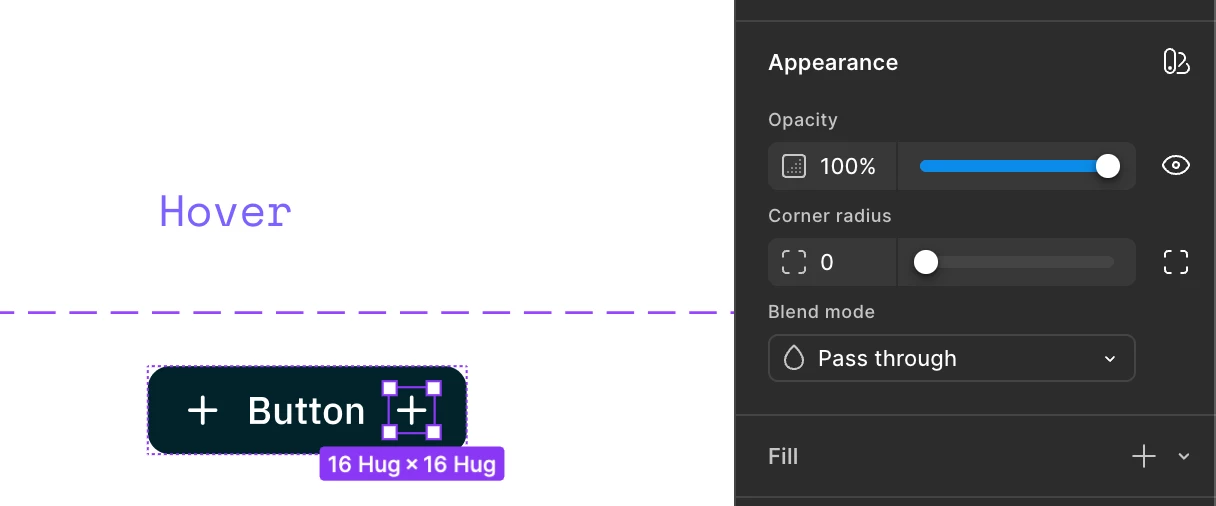
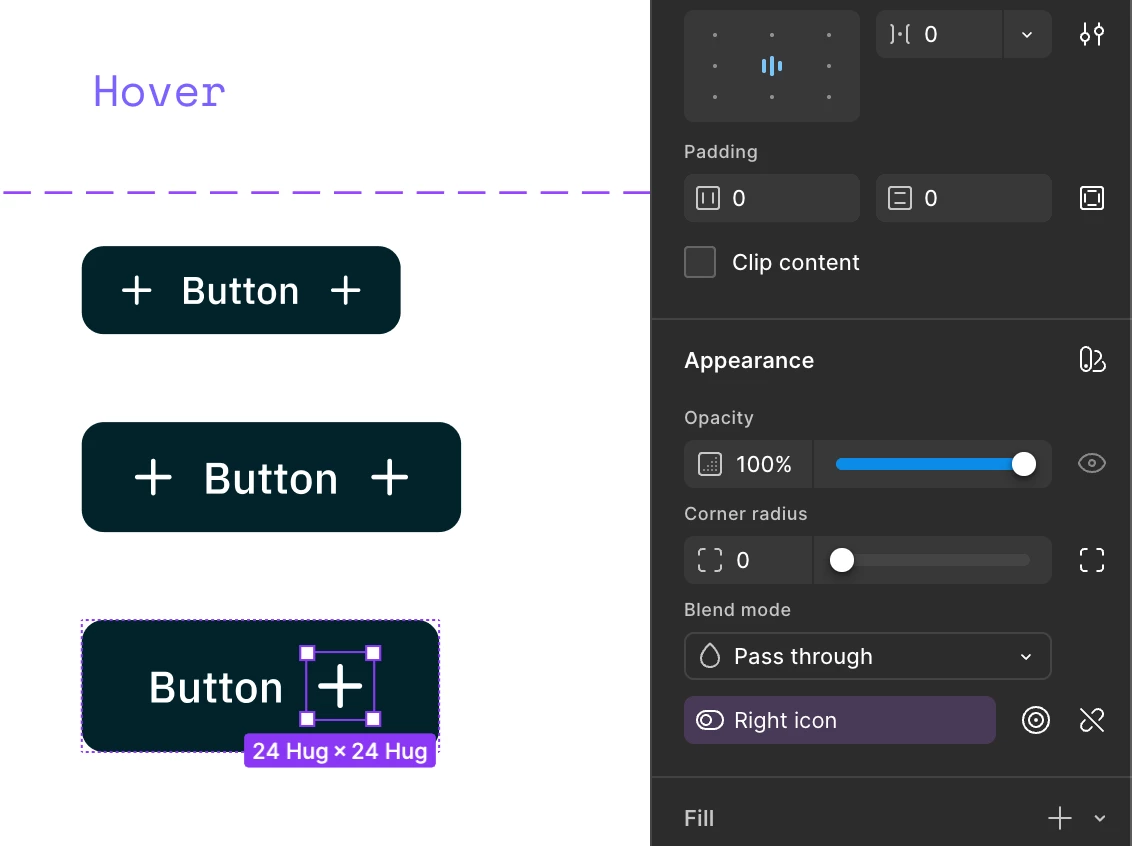
I then went each step through the component trying to add the boolean property to ANY level of the component. None of these gave me the option to connect to the boolean property, or any property for that matter.  


It seems I have LOST the ability to add properties to instances??????

Top level - size
Nested level - icon swap
Lowest level - drawing

Alexander Forbes

Solved: I was on Figma draw, not Figma design.


Tom Reem
Figmate
  • Figmate
  • July 7, 2026

Ah, right on — thanks for reporting back! That'll be helpful for anyone who runs into the same thing.