Question

Preview Mode View Options Not Working??
  • June 14, 2026
  • 1 reply
  • 18 views

Jade_Catunao

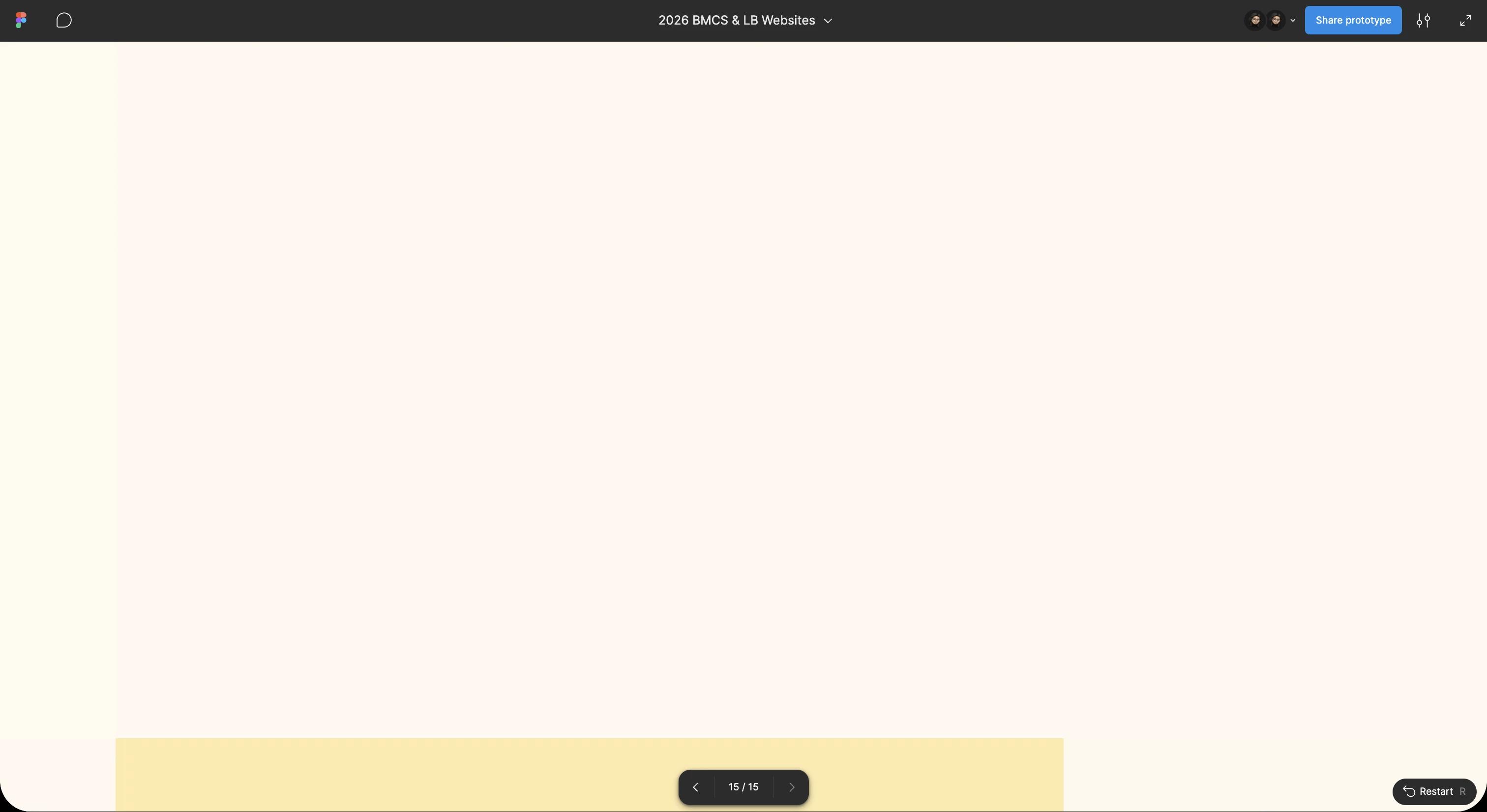
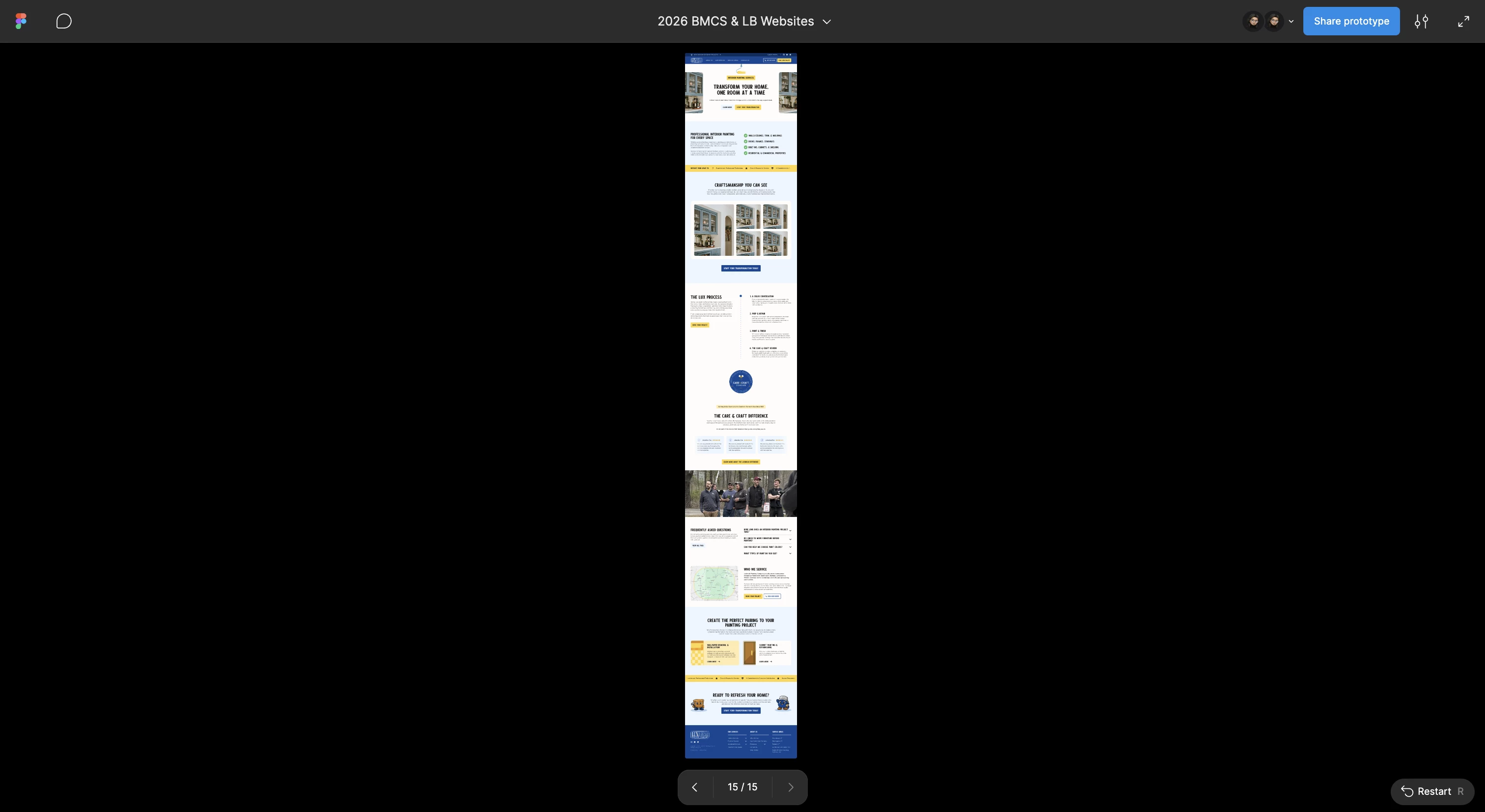
I’ve been noticing this bug as I work across different Figma files. Currently working on a website and when I go to preview the design (Fit Width/Responsive), none of the content shows (ref 2nd image). When I switch to Fit Width & Height/Fill Screen, it shows the frame perfectly fine (1st image).  Obviously the latter viewing settings aren’t really helpful for previewing a site design, so it’s been a frustrating thing to manage around.

Anyone else experiencing such? And any ideas on how to get around this?

Possible fixes I’ve already tried:

  • Re-installing the Figma Desktop app
  • Viewing Figma in the browser vs the app
  • Duplicating my frame/putting the design within another frame to scroll

1 reply

  • Figmate
  • June 15, 2026

Hi ​@Jade_Catunao,
 

I understand that some of the scaling options when presenting are not working as expected. Based on your description, here's what you're experiencing:

  • ✅ Working — Fit width and height, Fill screen
  • ❌ Not working — Fit width, Responsive

Here are a few things you might want to review:

  • Fit width — This option is only available if the prototype device is set to "No device" or "Presentation" on the page.
  • Responsive — For this to work, constraints and auto layout settings need to be applied to the design.

For more details, please check: Play your prototypes > Options menu

If you've reviewed the above and the issue persists, I'd recommend submitting a bug report so our team can investigate further. Here's how:

Go to the Support Hub → Type "Report a bug" → Click "Start a chat"

Please include:

  • A direct URL to the file
  • Share view access with support-share@figma.com (you won't be billed for this access)
  • A screen recording of the issue

This information will help our team reproduce the issue and investigate further.


Thanks!