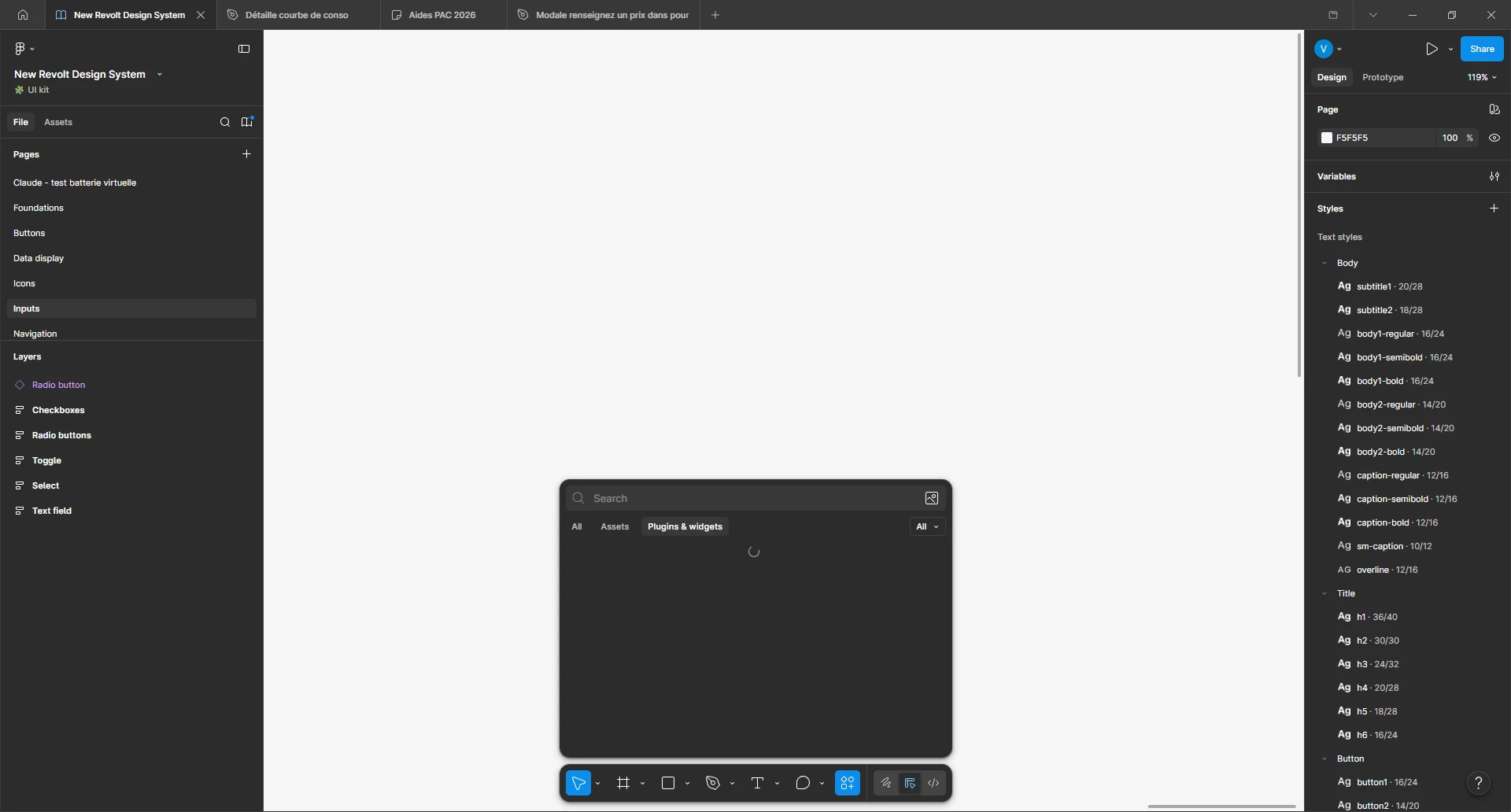
Hey @ValentinC, thanks for flagging this! It appears you may be encountering an issue our engineering team is actively investigating where the plugin and widget menu ends up in an unexpected state when trying to load resources.
While our team works on a wider resolution, can you please see if the following helps:
Clearing your browser or the desktop app cache - you can find steps on how to do this in the app here: Clear the Figma desktop app cache. Please note that clearing the cache will also clear any offline changes made to files in the app, and we'd recommend making sure that any changes are saved online before trying this step.
Opening Figma in a different web browser. Our supported browsers are Chrome, Firefox, Safari and Edge.
Thank you for your patience while we work to get this resolved!