

Question

One of my files disappeared

  • December 23, 2025
  • 3 replies
  • 19 views

Caroline Song

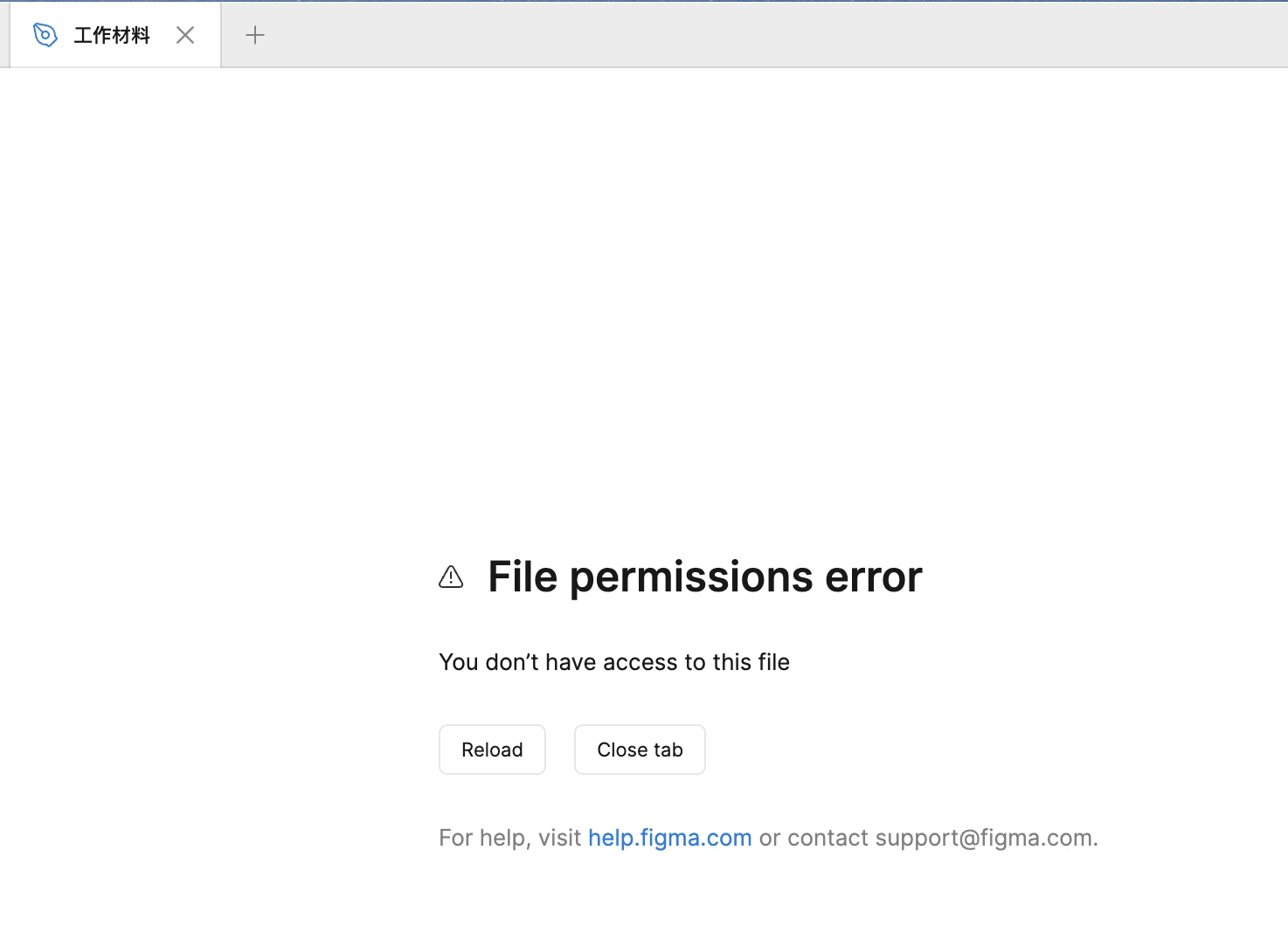
i have a file created by myself and have been using for a long time . it suddenly shows that "file permissions error: you don't have access to this file". And it disappeared from all tabs - not in trash or other teams. Please help me with this issue as this file contains tons of important info.
 

3 replies

Gayani_S
Figmate
  • Community Support
  • December 23, 2025

Hey ​@Caroline Song, thanks for reaching out! Let’s go through a few checks together to see if we can locate it.

To start, could you please check the following:

  • The file is in your deleted folder (Open your drafts > click the deleted page). If so, right-click the file to restore it
  • The file may have been moved by a teammate who was also on that file
  • You’re logged into a Figma account that should have access to this file. You can switch accounts via the top-right and top-left corners of the file browser.

If you happen to have the file link (URL), that would be helpful for further investigation. You might be able to find it in:

  • Your web browser history

  • Past emails or messages where you shared the file with someone

  • File > Recently Closed (if you’re using the desktop app)


If you’re able to share the file URL(s), I’d be happy to look into this further! 


Caroline Song
  • Author
  • New Member
  • December 24, 2025

djv
Figmate
  • Community Support
  • December 24, 2025

Hi ​@Caroline Song, thanks for providing the link! 

From what we can see on the backend, you have Guest viewer access to this file. It is within team 未来实验 and owned by 沈秋娟. 

If this sounds familiar, please try reaching out to the file owner directly to share access to the file again.