

Question

One of my figma file disappeared

  • January 16, 2026
  • 4 replies
  • 17 views

Saulo Ubarana

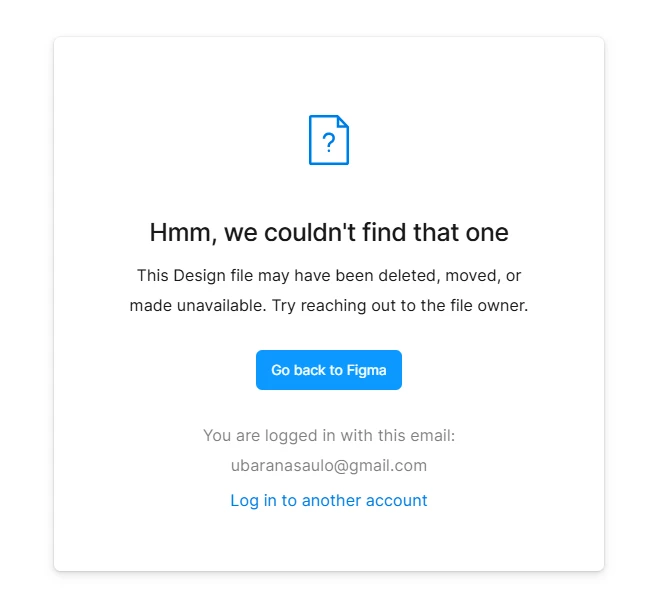
I worked on a project for weeks last year and the file just disappeared. I've looked in the deleted files, inside projects and I can't find it aniwhere. I had it open in a tab group in my browser and when I clicked on the tab, this message appeared:
I think this is the file link: [redacted by forum moderator to remove PII] I found it in my browser history. Can anything be done about it? I really don't want to lose what i've already done.

4 replies

ksn
Figmate
  • Community Support
  • January 16, 2026

Hi ​@Saulo Ubarana - sorry to hear about this. Just to confirm: you are the owner of the file, correct? Are there any other people you’ve given access to that file?

Can you also confirm if you checked your ‘trash’ folder to see if it accidentally ended up there? See here: https://help.figma.com/hc/en-us/articles/360047512294-Delete-and-restore-files

Also: is it possible that you have 2 Figma accounts?

Let me know - thanks!


Saulo Ubarana
  • Author
  • New Member
  • January 17, 2026

Yes, I'm the owner, I haven't shared it with anyone. 

I've checked my trash folder and it's not there.

I do have another account for work using my institutional email but I haven't shared the file with that account either.


Gayani_S
Figmate
  • Community Support
  • January 19, 2026

Hey ​@Saulo Ubarana, I’m taking over this case from ​@ksn and will be helping you from here.

Thanks for confirming this.I’ve checked on this and can see that the file was deleted, it’s located in the Saulo Ubarana's team. It should still be recoverable from your Deleted folder. To check, open Drafts, then click on Deleted, from there, you should be able to right-click the file and restore it.

Hope this helps, let me know if you have any further questions! 


Saulo Ubarana
  • Author
  • New Member
  • January 20, 2026

I checked my trash folder and didn't find the file..